
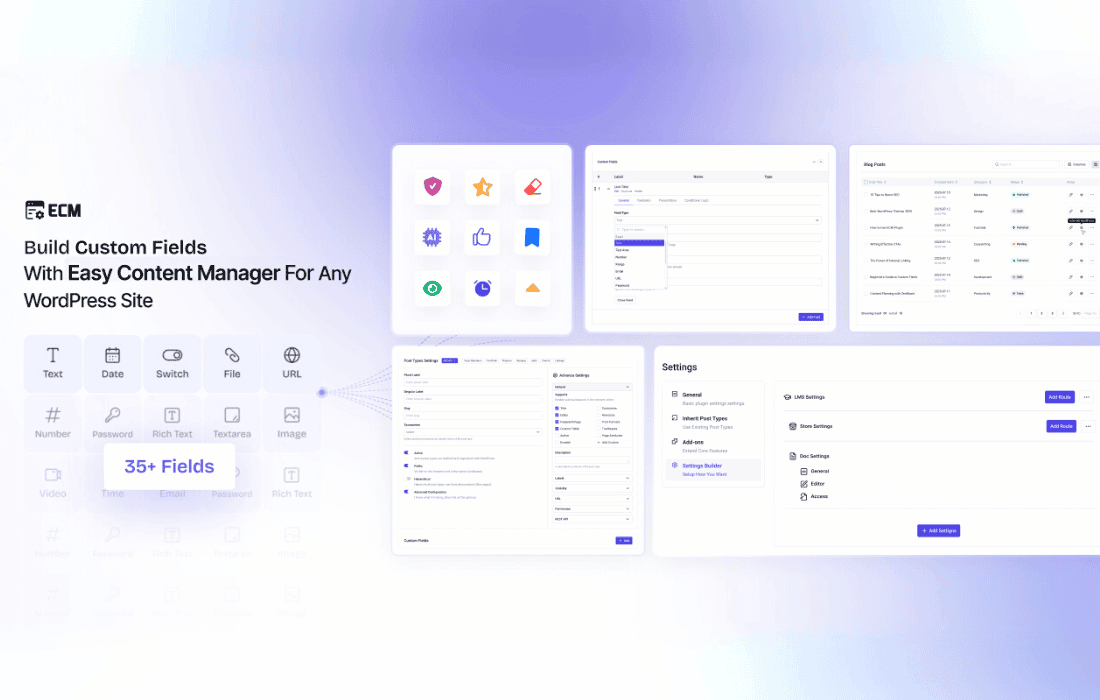
Easy Content Manager (ECM) Premium is a comprehensive WordPress solution designed to give you total control over your website’s data structure without requiring a single line of code. Whether you are a business owner, freelancer, or developer, ECM streamlines the way you build and manage custom content, allowing you to move beyond standard posts and pages to create fully tailored experiences like portfolios, job boards, directories, and product showcases.
Key Features
- Code-Free Customization: Effortlessly create and manage Custom Post Types (CPTs), custom fields, and taxonomies directly from your WordPress dashboard.
- Advanced Field Builder: Utilize a wide variety of field types—including text, number, radio, file, color picker, and more—to collect and display exactly the data you need.
- Intuitive Content Management: Unlike traditional tools, ECM provides a dedicated, unified interface to view, edit, and manage field values across your entire site, eliminating the need to open individual posts for minor updates.
- Built-in User Engagement: Enhance your content with native support for reviews, ratings, reactions, bookmarks, and upvotes, removing the need for additional, bloated plugins.
- Settings Builder: Create custom settings pages and panels to manage global configurations, routes, and site-wide data with ease.
- Seamless Integration: Easily import and manage default WordPress posts and pages directly within the ECM interface for a centralized workflow.
- High-Performance Architecture: Engineered for speed and scalability, ensuring your site remains responsive even as your content library grows to thousands of entries.
Use Cases / Who It’s For
Easy Content Manager is designed for anyone who needs to organize information in a structured way. Website owners can use it to build niche sites—such as recipe collections, local business directories, or job boards—without relying on complex, third-party platforms. Freelancers and agencies benefit from the ability to rapidly deliver highly customized client sites, defining unique post types like staff directories, project portfolios, or service lists in minutes. Bloggers can extend their editorial capability by adding advanced metadata like reading time, author bios, or post ratings, while course creators can structure lesson data, instructor details, and course outlines visually and efficiently.
Setup / How It Works
Getting started with ECM is designed to be straightforward, allowing you to build your content structure in just a few steps:
- Installation: Install and activate the plugin to unlock the dedicated “Content Manager” menu in your WordPress dashboard.
- Define Structure: Use the intuitive interface to create your custom post types. You can start from scratch or utilize built-in presets for common use cases like portfolios or listings.
- Add Fields: Assign custom field groups to your post types to capture the specific data points your project requires.
- Organize & Manage: Use the unified dashboard to manage, sort, and filter your content, or enable the “inherited post types” feature to bring your existing WordPress posts and pages under the ECM management umbrella.
Similar Plugins
While WordPress offers various tools for managing content, Easy Content Manager is often compared to the Advanced Custom Fields (ACF) plugin. However, ECM distinguishes itself by providing a complete, all-in-one content management ecosystem that includes not just field creation, but also post management, user engagement tools, and a settings builder within a single, cohesive interface.