
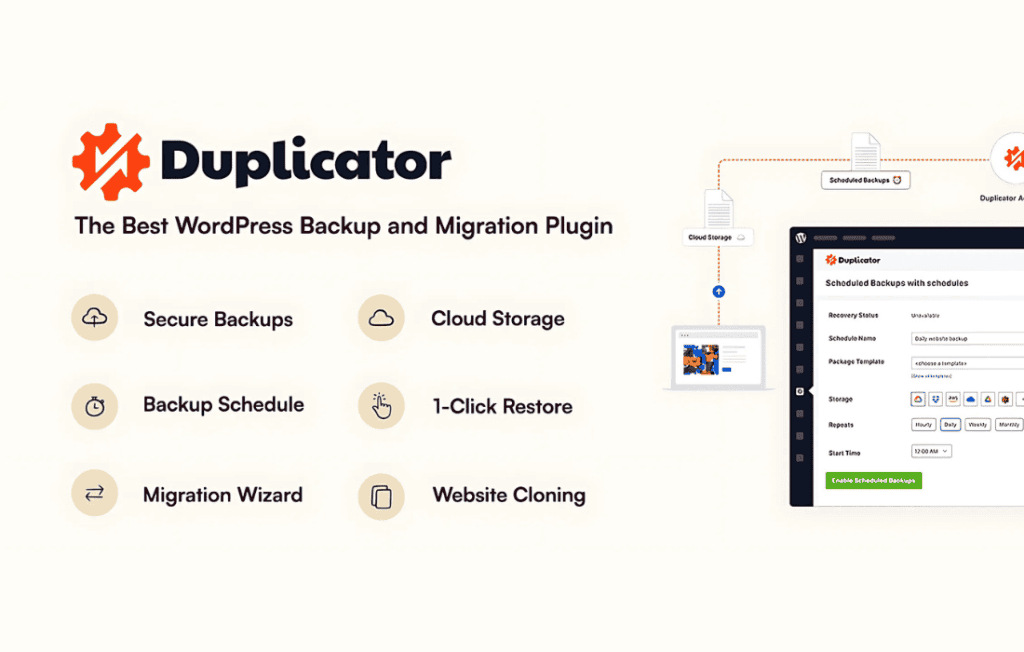
Duplicator Pro is the industry-standard WordPress migration and backup solution designed to simplify the complex process of moving, cloning, or backing up your website. Whether you are a freelance developer managing multiple client sites, a business owner looking to move to a new host, or a site administrator needing a reliable disaster recovery plan, Duplicator Pro removes the technical friction from site management. By creating a complete, portable package of your entire WordPress installation—including all plugins, themes, content, database, and files—this plugin ensures you can move your site with confidence, speed, and minimal downtime.
Key Features
- Full-Site Backups and Migrations: Easily bundle your entire WordPress site into a single archive file, allowing you to move your site to a new domain, host, or server without losing data.
- Scheduled Backups: Automate your peace of mind by setting up recurring backups. Choose how often you want your site saved and where it should be stored, ensuring you always have a recent restore point.
- Cloud Storage Integration: Automatically send your backups to secure, off-site locations including Dropbox, Google Drive, Amazon S3, FTP/SFTP, and OneDrive.
- Large Site Support: Engineered to handle massive websites and large databases that often cause timeouts or failures in standard backup solutions.
- Simplified Installer: The included installer script makes the restoration or migration process intuitive, guiding you through the setup on your new environment without requiring advanced coding knowledge.
- Multi-Site Support: Seamlessly migrate or back up entire WordPress Multisite networks, maintaining the integrity of your network structure.
- Email Notifications: Stay informed about the status of your migrations and backups with automated email alerts, ensuring you are the first to know if a process completes or requires attention.
- Customizable Filters: Exclude specific files, directories, or database tables from your backups to save space and focus only on the data that matters most to you.
Use Cases / Who It’s For
Duplicator Pro is an essential toolkit for anyone who operates a WordPress website. For freelance developers and agencies, it is a massive time-saver. You can build a site on a local development environment or a staging server and migrate the finished product to the client’s live server in minutes, rather than hours of manual file transfers and database imports.
For small business owners and bloggers, the plugin serves as a critical insurance policy. If your site is hacked, experiences a server crash, or breaks due to a faulty update, having a verified Duplicator Pro backup allows you to restore your business to its previous state quickly. It is also the perfect solution for users looking to switch hosting providers to improve site speed or reduce costs, as it makes the transition process seamless and error-free.
Setup / How It Works
Getting started with Duplicator Pro is designed to be straightforward, allowing you to manage your site data without needing to be a server administrator.
- Create a Package: Navigate to the Duplicator Pro dashboard within your WordPress admin area and create a new package. The plugin will scan your site and bundle your files and database into a single archive.
- Download the Package: Once the scan is complete, download the archive file and the installer script provided by the plugin.
- Upload and Run: Upload these two files to the root directory of your new destination server.
- Launch the Installer: Access the installer file via your web browser. The wizard will prompt you to enter your new database credentials and verify your site settings.
- Complete Migration: Follow the on-screen prompts to finalize the installation. The plugin automatically updates paths and database URLs, ensuring your site is fully functional on the new host immediately.
Similar Plugins
While Duplicator Pro is a market leader for migrations and backups, other solutions in the WordPress ecosystem include UpdraftPlus, All-in-One WP Migration, and BlogVault. Each of these tools offers varying approaches to site management, though users often choose Duplicator Pro specifically for its robust handling of large sites and its specialized focus on the migration-first workflow.