
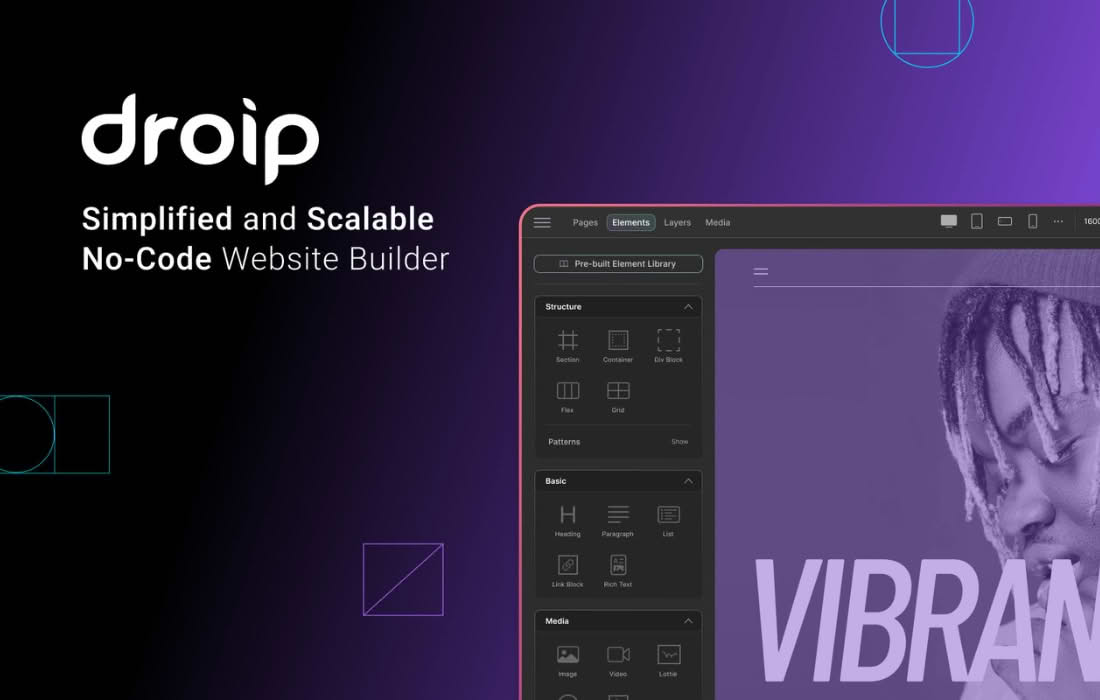
Droip is a comprehensive, visual website builder for WordPress designed to empower designers, developers, and business owners to create high-performance, responsive websites without writing a single line of code. By combining a powerful drag-and-drop interface with deep customization capabilities, Droip bridges the gap between complex coding and simple page builders, allowing you to build pixel-perfect layouts, dynamic content, and interactive elements directly within the WordPress ecosystem.
Key Features
- Visual Drag-and-Drop Editor: Build your website visually with an intuitive canvas that allows you to drag, drop, and resize elements precisely where you want them, seeing changes in real-time.
- Advanced Responsive Controls: Ensure your site looks stunning on any device. Droip provides granular control over layout, spacing, typography, and visibility for desktop, tablet, and mobile breakpoints.
- Dynamic Content Integration: Seamlessly connect your designs to WordPress posts, pages, and custom post types, allowing you to create dynamic templates that update automatically as your content changes.
- Comprehensive Design System: Maintain brand consistency across your entire site with global styles, including color palettes, typography settings, and reusable components that can be updated in one place.
- Interactive Elements and Animations: Elevate user experience with built-in interaction triggers and animation effects, allowing you to create engaging hover states, scroll effects, and entrance animations without external plugins.
- Developer-Friendly Flexibility: While built for visual design, Droip offers advanced options for developers, including custom CSS classes, HTML tag selection, and the ability to inject custom code snippets for unique functionality.
- Performance Focused: Built with modern web standards in mind, Droip generates clean, optimized code to ensure your website remains fast and lightweight, contributing to better SEO and user retention.
Use Cases / Who It’s For
Droip is built for anyone who demands professional-grade design flexibility within the WordPress environment. It is an ideal solution for freelance web designers who need to deliver custom, high-end client sites quickly without sacrificing quality or performance. Because it removes the technical barrier to entry, it is also perfect for small business owners and entrepreneurs who want to manage their own professional online presence, update marketing pages, or build landing pages without needing to hire a developer for every minor change.
For agencies, Droip acts as a powerful tool to standardize workflows. By utilizing global design systems and reusable templates, teams can collaborate more effectively and maintain brand integrity across multiple client projects. Whether you are building a simple portfolio, a complex corporate website, or a high-converting landing page, Droip provides the structural foundation and creative freedom necessary to execute your vision.
Setup / How It Works
- Installation: Install and activate the Droip plugin through your WordPress dashboard just like any other plugin.
- Canvas Access: Open any page or post and select the option to edit with Droip to launch the visual builder interface.
- Layout Construction: Use the sidebar panel to add containers, rows, columns, and elements to your canvas. Drag and drop components to structure your layout.
- Styling and Customization: Click on any element to open the properties panel. From here, you can adjust typography, colors, spacing (margins/padding), borders, and advanced settings like positioning and responsiveness.
- Dynamic Linking: Use the dynamic data settings to map elements to your WordPress content, such as post titles, featured images, or custom fields.
- Publish: Once your design is complete and responsive, save your changes to publish the live version of your page.
Similar Plugins
If you are exploring the visual website builder market for WordPress, other notable solutions include Elementor, Beaver Builder, and Bricks Builder. Each of these tools offers a visual interface for site creation, though they differ in their performance profiles, workflow approaches, and specific feature sets regarding dynamic content and developer-centric options.