
Managing large files directly on your WordPress server can lead to slow site performance, storage limitations, and bandwidth bottlenecks. The Download Monitor Google Drive extension solves these challenges by seamlessly connecting your WordPress site to your Google Drive account. This powerful integration allows you to serve your downloadable files directly from Google’s robust cloud infrastructure while maintaining full control over file access, tracking, and presentation within your WordPress dashboard.
Key Features
- Direct Google Drive Integration: Connect your Google Drive account securely to your WordPress site, allowing you to select files stored in your cloud storage to be used as downloadable assets.
- Bandwidth Optimization: By serving files from Google Drive, you offload the traffic from your own hosting server, ensuring your website remains fast and responsive even when users download large files.
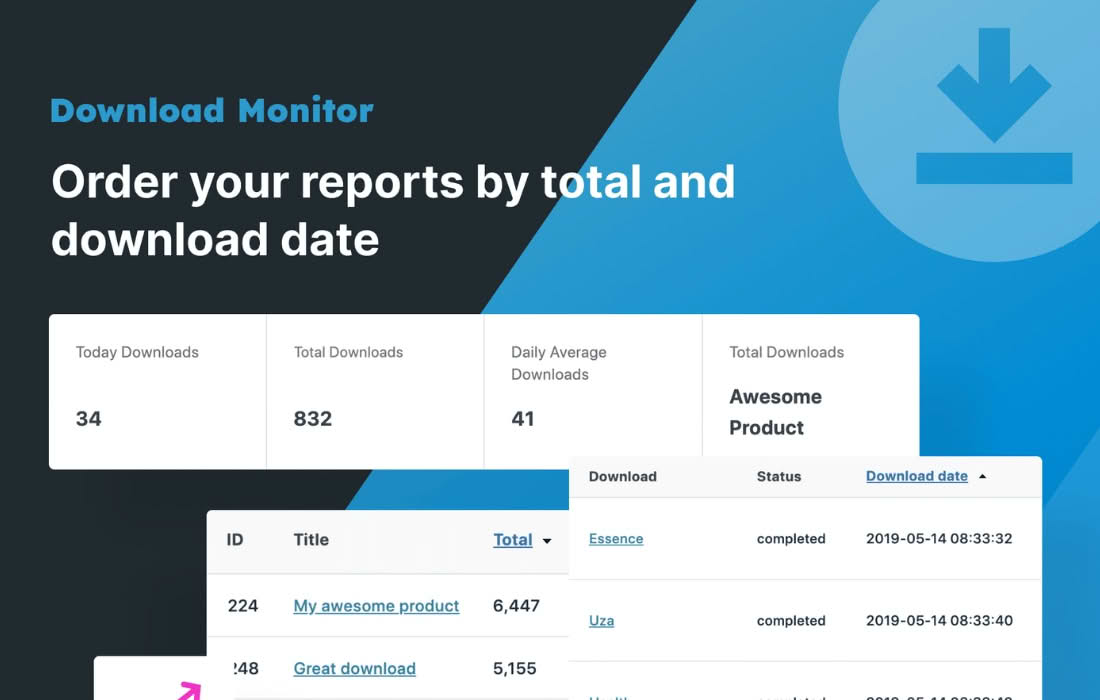
- Detailed Download Tracking: Leverage the core Download Monitor functionality to track every download. Monitor how many times your files are accessed, by whom, and when, all through your WordPress admin panel.
- Seamless File Management: Manage your file versions and updates within Google Drive. Once you update a file in your Drive, the link on your website remains consistent, eliminating the need to manually re-upload files to your WordPress media library.
- Access Control: Combine this extension with Download Monitor’s features to restrict file access. You can easily set up downloads that are only available to logged-in users or specific user roles.
- Easy Implementation: Use standard shortcodes or blocks provided by Download Monitor to display your Google Drive-hosted files anywhere on your site, including posts, pages, and sidebars.
Use Cases / Who It’s For
This plugin is an essential tool for website owners who frequently distribute digital assets and want to avoid the technical headaches of hosting large files locally. If you run an educational site, you can easily distribute large PDF course materials, video tutorials, or software installers without worrying about your server’s storage limits. For creative professionals and agencies, it provides a professional way to deliver high-resolution assets or client deliverables directly from your cloud storage.
It is also perfect for businesses that need to maintain a centralized file repository. By using Google Drive as your primary storage, your team can update documents, manuals, or marketing collateral in the cloud, and those changes are instantly reflected on your website without you needing to touch the WordPress backend.
Setup / How It Works
- Install and Activate: Ensure you have the core Download Monitor plugin installed on your WordPress site, then install and activate the Google Drive extension.
- Authenticate Your Account: Navigate to the extension settings and follow the prompts to connect your Google Drive account via an API connection. This establishes a secure bridge between your site and your cloud storage.
- Create a Download: Go to the Download Monitor section in your dashboard and create a new download.
- Select Google Drive File: Within the download settings, look for the option to select a file from your connected Google Drive account. Browse your folders, select the desired file, and save your changes.
- Publish: Use the provided shortcode or the Download Monitor block to insert the download link into your content. When a user clicks the link, the file will be served directly from Google Drive.
Similar Plugins
While Download Monitor Google Drive is a specialized solution for users already invested in the Download Monitor ecosystem, other solutions exist for managing external file storage. Plugins such as WP Offload Media or Amazon S3 for WordPress are popular alternatives if you prefer using Amazon S3 or other cloud storage providers instead of Google Drive. Additionally, Google Drive Embedder is an alternative if your primary goal is to display or view documents directly on the page rather than managing a download tracking system.