
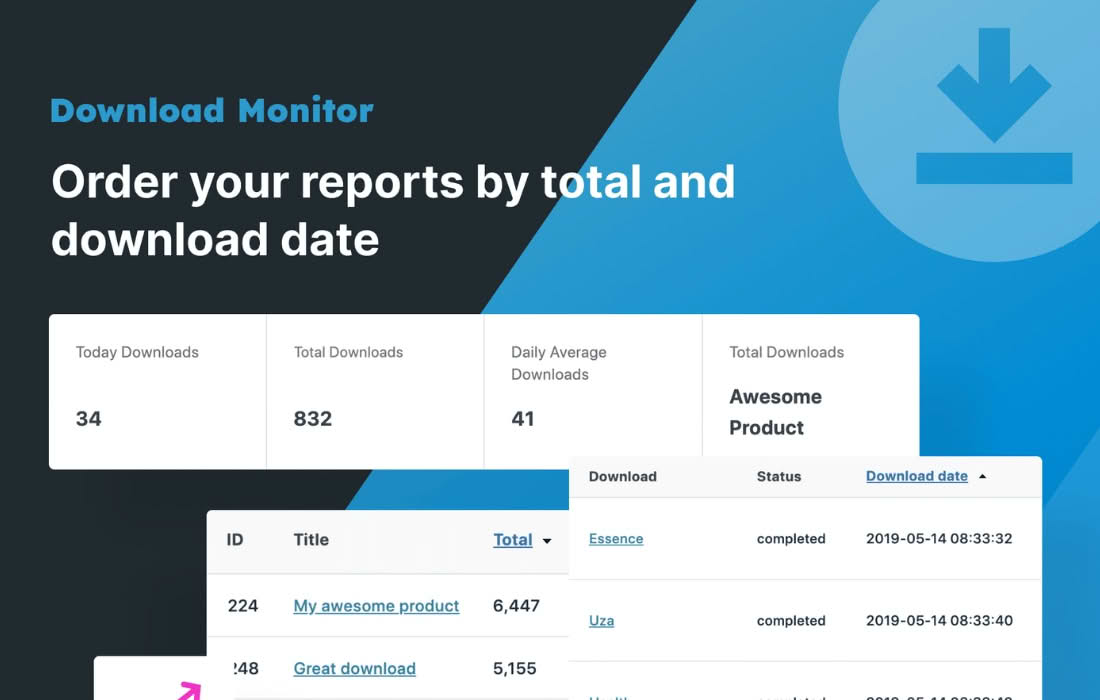
If you rely on the Download Monitor plugin to distribute digital files, you know how vital it is to stay informed about who is accessing your content. The Download Monitor Email Notification extension bridges the gap between file downloads and your inbox, providing you with real-time alerts whenever a user downloads a file from your site. Whether you are tracking interest in a new whitepaper, monitoring software updates, or simply want to keep a pulse on your audience’s activity, this plugin ensures you never miss a download event.
Key Features
- Instant Email Alerts: Receive an automated email notification the exact moment a file is downloaded, keeping you connected to your site’s activity without needing to log in to your WordPress dashboard.
- Configurable Settings: Easily toggle notifications on or off for specific downloads, giving you full control over which files trigger an alert and which do not.
- Detailed Notification Data: Each email includes essential information about the download, such as the file name, the user’s IP address, and the time of the download, helping you maintain accurate records.
- Administrator Notifications: Streamline your workflow by having alerts sent directly to your primary administrative email address or a custom address of your choosing.
- Lightweight and Efficient: Designed specifically for the Download Monitor ecosystem, this extension is built to be fast and resource-efficient, ensuring your site performance remains unaffected.
- Seamless Integration: Works natively with your existing Download Monitor setup, requiring no complex configuration or database modifications to get started.
Use Cases: Who It’s For
This plugin is an essential tool for any WordPress site owner who manages digital assets and needs to stay informed about user engagement. For content creators and marketers, it provides immediate feedback on the popularity of lead magnets, such as eBooks, templates, or industry reports. Knowing exactly when someone downloads your content allows you to follow up at the right time, turning a simple download into a potential business relationship.
For software developers and IT professionals, the plugin acts as a simple monitoring tool for software patches or documentation updates. If you are distributing proprietary files, having a record of download attempts sent to your inbox provides an extra layer of oversight. Furthermore, small business owners who sell digital products or offer free resources will find this tool invaluable for gauging customer interest and identifying trends in what their audience finds most valuable.
Setup: How It Works
Getting started with Download Monitor Email Notification is designed to be straightforward, allowing you to activate your alerts in just a few minutes.
- Installation: Install and activate the extension just as you would any other WordPress plugin.
- Enable Notifications: Navigate to the Download Monitor settings area within your WordPress dashboard. You will find new options specifically for email notifications.
- Configure Global Settings: Set the primary email address where you wish to receive the notifications.
- Per-Download Control: When editing a specific download, look for the notification checkbox. You can choose to enable or disable alerts for that specific file, allowing you to prioritize notifications for your most important assets.
- Testing: Once configured, perform a test download from the front end of your site to ensure the email arrives in your inbox as expected.
Similar Plugins
While the Download Monitor ecosystem offers this specific extension for seamless integration, other solutions in the WordPress ecosystem provide similar functionality for tracking file downloads. Plugins such as WP Download Manager and Easy Digital Downloads offer their own proprietary notification add-ons or built-in alert features for site administrators. Additionally, general-purpose activity logging plugins like WP Activity Log can sometimes be configured to track file download events, though they often lack the specific, file-centric notification focus that the Download Monitor Email Notification extension provides.