
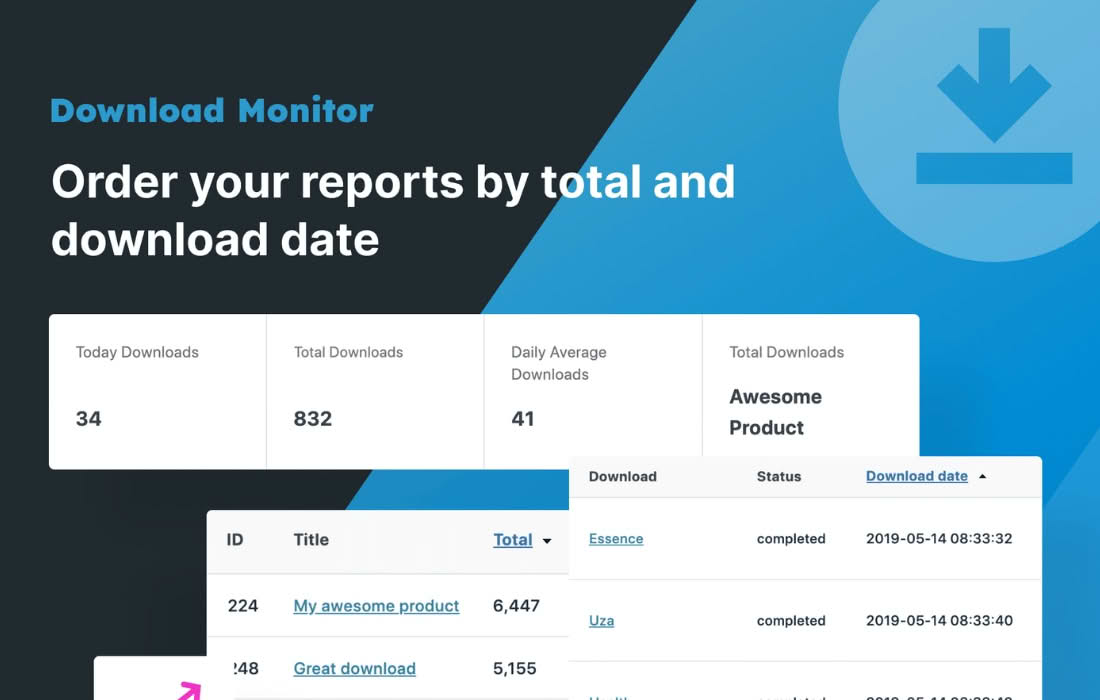
Unlock the full potential of your file tracking data with the Download Monitor CSV Exporter. If you rely on the Download Monitor plugin to manage and track your digital assets, you know that valuable insights are hidden within your download logs. This extension bridges the gap between raw data and actionable intelligence, allowing you to seamlessly export your download logs into a structured CSV format. Whether you need to perform deep data analysis, generate custom reports for stakeholders, or archive your records, this tool provides the clean, organized data you need to make informed business decisions.
Key Features
- Effortless CSV Export: Generate comprehensive CSV files containing your download log data with just a few clicks, ensuring compatibility with spreadsheet software like Microsoft Excel, Google Sheets, and data analysis tools.
- Customizable Date Ranges: Focus your analysis by filtering logs within specific timeframes, allowing you to isolate performance data for marketing campaigns, seasonal trends, or specific product launches.
- Detailed Data Points: Capture essential information for every download, including the download title, the user who initiated the download, the date and time of the event, the IP address, and the user-agent string.
- Performance Optimization: Designed to handle large datasets efficiently, the exporter processes your logs without putting an unnecessary strain on your server resources, ensuring a smooth experience even for high-traffic sites.
- Seamless Integration: Built specifically to work in harmony with the core Download Monitor plugin, ensuring that your data remains accurate and consistent with your existing file management setup.
Use Cases / Who It’s For
The Download Monitor CSV Exporter is an essential tool for any website administrator, digital marketer, or content creator who needs to look beyond the basic dashboard statistics. If you are a store owner selling digital products, this plugin helps you track customer acquisition and file popularity, allowing you to identify which assets are driving the most engagement.
Marketing professionals will find this tool invaluable for measuring the success of content marketing efforts. By exporting your logs, you can easily correlate download spikes with specific email blasts, social media posts, or advertising campaigns. Furthermore, for those managing compliance or internal auditing, having a portable, offline backup of your download history in a standard CSV format provides peace of mind and simplifies record-keeping requirements.
Setup / How It Works
Getting started with the Download Monitor CSV Exporter is straightforward and designed to minimize downtime. Once you have installed and activated the plugin on your WordPress site, follow these simple steps to begin exporting your data:
- Navigate to the Settings: Access the Download Monitor settings menu within your WordPress dashboard where the export functionality has been integrated.
- Define Your Parameters: Select the desired date range for the logs you wish to export. You can choose from predefined periods or set custom start and end dates to capture specific events.
- Generate the File: Click the export button to initiate the process. The plugin will compile your download logs into a clean, structured CSV file.
- Download and Analyze: Once the process is complete, you will be prompted to download the file directly to your local machine. From there, you can open it in your preferred spreadsheet application to perform your analysis.
Similar Plugins
While the Download Monitor ecosystem offers specific extensions for data management, users looking for broader reporting capabilities for their WordPress site might also explore plugins such as WP Data Access for advanced database management, or various Google Analytics integration plugins that offer automated event tracking for file downloads. However, for users specifically invested in the Download Monitor architecture, the CSV Exporter remains the most direct and reliable method for local log management.