
The Download Monitor Amazon S3 extension is the essential bridge between your WordPress site and Amazon S3 storage, designed specifically for users who need to manage large files securely and efficiently. By leveraging the power of Amazon’s robust cloud infrastructure, this plugin allows you to host your downloadable assets off-site while maintaining full control and tracking capabilities directly from your WordPress dashboard. It is the perfect solution for site owners who want to offload high-bandwidth traffic from their web server, ensuring faster download speeds for users and improved performance for their hosting environment.
Key Features
- Seamless Integration: Connects your Amazon S3 buckets directly to the Download Monitor plugin, allowing you to manage external files as if they were stored locally.
- Bandwidth Optimization: Offload heavy file transfers to Amazon S3, reducing the load on your primary web server and preventing bandwidth-related performance bottlenecks.
- Secure File Delivery: Utilize Amazon S3’s robust security protocols to protect your files while ensuring they are delivered reliably to your customers or members.
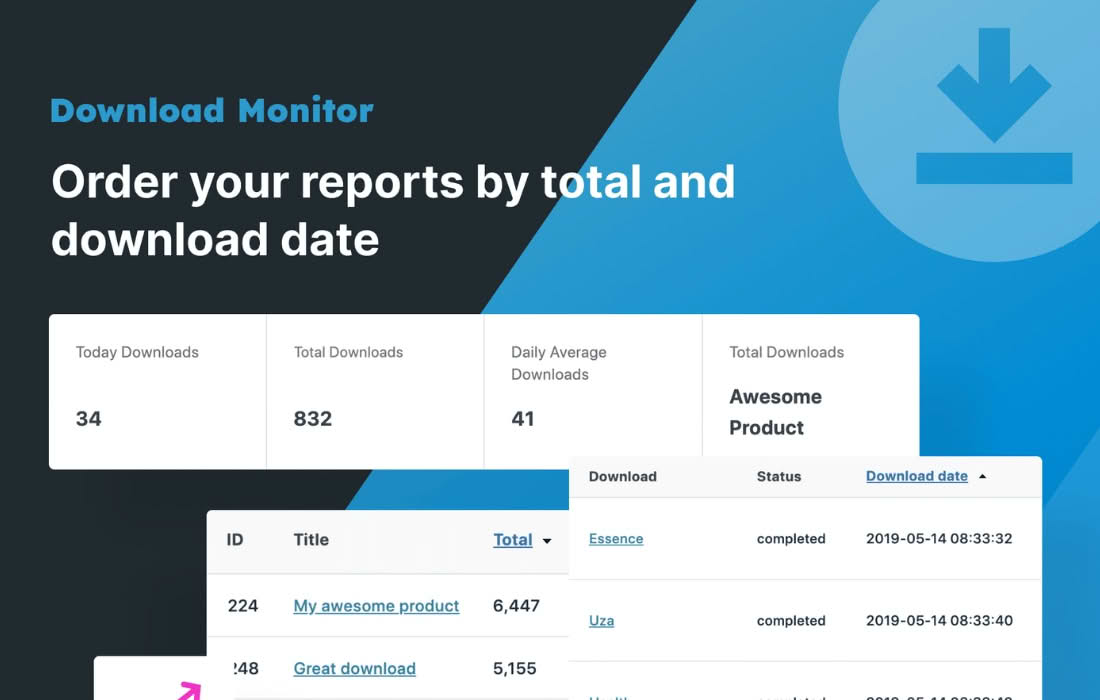
- Detailed Tracking: Maintain full visibility over your downloads. Even though the files are hosted externally, you can still track download counts, user activity, and file access through the standard Download Monitor reporting interface.
- Large File Support: Easily handle large digital products, software installers, or high-definition media files that might otherwise exceed standard server upload or transfer limits.
- Easy Configuration: Simply input your Amazon S3 credentials, select your bucket, and start attaching external files to your download items within minutes.
Use Cases / Who It’s For
This extension is tailored for digital entrepreneurs, software developers, and content creators who distribute files through WordPress but find their current hosting environment insufficient for the task. If you are selling digital products like e-books, software, or design assets, you know that file delivery must be fast and reliable. By using Amazon S3, you ensure that your customers receive their purchases quickly, regardless of their geographical location, thanks to Amazon’s global infrastructure.
It is also an excellent choice for site administrators managing large member areas or educational platforms where users frequently download course materials or resource packs. Instead of worrying about server crashes during peak traffic times, you can rely on the scalability of Amazon S3 to handle the demand. Whether you are a small business owner looking to professionalize your file delivery or a high-traffic site manager seeking to optimize server resources, this plugin provides the stability and performance required for professional digital distribution.
Setup / How It Works
- Install and Activate: Ensure that both the core Download Monitor plugin and the Amazon S3 extension are installed and activated on your WordPress site.
- Configure Credentials: Navigate to the plugin settings and enter your Amazon Web Services (AWS) Access Key ID and Secret Access Key to establish a secure connection to your S3 account.
- Select Your Bucket: Choose the specific S3 bucket you wish to use for your file storage from the provided list.
- Create or Edit Downloads: When creating a new download item in Download Monitor, select the Amazon S3 option as the file source.
- Select Your File: Browse your S3 bucket directly through the WordPress interface to select the file you want to attach to the download.
- Publish: Save your download, and the plugin will handle the secure link generation, allowing your users to download the file directly from S3 while you monitor the statistics in WordPress.
Similar Plugins
If you are looking for alternative ways to manage off-site storage for your downloads or media, you may want to consider the following options:
- WP Offload Media: While broader in scope, this plugin is excellent for automatically copying your WordPress Media Library files to Amazon S3, Google Cloud Storage, or DigitalOcean Spaces.
- Amazon S3 and CloudFront by Delicious Brains: A robust solution focused on serving your WordPress media library assets through Amazon S3 and CloudFront for improved delivery speed.