
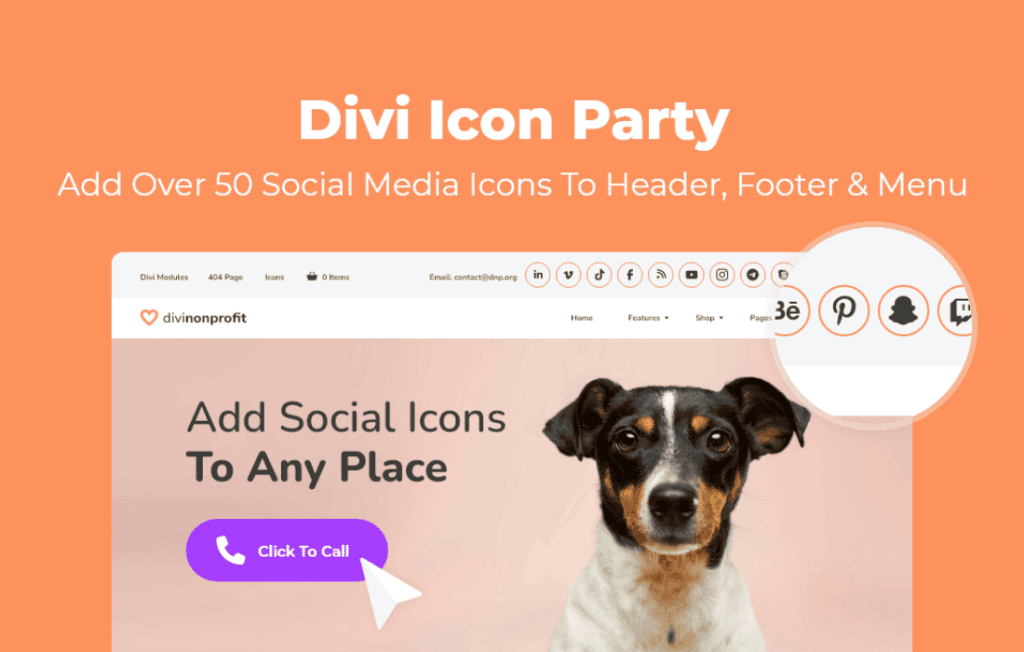
Unlock the full potential of your Divi website‚Äôs visual communication with Divi Icon Party. This powerful extension expands the standard icon library available within the Divi Builder, giving you access to a massive, curated collection of high-quality icons. Whether you are looking to enhance your navigation menus, highlight key features, or create eye-catching call-to-action buttons, this plugin ensures you have the perfect graphic element to match your brand’s unique style without needing to rely on external image files.
Key Features
- Massive Icon Library: Instantly gain access to thousands of additional premium icons that integrate seamlessly into the native Divi icon picker.
- Perfect Integration: The icons behave exactly like the built-in Divi icons, meaning you can adjust their size, color, and hover effects directly within the Divi module settings.
- Performance Optimized: Designed with site speed in mind, the icon sets are optimized to ensure your pages load quickly without the bloat associated with heavy image files.
- Vector-Based Scalability: Every icon is vector-based, ensuring they remain crisp and clear on all screen sizes, from high-resolution retina displays to mobile devices.
- Consistent Design Language: With a diverse range of styles, you can maintain a cohesive look across your entire website, making your content more readable and engaging.
- Zero Coding Required: Simply install and activate the plugin to see your new icon options appear automatically in your Divi modules.
Use Cases and Who It’s For
Divi Icon Party is an essential tool for web designers, freelancers, and agency owners who use the Divi ecosystem to build professional websites. If you find yourself constantly searching for the “right” icon only to settle for something that doesn’t quite fit your design, this plugin solves that frustration.
It is ideal for businesses that need to communicate complex information quickly. By using intuitive icons, you can break up long blocks of text, guide user attention toward important conversion points, and improve the overall user experience. Marketing professionals use these icons to create compelling landing pages, while developers appreciate the ease of adding visual flair to service sections, pricing tables, and contact forms. If you are building a site for a client, providing a vast library of icons allows you to offer a more tailored, premium-feeling result that stands out from standard Divi installations.
Setup and How It Works
Getting started with Divi Icon Party is designed to be as straightforward as possible, requiring no technical expertise or custom CSS.
- Install and Activate: Upload the plugin zip file through your WordPress dashboard under Plugins > Add New and activate it.
- Automatic Integration: Once activated, the plugin automatically registers its icon sets with the Divi Builder. No configuration settings are required.
- Select Your Icons: Open any Divi module that supports icons—such as the Blurb, Button, or Social Media Follow module—and open the icon picker.
- Customize and Style: You will see the expanded library integrated directly into your existing workflow. Simply click on your chosen icon and use the standard Divi Design tab to change its color, size, and placement to match your site’s aesthetic.
Similar Plugins
If you are exploring ways to enhance your Divi site’s visual assets, you may also encounter other solutions such as the Divi Icon Expansion or various third-party icon font integration plugins. While these alternatives also aim to increase your icon selection, Divi Icon Party focuses specifically on deep integration with the native Divi Builder interface to ensure a seamless “out-of-the-box” experience for Divi users.