
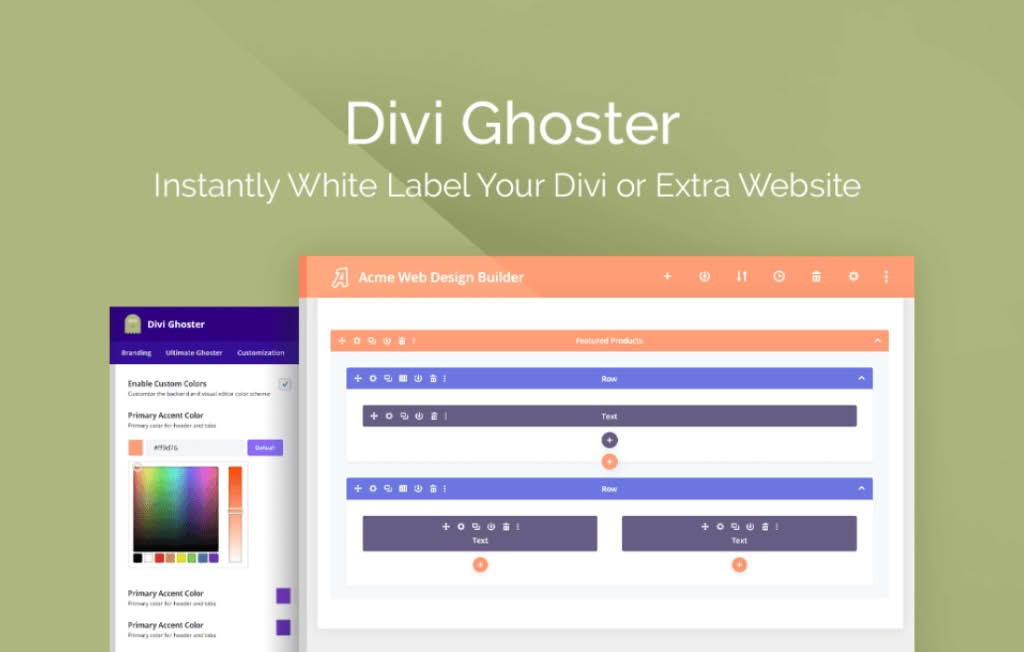
Divi Ghoster is the ultimate white-labeling solution for WordPress developers, agencies, and freelancers who build websites for clients using the Divi theme and page builder. It allows you to completely mask the presence of Divi, Elegant Themes, and the plugin itself, providing a clean, professional, and branded experience for your clients. By removing references to the underlying framework, you can present the website as a truly custom-built solution, preventing clients from attempting to manage themes or plugins they may not be trained to use.
Key Features
- Full White-Labeling: Replace all instances of “Divi” and “Elegant Themes” throughout the WordPress dashboard with your own agency name, logo, and branding.
- Ghost the Plugin: Hide the Divi Ghoster plugin itself from the installed plugins list, ensuring clients cannot accidentally deactivate or remove your white-labeling configuration.
- Custom Login Screen: Effortlessly replace the default WordPress login page with a fully customized version featuring your client’s branding or your own agency logo.
- Limit Access: Restrict client access to specific Divi settings, the Divi Library, or the Theme Options panel to prevent accidental site breakage while still allowing them to edit content.
- Custom Admin Menu: Rename or hide specific menu items in the WordPress dashboard to create a simplified, distraction-free environment for your clients.
- Theme Customization Protection: Prevent clients from accessing the Theme Customizer or other areas that could interfere with the design integrity you have built.
Use Cases / Who It’s For
Divi Ghoster is an essential tool for any professional working with the Divi ecosystem. If you are an agency owner, this plugin helps you maintain a premium brand image by ensuring that every touchpoint a client has with their website feels like a proprietary, custom-built system. It eliminates the “Why is this branded as Elegant Themes?” questions and reinforces your value as a dedicated developer.
For freelancers, Divi Ghoster provides a layer of security and professional polish. By restricting access to sensitive theme settings, you minimize the risk of clients inadvertently changing global styles or breaking complex layouts. This leads to fewer support requests, less time spent fixing avoidable errors, and a more streamlined hand-off process once a project is completed.
Setup / How It Works
- Install and activate the Divi Ghoster plugin on your WordPress site where the Divi theme is currently active.
- Navigate to the Divi Ghoster settings panel, which is typically found within the Divi menu or a dedicated dashboard area.
- Input your preferred agency name, upload your custom logo, and define the branding elements you wish to display throughout the WordPress backend.
- Select the specific menu items, theme options, and plugin settings you wish to hide or rename for non-administrator user roles.
- Enable the “Ghost” mode to hide the plugin from the plugins list, effectively locking in your settings and masking the plugin’s presence.
- Save your changes and refresh the dashboard to see your custom branding and restricted interface in action.
Similar Plugins
While Divi Ghoster is specifically optimized for the Divi ecosystem, other general white-labeling plugins exist for the broader WordPress market, such as White Label CMS and WP Admin UI Customize. However, these alternatives often lack the deep, specific integration with Divi’s unique theme options, library system, and builder interface that Divi Ghoster provides.