
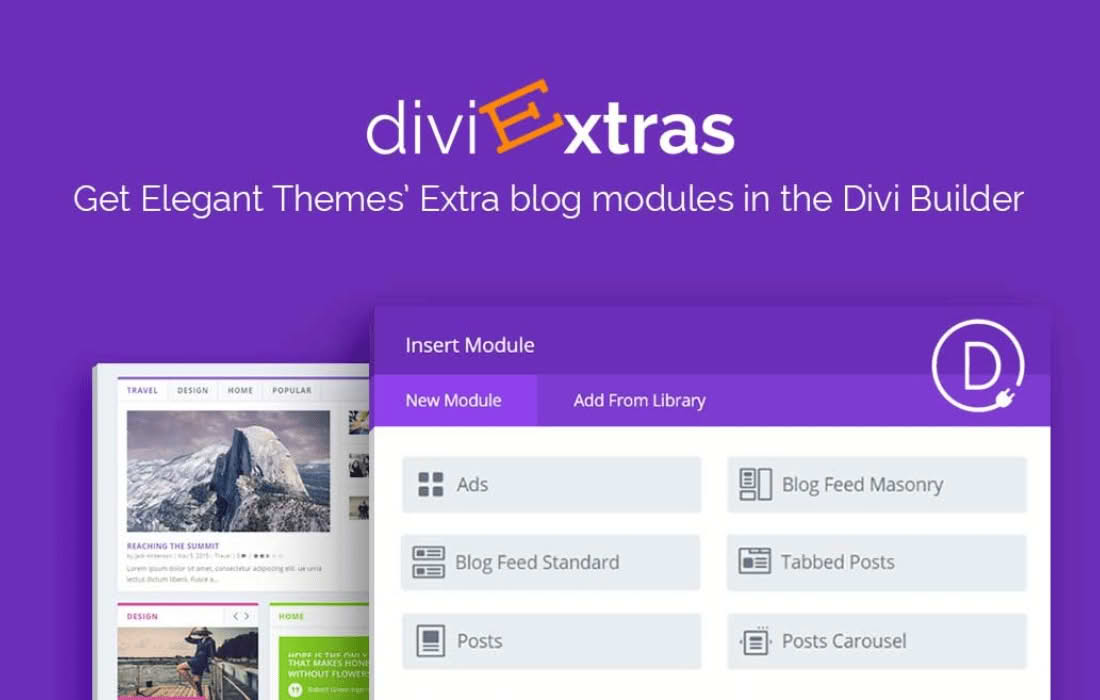
Divi Extras is a powerful utility plugin designed for users who love the versatility of the Divi theme but desire the sophisticated, content-focused layout capabilities typically reserved for the Extra theme. By bridging the gap between these two frameworks, this plugin injects seven specialized Category Builder modules directly into your Divi Builder interface. Whether you are building a professional online magazine, a content-heavy blog, or a dynamic news portal, Divi Extras empowers you to showcase your articles, tags, and categories with the same professional-grade design tools found in Elegant Themes’ dedicated publishing theme.
Key Features
- Seven Specialized Modules: Gain immediate access to the Ads, Blog Feed Masonry, Blog Feed Standard, Featured Post Slider, Posts, Posts Carousel, and Tabbed Posts modules.
- Seamless Integration: The new modules appear naturally within the standard Divi Builder module list, highlighted for easy identification and immediate use.
- Full Customization Control: Each added module retains the comprehensive Content, Design, and Advanced settings you expect from native Divi elements, ensuring complete control over typography, spacing, and styling.
- Responsive Design: All included modules are fully responsive, ensuring your magazine-style layouts look polished and professional on desktops, tablets, and smartphones.
- Library Compatibility: Build your custom layouts once and save them to the Divi Library for quick reuse across different pages and posts throughout your site.
- Lightweight Performance: Engineered to be robust yet lightweight, the plugin adds the functionality you need without unnecessary bloat, maintaining your site’s performance.
Use Cases / Who It’s For
Divi Extras is the ideal solution for content creators, bloggers, and web design agencies who need to display large volumes of content in an organized, visually engaging manner. If you are a publisher who wants to move beyond standard blog feeds to create a featured, magazine-style homepage, this plugin is for you. It is particularly effective for:
- Online Magazines and News Sites: Use the Featured Post Slider and Tabbed Posts modules to highlight breaking news or top stories prominently.
- Content-Rich Blogs: Organize posts by category using the Posts Carousel or Masonry layouts to keep readers exploring your archives longer.
- Design Agencies: Provide clients with sophisticated, editorial-style layouts that stand out from standard WordPress designs, all while working within the familiar Divi ecosystem.
Setup / How It Works
Getting started with Divi Extras is designed to be a straightforward process that requires no complex configuration. Follow these steps to begin building:
- Install and Activate: Upload the plugin file via your WordPress dashboard or FTP, then activate it as you would any other plugin.
- Open the Divi Builder: Navigate to any page or post where you want to add content and enable the Divi Builder.
- Insert Modules: Click to add a new module within your row structure. You will see the seven new Divi Extras modules integrated directly into the selection list.
- Customize: Select your desired module, configure the content and design settings to match your brand, and publish your page.