
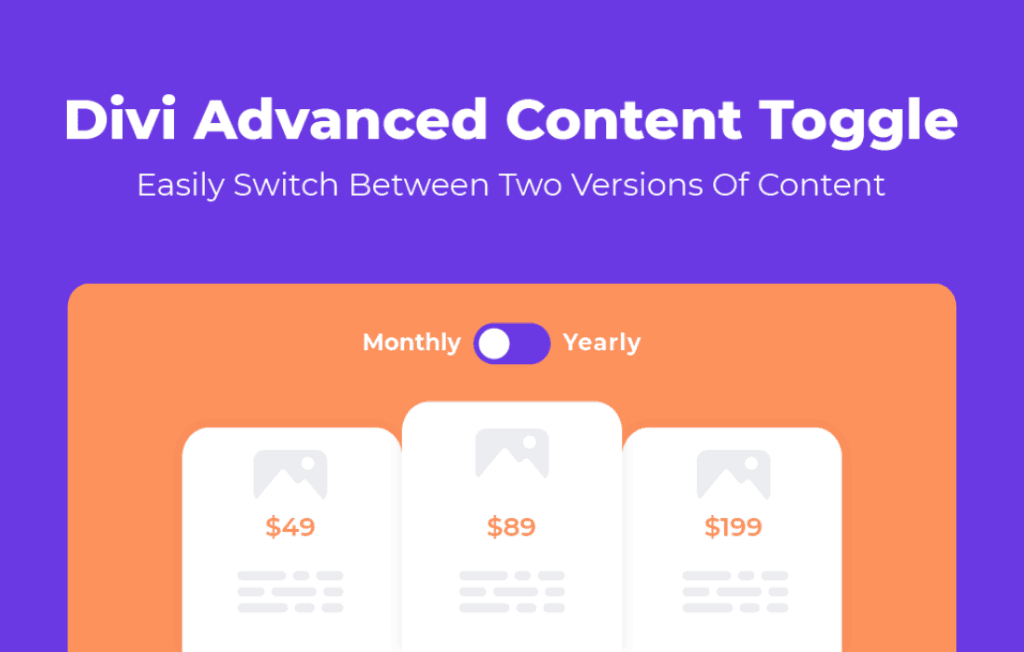
The Divi Advanced Content Toggle Module is a powerful extension for the Divi Builder that empowers web designers and site owners to create interactive, space-saving layouts by allowing visitors to switch between two different content views with a single click. Whether you need to compare pricing plans, show monthly versus yearly billing options, or present technical specifications alongside user-friendly summaries, this module provides a seamless, user-friendly interface that keeps your visitors engaged without cluttering your page layout.
Key Features
- Dual Content Areas: Effortlessly manage two distinct content sections—Label A and Label B—within a single module, allowing for quick transitions between different sets of information.
- Customizable Toggle Switch: Fully control the design of the toggle switch itself, including colors, border radius, sizing, and active/inactive states to ensure it matches your brand’s aesthetic perfectly.
- Flexible Content Integration: Since the module is built for Divi, you can use any Divi module, row, or section within the toggle areas, giving you complete creative freedom over what your users see.
- Responsive Design Controls: Ensure your toggle looks great on every device with built-in responsive settings, allowing you to adjust spacing, alignment, and typography for mobile, tablet, and desktop views.
- Smooth Transition Animations: Choose from various transition effects to make the content switching experience feel polished, professional, and intuitive for your site visitors.
- Advanced Styling Options: Leverage the full power of Divi’s design tab, including box shadows, custom spacing, advanced borders, and filter effects, to make your content toggle stand out.
- SEO Friendly: Designed with clean code to ensure that the content within your toggles remains accessible to search engines, helping you maintain your search rankings while improving user experience.
Use Cases / Who It’s For
This module is an essential tool for any Divi user looking to improve the user experience of their website by reducing information overload. It is particularly valuable for developers and business owners who need to present complex information in a digestible format.
Pricing Tables: The most common use case is the classic “Monthly vs. Yearly” billing toggle. By allowing users to switch views, you avoid overwhelming them with two massive pricing tables side-by-side, leading to higher conversion rates.
Product Comparisons: If you sell products with different configurations, such as “Standard” versus “Pro” versions, this module allows users to toggle between the features of each without navigating to a new page.
Technical Documentation: For sites that cater to both beginners and advanced users, you can use the toggle to show a “Simple View” for general users and a “Technical View” for developers, keeping your page clean and organized.
Language or Region Switching: While not a full translation plugin, it can be used to provide quick, localized content updates or specific information relevant to different user segments on a single landing page.
Setup / How It Works
- Installation: Install and activate the plugin as you would any other WordPress plugin. Once activated, the module will automatically appear in your Divi Builder module library.
- Add the Module: Open a page or post in the Divi Builder, click to add a new module, and select the “Advanced Content Toggle” from the list.
- Configure Content: Inside the module settings, you will find dedicated areas to build your “Content A” and “Content B.” You can drag and drop other Divi modules directly into these areas.
- Design the Toggle: Navigate to the Design tab to customize the toggle switch, labels, and background colors to match your website’s color palette.
- Finalize Settings: Adjust your animation preferences and responsive settings to ensure the toggle behaves exactly as you want across all screen sizes, then save your changes.
Similar Plugins
While the Divi ecosystem is vast, there are other tools that offer similar functionality for content organization. Alternatives include the Divi Switch plugin, which often includes toggle-related features, or various standalone Divi Add-on bundles from third-party developers that include a “Content Toggle” module as part of a larger suite of tools. When choosing, consider whether you need a single-purpose module or a broader set of design utilities.