
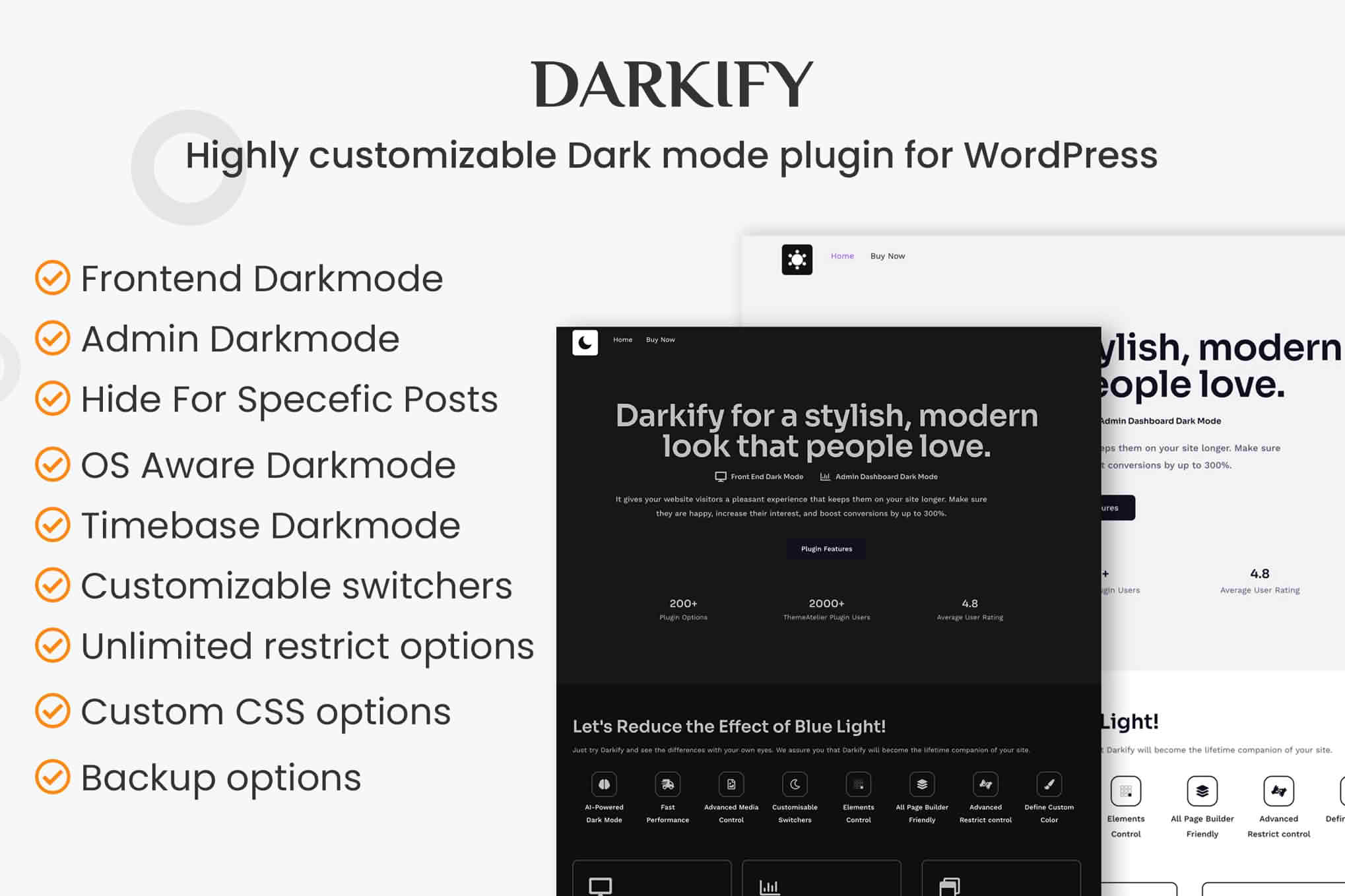
Darkify Pro is the ultimate solution for WordPress site owners looking to provide a modern, eye-friendly browsing experience for their visitors. By seamlessly integrating a customizable dark mode into your website, you not only cater to user preferences but also improve accessibility and reduce eye strain, especially during late-night browsing. Whether you run a content-heavy blog, a professional portfolio, or a high-traffic e-commerce store, Darkify Pro ensures your site looks stunning in any lighting condition without requiring a single line of code.
Key Features
- Automatic System Detection: Automatically switches your website theme based on the user’s operating system preferences, ensuring a seamless transition between light and dark modes.
- Customizable Toggle Switch: Place a sleek, floating dark mode toggle anywhere on your site, giving your visitors full control over their viewing experience.
- Advanced Color Customization: Fine-tune your dark mode aesthetics with a comprehensive color picker, allowing you to match your brand identity perfectly instead of relying on default grayscale settings.
- Exclude Specific Elements: Easily prevent certain sections, images, or widgets from being inverted, ensuring your site’s visual integrity remains intact.
- Performance Optimized: Built with lightweight code that ensures your site remains fast and responsive, preventing the common performance bloat associated with complex theme modifications.
- Persistent User Preferences: Remembers the user’s choice across different pages and sessions, providing a consistent experience every time they return to your site.
- Mobile-Responsive Design: Fully optimized for mobile and tablet devices, ensuring the dark mode toggle and interface look great on screens of all sizes.
Use Cases and Who It’s For
Darkify Pro is an essential tool for any website owner who prioritizes user experience and accessibility. If you manage a blog with long-form content, your readers will appreciate the reduction in glare, which keeps them on your site for longer periods. For developers and designers, it offers a professional way to showcase portfolios with a high-contrast, modern aesthetic that feels premium.
E-commerce store owners benefit significantly by offering a sophisticated browsing environment that feels more modern and less jarring on the eyes, potentially increasing session duration and reducing bounce rates. Furthermore, if you are committed to web accessibility standards, providing a dark mode option is a proactive step toward accommodating users with light sensitivity or visual impairments, making your content more inclusive for everyone.
Setup and How It Works
Getting started with Darkify Pro is designed to be straightforward, allowing you to activate dark mode in minutes without technical expertise.
- Installation: Upload the plugin zip file to your WordPress dashboard via the Plugins menu and activate it.
- General Configuration: Navigate to the Darkify Pro settings page to choose your preferred activation method, such as a floating button or a menu item.
- Styling: Use the built-in color customization tools to define your dark mode color palette. You can adjust background colors, text contrast, and link colors to ensure readability.
- Exclusions: If you have specific elements like logos or advertisements that should not be affected by the dark mode filter, simply add their CSS classes to the exclusion list in the settings panel.
- Live Preview: Save your settings and visit the front end of your site to test the toggle and ensure your design looks exactly as intended in both modes.
Similar Plugins
While there are several solutions in the WordPress ecosystem for adding dark mode, Darkify Pro distinguishes itself through its balance of performance and deep customization. Other notable options in this space include WP Dark Mode and Droit Dark Mode. These plugins also offer automated switching and toggle functionality, but Darkify Pro is specifically engineered for users who require finer control over color mapping and element exclusion without sacrificing site speed.