
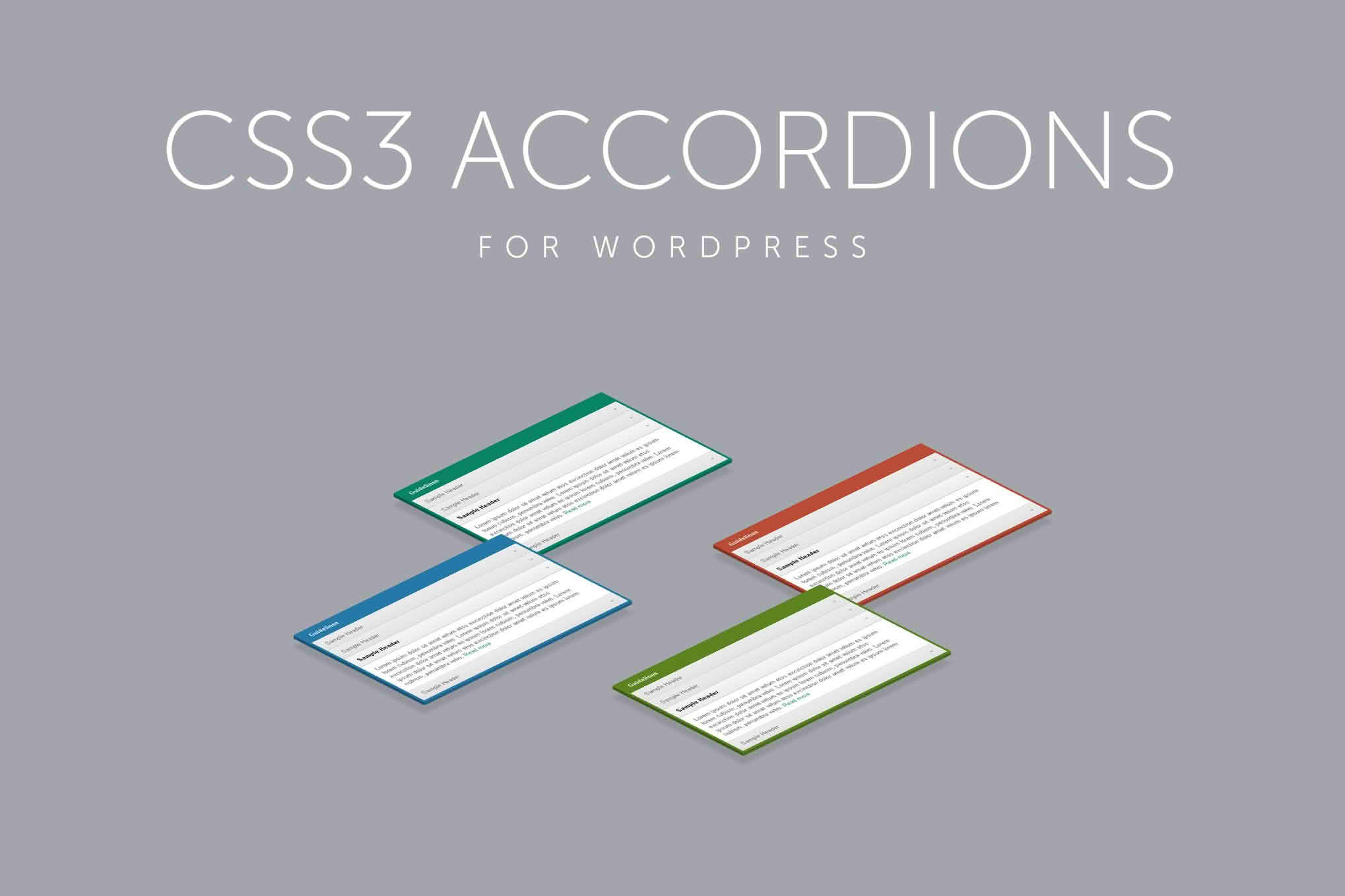
Transform your website’s user experience by organizing dense content into clean, interactive, and space-saving elements. CSS3 Accordions for WordPress allows you to present large amounts of information—such as FAQs, product details, or documentation—in a compact, user-friendly format. By utilizing lightweight CSS3 animations, this plugin ensures your site remains fast and responsive while providing an intuitive way for visitors to toggle through content without cluttering your page layout.
Key Features
- Lightweight CSS3 Performance: Built using modern CSS3, the accordions load instantly and run smoothly without relying on heavy JavaScript libraries, ensuring your site speed remains optimized.
- Fully Responsive Design: Your accordions will look and function perfectly on any device, from desktop monitors to smartphones, automatically adjusting to fit the screen size.
- Customizable Styling: Tailor the appearance of your accordions to match your brand identity by adjusting colors, borders, and typography directly through the plugin settings.
- Unlimited Accordion Creation: There are no restrictions on how many accordions you can build, allowing you to implement them across as many pages or posts as your site requires.
- Simple Shortcode Implementation: Easily insert your custom-built accordions into any page, post, or widget area using simple, generated shortcodes.
- Intuitive Interface: Manage your content through a user-friendly dashboard that makes adding, editing, and reordering accordion sections straightforward, even for beginners.
Use Cases and Who It Is For
This plugin is an essential tool for website owners, bloggers, and developers who want to improve readability and user engagement. If you manage a site with high volumes of text, you know the struggle of balancing comprehensive information with a clean, professional design. CSS3 Accordions for WordPress is ideal for:
- FAQ Sections: Reduce scrolling fatigue by hiding long lists of questions and answers, allowing users to reveal only the information they are looking for.
- Product Pages: Keep your product descriptions concise by tucking technical specifications, shipping policies, or sizing guides into expandable sections.
- Documentation and Knowledge Bases: Organize complex manuals or support articles into logical, collapsible chapters that help users navigate through help content efficiently.
- Service Portfolios: Present service offerings, pricing tiers, or process steps in a structured format that keeps your homepage or landing page looking tidy and organized.
Setup and How It Works
Getting started with CSS3 Accordions for WordPress is designed to be a seamless process, requiring no coding knowledge to achieve professional results.
- Installation: Upload and activate the plugin through your WordPress dashboard just as you would with any standard plugin.
- Create Your Accordion: Navigate to the plugin settings page to create a new accordion. Here, you can add your titles and content blocks for each section.
- Customize: Use the built-in styling options to select colors and layouts that align with your website’s theme.
- Publish: Once saved, the plugin will generate a unique shortcode for your accordion.
- Embed: Copy and paste the shortcode into any WordPress page, post, or sidebar widget area where you want the accordion to appear.
Similar Plugins
If you are exploring different ways to manage collapsible content on your WordPress site, you may also want to consider alternatives such as Shortcodes Ultimate, which includes a wide range of design elements including accordions, or Accordion FAQ, which is specifically tailored for building question-and-answer style layouts. Another popular option is Ultimate Blocks, which provides a suite of Gutenberg-compatible blocks that include an accordion feature for modern block-based editing workflows.