
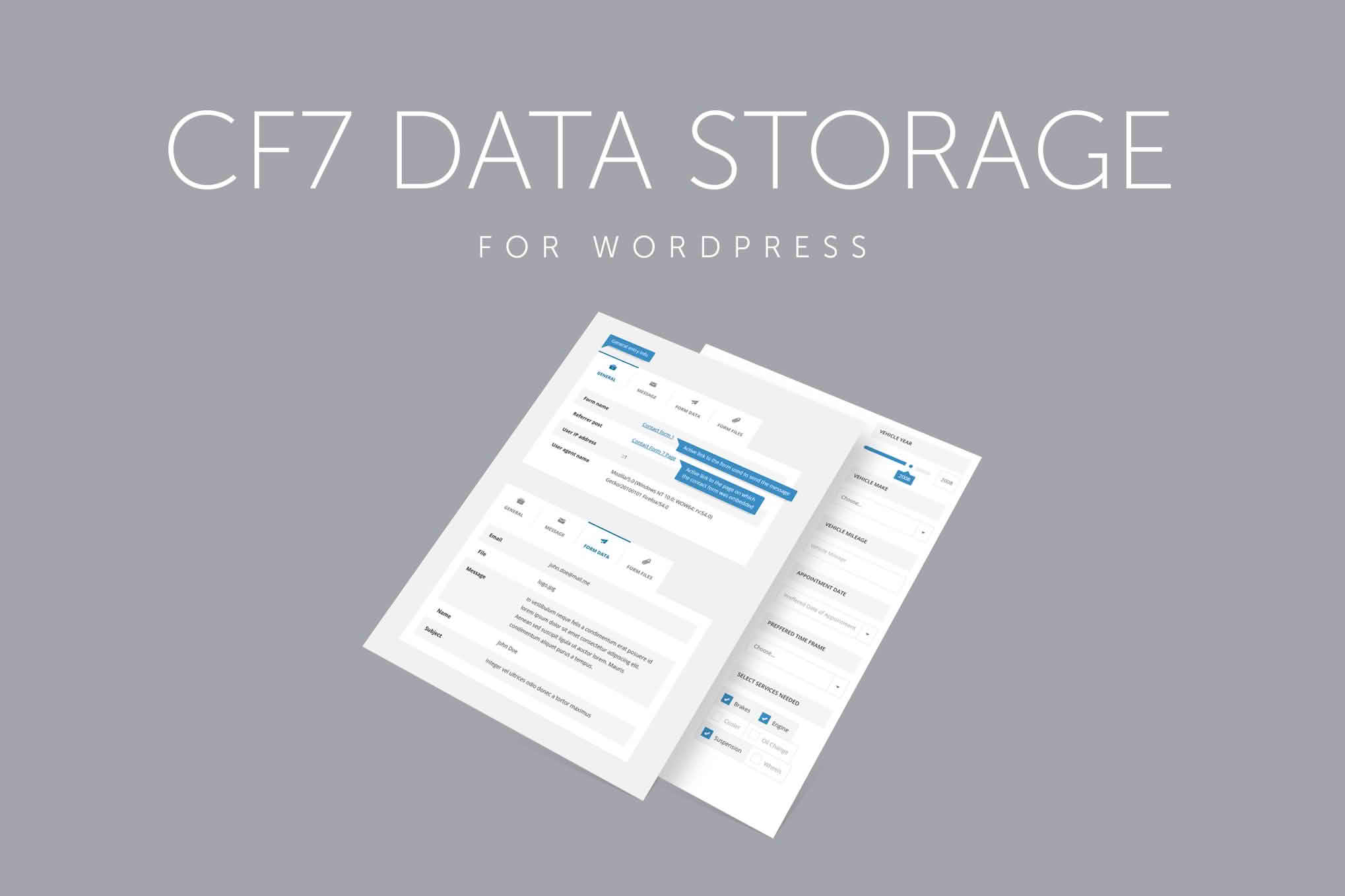
If you rely on Contact Form 7 to capture leads, inquiries, or customer feedback, you have likely faced the frustration of missing an email or losing critical data due to server glitches. Contact Form 7 Data Storage solves this problem by automatically saving every submission directly into your WordPress database. This ensures that no matter what happens to your email server, your valuable customer information remains safe, organized, and easily accessible within your WordPress dashboard.
Key Features
- Reliable Backup: Automatically capture and store every form submission in your WordPress database, providing a fail-safe against email delivery issues.
- Centralized Dashboard: View, manage, and search all your form entries from a single, intuitive interface inside your WordPress admin area.
- Export Functionality: Easily export your collected data into CSV or Excel formats, making it simple to import submissions into your CRM, email marketing software, or spreadsheet tools.
- Attachment Support: Save files uploaded through your forms directly to your media library or server, ensuring you never lose a document or image sent by a client.
- Submission Details: Track essential metadata for every entry, including the date and time of submission, the user’s IP address, and the specific page from which the form was sent.
- Privacy Compliance: Manage your data retention effectively with tools to delete individual entries or clear your database to help comply with GDPR and other data privacy regulations.
Use Cases / Who It’s For
This plugin is an essential tool for any WordPress site owner who treats their contact forms as a primary business asset. If you are a small business owner, you can stop worrying about whether a potential client’s quote request ended up in your spam folder. By having a persistent record of every inquiry, you ensure that no lead is left behind.
For marketing professionals and agencies, the ability to export data is a game-changer. You can quickly pull lists of leads to segment for email campaigns or analyze form performance to see which landing pages are converting the best. Furthermore, for e-commerce store owners or service providers who require file uploads—such as design briefs, invoices, or identification documents—this plugin provides a secure, organized way to retrieve those files without digging through cluttered email inboxes.
Setup / How It Works
- Installation: Install and activate the plugin through the WordPress plugin directory or by uploading the zip file to your site.
- Automatic Integration: Once activated, the plugin automatically detects your existing Contact Form 7 forms. No complex configuration or coding is required to begin capturing data.
- Review Entries: Navigate to the new menu item added to your WordPress dashboard to view a list of all your form submissions.
- Manage and Export: Click on individual entries to view full details, or use the bulk actions menu to export your data to a CSV file for external reporting.
Similar Plugins
If you are exploring options for managing Contact Form 7 submissions, you may also encounter plugins such as CF7 Database Addon, Flamingo, or Contact Form 7 Entries. While these plugins serve similar purposes by storing submission data, they vary in their user interface, export capabilities, and additional features like file management. We recommend reviewing the specific requirements of your workflow to choose the solution that best fits your data management needs.