
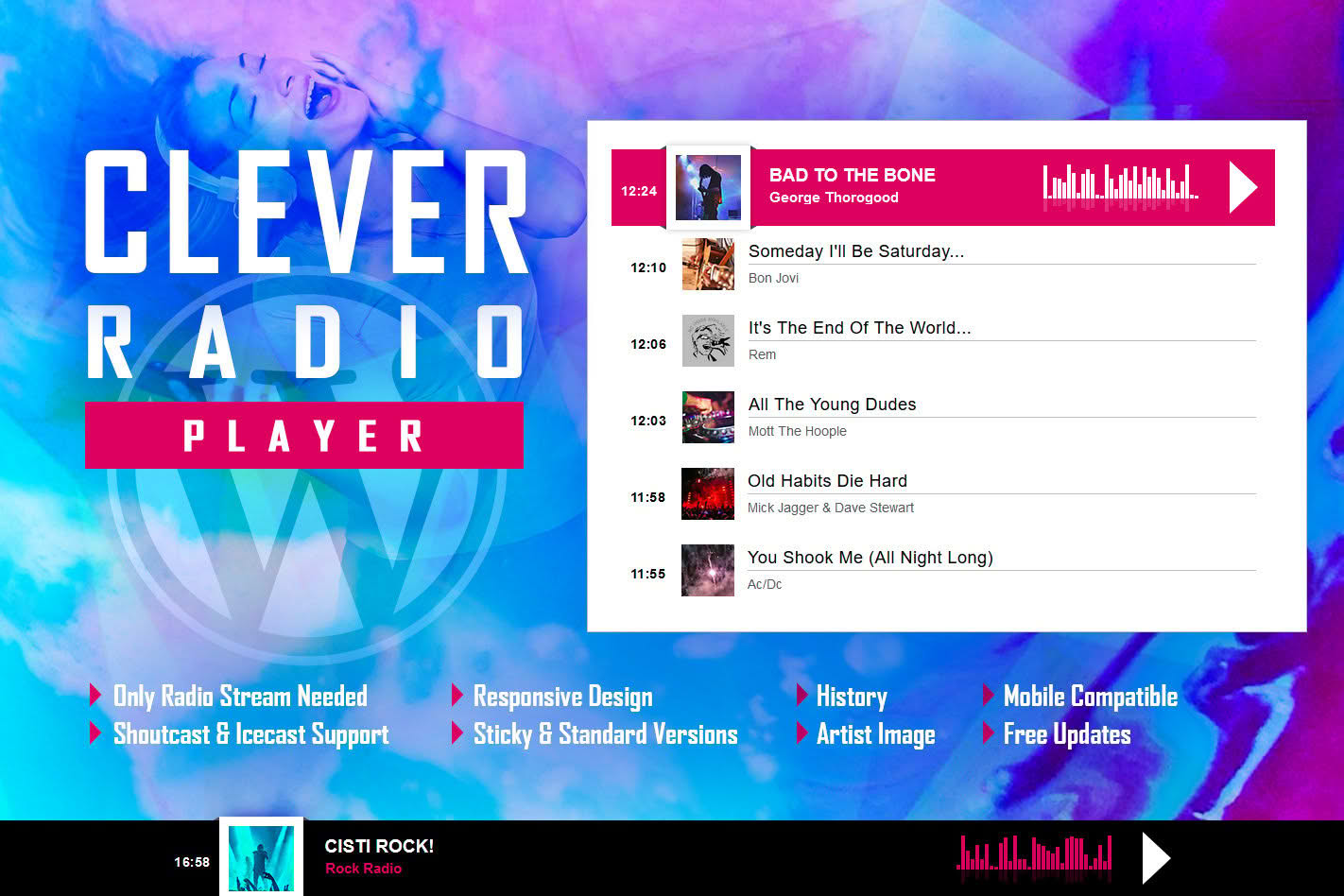
Elevate your website’s audio experience with CLEVER, a premium HTML5 Radio Player designed to keep your listeners engaged without interruption. Whether you are running a professional internet radio station, a music blog, or a community podcast, this plugin provides a seamless, modern, and highly functional interface that works flawlessly across all devices. By combining a sleek, responsive design with advanced features like track history and social sharing, CLEVER ensures your audience stays connected to your content, no matter where they are browsing from.
Key Features
- HTML5 Audio Technology: Built on modern standards to ensure compatibility across all major web browsers and mobile devices, providing a smooth, buffer-free listening experience.
- Automatic Track History: Keep your listeners informed with an integrated history feature that displays recently played songs, allowing users to catch up on tracks they might have missed.
- Responsive and Customizable Design: The player is fully responsive, adapting perfectly to any screen size. You can customize the look and feel to match your website’s branding, ensuring a professional appearance.
- Social Media Integration: Empower your listeners to share your station or specific tracks directly to their social media profiles, helping you grow your audience organically.
- Sticky Player Functionality: Enable the sticky player option to keep the audio playing continuously as users navigate through different pages of your website, preventing the stream from cutting out.
- Easy Shortcode Implementation: Quickly embed your radio player anywhere on your site—posts, pages, or sidebars—using simple, intuitive shortcodes.
- Volume and Mute Controls: Give your users full control over their listening environment with easily accessible volume sliders and mute buttons.
- Visual Feedback: Features like play/pause indicators and loading animations provide clear visual cues, enhancing the overall user experience.
Use Cases / Who It’s For
CLEVER is the ideal solution for anyone looking to broadcast audio content professionally on a WordPress platform. It is perfectly suited for internet radio station owners who need a reliable, always-on player that displays track metadata and history to their audience. Music bloggers and curators can use the player to showcase featured playlists or live streams, keeping visitors on their site for longer durations.
Additionally, community organizers, churches, and podcasters who want to provide a live streaming option alongside their recorded content will find the plugin’s ease of use and sticky playback features invaluable. If your goal is to reduce bounce rates by providing high-quality, continuous background audio, CLEVER offers the tools necessary to turn your website into a destination for audio entertainment.
Setup / How It Works
- Installation: Upload the plugin zip file through your WordPress dashboard under the Plugins section and click “Activate.”
- Configuration: Navigate to the CLEVER settings page to input your stream URL (such as SHOUTcast or Icecast links) and customize the player’s color scheme and behavior settings to fit your site’s aesthetic.
- Placement: Once configured, use the provided shortcode to place the player exactly where you want it. You can insert it into the content area of any post or page, or add it to a widget area in your sidebar or footer.
- Monitoring: The plugin automatically fetches and displays track information and history, requiring no manual updates from you once the initial connection to your stream is established.
Similar Plugins
If you are exploring the market for WordPress audio solutions, you may also encounter alternatives such as the Radio Player for WordPress or the WavePlayer plugin. While these options also provide audio streaming capabilities, CLEVER distinguishes itself through its specific focus on maintaining a clean, lightweight HTML5 architecture while prioritizing the track history feature, making it a specialized choice for stations that rely heavily on metadata display.