
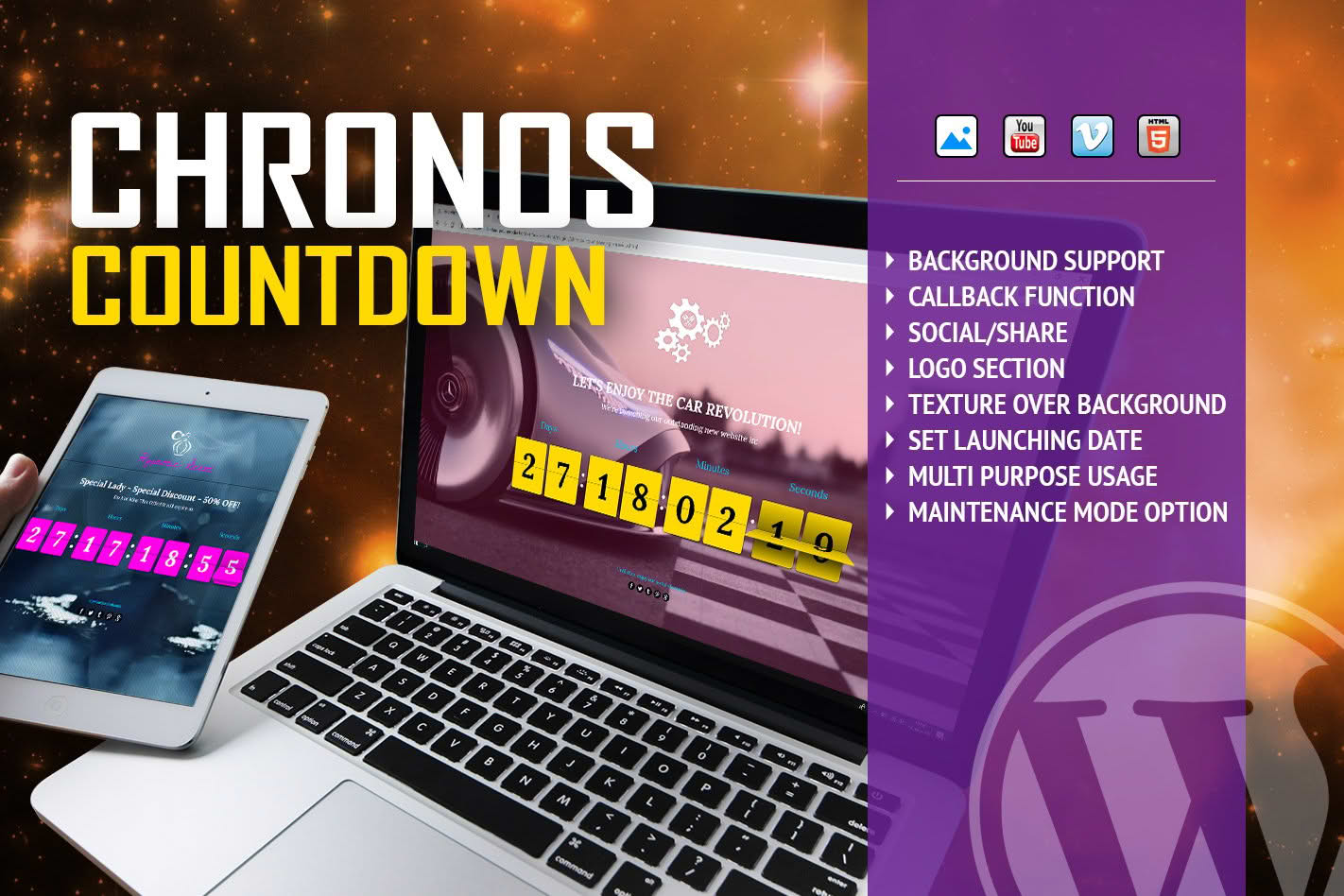
Create a sense of urgency and boost your conversion rates with Chronos CountDown, a powerful WordPress plugin designed to display eye-catching, animated flip-style countdown timers on your website. Whether you are launching a new product, running a flash sale, or counting down to an upcoming event, this plugin provides a visually engaging way to capture your visitors’ attention and encourage immediate action. With customizable backgrounds and a sleek, professional aesthetic, Chronos CountDown ensures your timers look great on any device while helping you drive engagement and sales.
Key Features
- Animated Flip Effect: Captivate your audience with a classic, high-quality flip-clock animation that feels premium and professional.
- Customizable Backgrounds: Easily set custom background images or colors behind your timer to ensure it perfectly matches your brand identity and website design.
- Responsive Design: Your countdown timers will look perfect on desktops, tablets, and mobile devices, ensuring a seamless user experience for all visitors.
- Flexible Timer Settings: Configure your countdowns for specific dates and times, allowing you to automate the start and end of your promotional campaigns.
- Shortcode Integration: Effortlessly place your countdown timers anywhere on your site—including pages, posts, or sidebars—using simple, intuitive shortcodes.
- Lightweight Performance: Engineered for speed, the plugin ensures that your site remains fast and responsive, even with multiple active timers.
- User-Friendly Interface: Manage your timers through a clean, straightforward dashboard that requires no coding knowledge to operate.
Use Cases / Who It’s For
Chronos CountDown is an essential tool for any WordPress site owner looking to leverage the psychology of scarcity to improve performance. E-commerce store owners can use it to highlight the final hours of a seasonal sale or a limited-time discount, effectively nudging hesitant shoppers to complete their purchases. Digital marketers and course creators can utilize the plugin to build anticipation for a webinar, a product launch, or the opening of enrollment for an online program.
Event organizers will find it invaluable for displaying the time remaining until a conference, concert, or community gathering, keeping attendees informed and excited. Even bloggers can use it to create buzz around a major site announcement or a milestone celebration. If you have a time-sensitive message that you want to stand out, Chronos CountDown provides the visual impact necessary to ensure your visitors don’t miss out.
Setup / How It Works
- Install and Activate: Upload the plugin zip file to your WordPress dashboard via the Plugins menu and activate it.
- Create a Timer: Navigate to the Chronos CountDown settings page to create a new timer. Choose your target date and time.
- Customize Appearance: Use the built-in settings to select your preferred background image or color, and adjust the timer styling to align with your theme.
- Generate Shortcode: Once saved, the plugin will provide a unique shortcode for that specific timer.
- Display on Site: Copy the shortcode and paste it into any page, post, or widget area where you want the countdown to appear. The timer will automatically begin counting down to your set deadline.
Similar Plugins
If you are exploring options for countdown functionality, you may also encounter alternatives such as Countdown Timer Ultimate, Evergreen Countdown Timer, and SeedProd, which offer various features for urgency-based marketing. While these tools provide different interfaces and specialized functions, Chronos CountDown remains a focused, reliable choice for those specifically seeking the classic flip-clock aesthetic combined with flexible background customization.