
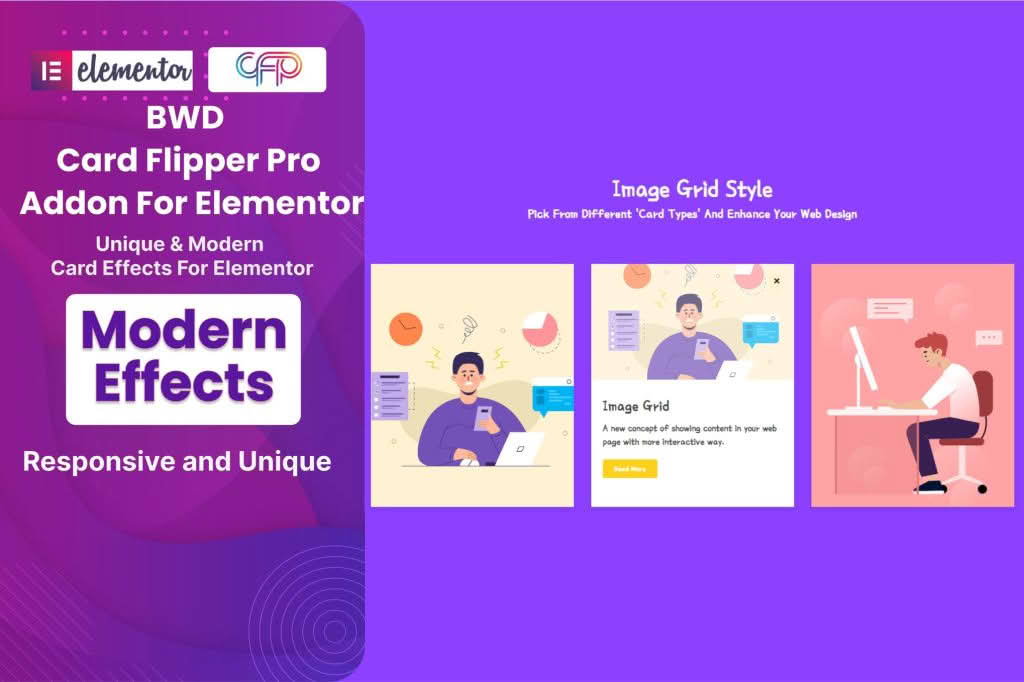
Elevate your website’s visual engagement and user interaction with the Card Flipper Pro Addon for Elementor. This powerful extension allows you to break free from static content by introducing interactive, dual-sided cards that flip seamlessly when hovered over or clicked. Whether you are looking to showcase team members, highlight product features, or create captivating call-to-action sections, this plugin provides the perfect balance of aesthetic appeal and functional design, all within the intuitive Elementor interface you already know and love.
Key Features
- Interactive Flip Animations: Choose from a variety of smooth, professional flip directions, including horizontal, vertical, and custom transition effects to keep your visitors engaged.
- Full Elementor Integration: Designed specifically for Elementor, the plugin functions as a native widget. Simply drag and drop the card onto your canvas and start customizing immediately.
- Dual-Sided Content Control: Customize both the front and back of your cards independently. Add images, icons, text, buttons, or even complex layouts using the Elementor editor on both sides.
- Responsive Design Settings: Ensure your cards look perfect on every device. Configure how cards behave on mobile, tablet, and desktop screens to maintain a seamless user experience.
- Advanced Styling Options: Take complete control over the design with extensive styling settings, including border radius, box shadows, background colors, and typography controls for both sides of the card.
- Trigger Customization: Decide how your cards interact with users. Choose between hover-triggered flips for a subtle effect or click-triggered flips for a more deliberate, mobile-friendly interaction.
Use Cases and Who It’s For
The Card Flipper Pro Addon is an essential tool for web designers, digital marketers, and business owners who want to maximize the impact of their content without cluttering their page layout. By hiding secondary information on the back of a card, you can maintain a clean, minimalist design while still providing deep, valuable details to interested users.
This plugin is ideal for:
- Team Sections: Display a professional headshot on the front, and reveal the team member’s bio, social media links, and job title upon flipping.
- Product Showcases: Highlight a product image on the front and display key specifications, pricing tiers, or “Buy Now” buttons on the reverse side.
- Service Highlights: Use the front to display an icon and service name, while using the back to provide a brief description of the benefits and a call-to-action button.
- Educational Content: Create interactive flashcards for e-learning platforms, language sites, or trivia sections to make learning more dynamic and fun.
Setup and How It Works
Getting started with Card Flipper Pro is designed to be a frictionless experience. Because it is built as an Elementor addon, there is no steep learning curve or complex configuration required.
- Install and Activate: Upload the plugin zip file to your WordPress dashboard and activate it as you would any other plugin.
- Access the Widget: Open any page or template using the Elementor editor. Search for the “Card Flipper” widget in the sidebar panel.
- Drag and Drop: Drag the widget onto your desired section or column.
- Configure Content: Use the Content tab to upload images, add text, and insert links for both the front and back sides of the card.
- Style to Perfection: Navigate to the Style tab to adjust colors, typography, spacing, and animation speed to match your brand identity.
- Publish: Once you are satisfied with the look and feel, update or publish your page to see your interactive cards in action.