
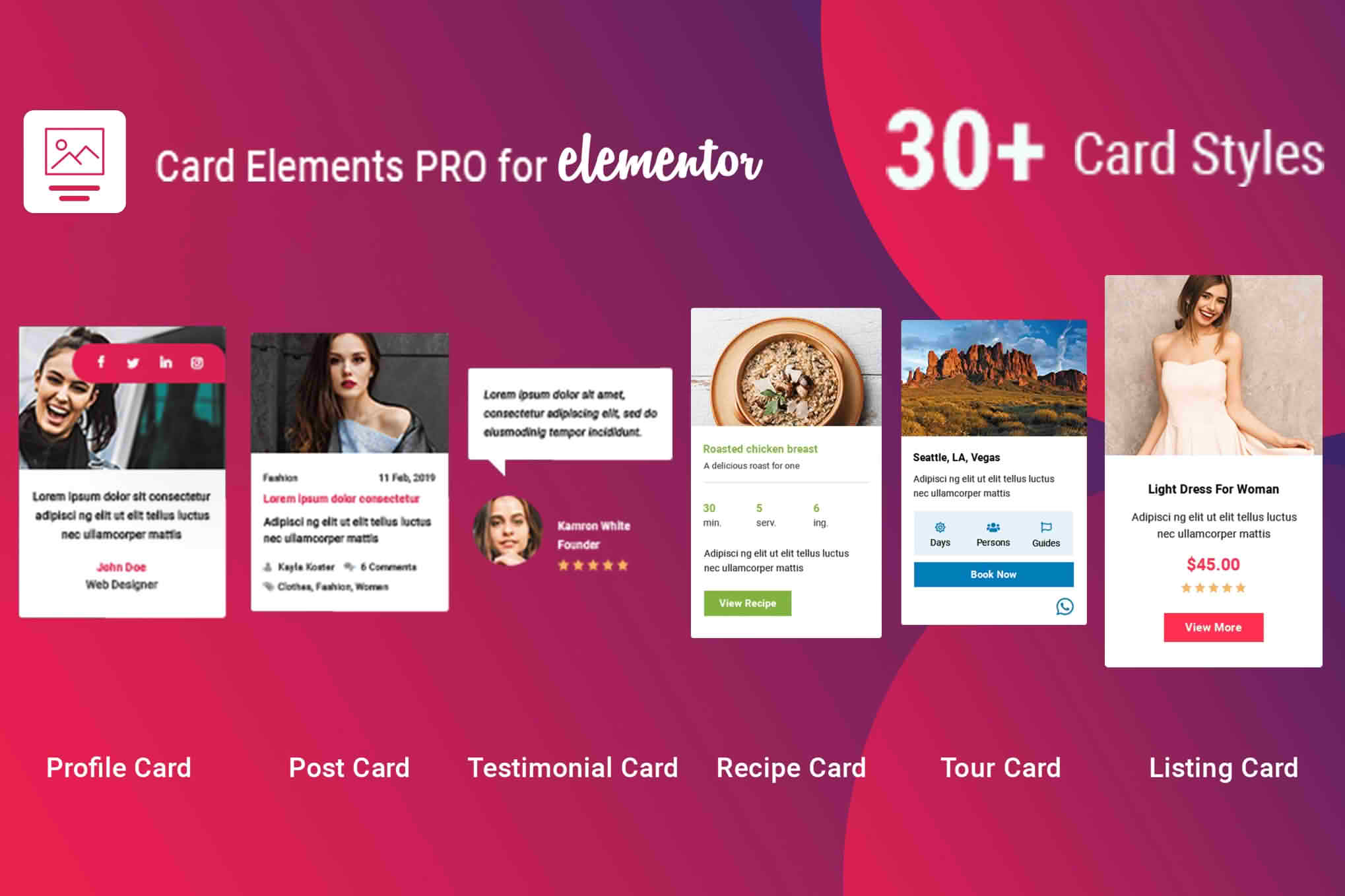
Elevate your website’s visual appeal and user engagement with Card Elements Pro for Elementor, the ultimate toolkit designed to transform standard content into sleek, interactive, and highly professional card layouts. Whether you are a web designer looking to streamline your workflow or a business owner aiming to showcase products, team members, or services with style, this plugin provides the design flexibility you need without requiring a single line of code. By seamlessly integrating with the Elementor page builder, it empowers you to create stunning, responsive cards that capture attention and drive conversions.
Key Features
- Extensive Card Library: Access a diverse collection of pre-designed card templates, ranging from modern product displays to sophisticated team profiles and blog post grids.
- Full Customization Control: Easily adjust typography, colors, borders, shadows, and spacing for every element within your cards to match your brand identity perfectly.
- Interactive Hover Effects: Enhance user experience with smooth, professional hover animations that reveal hidden information, change colors, or add depth to your content.
- Dynamic Content Support: Effortlessly pull in dynamic data from your WordPress site, such as post titles, excerpts, featured images, and custom fields, ensuring your cards stay updated automatically.
- Responsive Design Ready: Ensure your content looks flawless on all devices with built-in responsive controls that allow you to adjust card layouts for desktop, tablet, and mobile views independently.
- Performance Optimized: Built with clean, lightweight code to ensure your website remains fast and responsive, providing a smooth experience for your visitors without compromising page load speeds.
- Icon and Media Integration: Seamlessly incorporate icons, images, and videos into your card designs to create visually rich content that effectively communicates your message.
Use Cases and Who It’s For
Card Elements Pro for Elementor is an essential asset for anyone who manages a WordPress site and wants to improve content presentation. It is specifically designed for web agencies and freelancers who need to deliver high-quality, custom-looking sites to clients quickly. By using these pre-built, highly customizable elements, designers can significantly reduce development time while maintaining a premium aesthetic.
For small business owners and e-commerce store managers, this plugin is a game-changer for product showcases. You can create eye-catching product cards that highlight key features, prices, and call-to-action buttons in a clean, organized manner. Bloggers and content creators will also find it invaluable for building engaging post grids that encourage readers to explore more content, while HR managers and company administrators can utilize the team profile cards to present staff members in a modern, approachable way.
Setup and How It Works
Getting started with Card Elements Pro is designed to be intuitive for anyone familiar with the Elementor interface. Follow these simple steps to begin building:
- Installation: Install and activate the plugin through your WordPress dashboard just as you would any other plugin.
- Access Elements: Open any page or template in the Elementor editor. You will see the new Card Elements Pro widgets added to your Elementor panel.
- Drag and Drop: Simply drag your chosen card widget onto your page canvas.
- Configure: Use the Elementor sidebar to select your desired style, insert your content, and adjust the design settings to fit your needs.
- Publish: Once you are satisfied with the look and feel, update or publish your page to see your professional new cards live on your site.
Similar Plugins
If you are exploring other ways to enhance your Elementor design capabilities, you may also encounter plugins such as Essential Addons for Elementor, Premium Addons for Elementor, or JetElements. These plugins offer a broader suite of widgets, including card components, and are often considered by users looking for comprehensive design libraries to complement their Elementor workflow.