
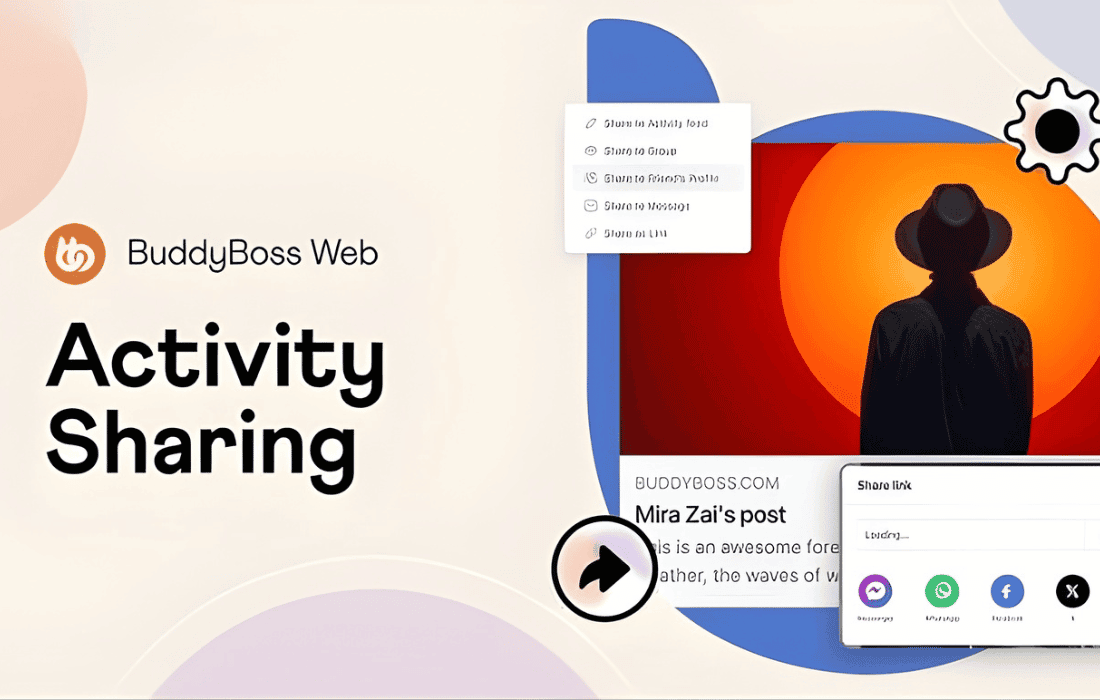
Unlock the viral potential of your community by making it effortless for members to share content across their favorite social networks. BuddyBoss Sharing is a streamlined, purpose-built solution designed to integrate social sharing buttons directly into your BuddyBoss-powered platform. By reducing the friction between your community discussions, media, and the wider web, you empower your users to act as ambassadors for your brand, driving organic traffic and increasing engagement without requiring them to leave your site.
Key Features
- Seamless Integration: Designed specifically for the BuddyBoss Platform, ensuring a consistent look and feel that matches your existing community design perfectly.
- Strategic Placement: Place sharing buttons where they matter most, including activity stream items, group pages, and member profiles, to encourage sharing at the moment of engagement.
- Comprehensive Network Support: Support for major social media platforms, allowing your users to share content to Facebook, Twitter (X), LinkedIn, WhatsApp, and more with a single click.
- Customizable Display: Choose which social networks to display, ensuring your community members have access to the platforms most relevant to your specific audience.
- Lightweight Performance: Engineered to be fast and efficient, ensuring that adding social sharing functionality does not negatively impact your site’s loading speeds or user experience.
- Mobile-Optimized: Buttons are designed to be easily clickable and responsive on all devices, ensuring a smooth experience for members accessing your community on smartphones and tablets.
Use Cases and Who It’s For
BuddyBoss Sharing is the ideal tool for community managers, course creators, and membership site owners who rely on the BuddyBoss ecosystem to foster connection. If you are running a niche community where members frequently share helpful resources, insightful activity posts, or successful course milestones, this plugin is essential for amplifying that content.
For membership site owners, this plugin turns your active members into a marketing engine. When a user shares a discussion thread or a public-facing community update to their own social media profile, they are providing social proof to their personal network. This not only drives new traffic to your site but also validates your community as a valuable space for others to join. It is particularly effective for communities focused on professional networking, hobbyist groups, or educational cohorts where content sharing is a natural part of the user experience.
Setup and How It Works
Getting started with BuddyBoss Sharing is designed to be straightforward, allowing you to activate social sharing features in just a few moments:
- Installation: Install and activate the plugin through your WordPress dashboard just like any other BuddyBoss-compatible extension.
- Configuration: Navigate to the plugin settings panel within your WordPress admin area. Here, you can select which social media platforms you wish to enable for your members.
- Placement Selection: Choose the specific areas of your BuddyBoss platform where the sharing buttons should appear, such as the activity feed or specific post types.
- Save and Deploy: Save your settings to immediately apply the sharing buttons across your community. No complex coding or template overrides are required to get the standard functionality working.
Similar Plugins
While various general-purpose social sharing plugins exist for WordPress, such as AddToAny or Shareaholic, they often lack the native hooks required to integrate cleanly with the BuddyBoss activity stream and group structures. BuddyBoss Sharing is unique in its focus on compatibility with the BuddyBoss platform, ensuring that updates to the core BuddyBoss software do not break your sharing functionality. If you require deep integration with the BuddyBoss activity loop, using a plugin specifically built for the BuddyBoss ecosystem is the most reliable way to maintain a stable and professional community experience.