
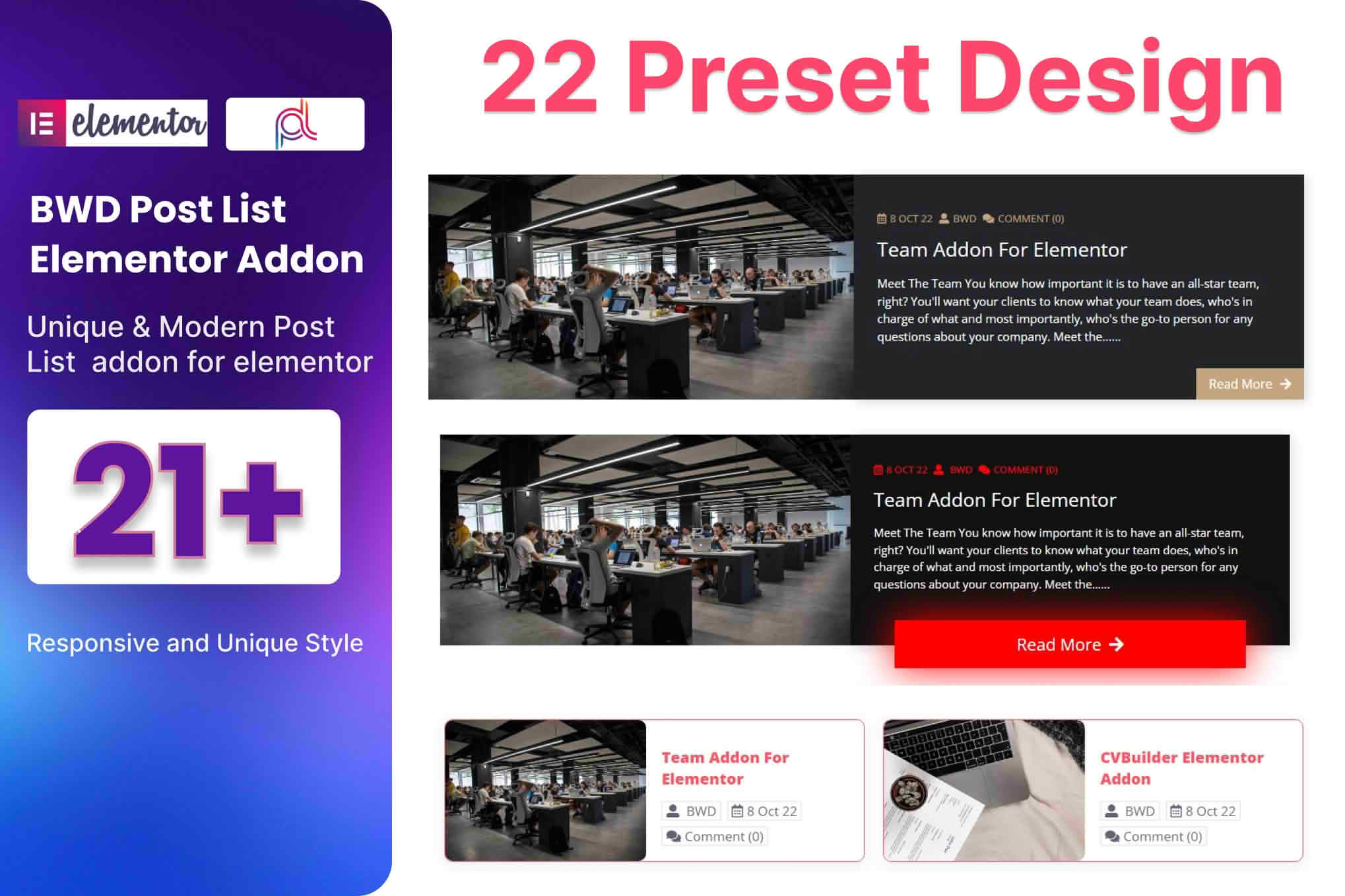
Take full control over how your website content is displayed with the Blog Post List Addon for Elementor. Designed specifically for users who want to showcase their articles, news, or portfolio items without touching a single line of code, this plugin bridges the gap between your WordPress blog and the powerful Elementor page builder. Whether you are a blogger, a digital agency, or a business owner, this addon provides the design flexibility needed to create stunning, professional post layouts that keep your visitors engaged and clicking.
Key Features
- Drag-and-Drop Integration: Seamlessly works within the Elementor editor, allowing you to place your blog post lists anywhere on your pages using a dedicated widget.
- Flexible Layout Options: Choose from various display formats, including classic grid, list, masonry, and carousel views to match your site’s aesthetic.
- Advanced Query Controls: Easily filter which posts appear based on categories, tags, authors, or specific post IDs, ensuring the right content reaches the right audience.
- Customizable Design Elements: Take full command over typography, colors, spacing, and border styles for titles, excerpts, meta-data, and featured images.
- Pagination and Load More: Improve user experience with built-in pagination, infinite scroll, or “Load More” buttons, helping you manage long lists of content efficiently.
- Responsive Design: Ensure your blog lists look perfect on all devices with built-in settings to adjust column counts and spacing for desktop, tablet, and mobile screens.
- Dynamic Metadata Display: Toggle the visibility of post dates, author names, categories, and comment counts to create the exact look and feel you desire.
Use Cases / Who It’s For
This plugin is the ideal solution for anyone who relies on content marketing to drive traffic and build authority. If you manage a news portal, you can use the addon to create dynamic “Latest News” sections that update automatically as you publish new articles. For digital agencies, it provides a streamlined way to showcase portfolio projects or case studies in a clean, professional grid layout.
Business owners who maintain a company blog will find it invaluable for highlighting featured content on their homepage or landing pages. By placing your most important or popular posts in highly visible, well-designed lists, you can significantly increase time-on-site metrics and encourage deeper exploration of your website. It is built for those who want the sophisticated look of a custom-coded site but require the ease and speed of a visual builder.
Setup / How It Works
- Installation: Install and activate the plugin through your WordPress dashboard just like any other standard plugin.
- Access Elementor: Open any page or post using the Elementor editor.
- Locate the Widget: Scroll through your Elementor widget panel to find the Blog Post List widget.
- Drag and Drop: Drag the widget onto your desired page section.
- Configure Settings: Use the Content tab to select your post source, category filters, and layout style.
- Style Your List: Switch to the Style tab to adjust colors, fonts, image sizes, and spacing to align with your brand identity.
- Publish: Once satisfied with the preview, click update or publish to make your new blog post list live for your visitors.
Similar Plugins
If you are exploring your options, there are several other tools in the WordPress ecosystem that offer post-display functionality for Elementor. Popular alternatives include Essential Addons for Elementor, Premium Addons for Elementor, and JetEngine. Each of these plugins provides a suite of widgets, including post grids and lists, though they often include a much broader range of non-blogging features. The Blog Post List Addon for Elementor remains a focused, lightweight choice for users who want to prioritize blog-specific display functionality without the bloat of larger plugin packs.