
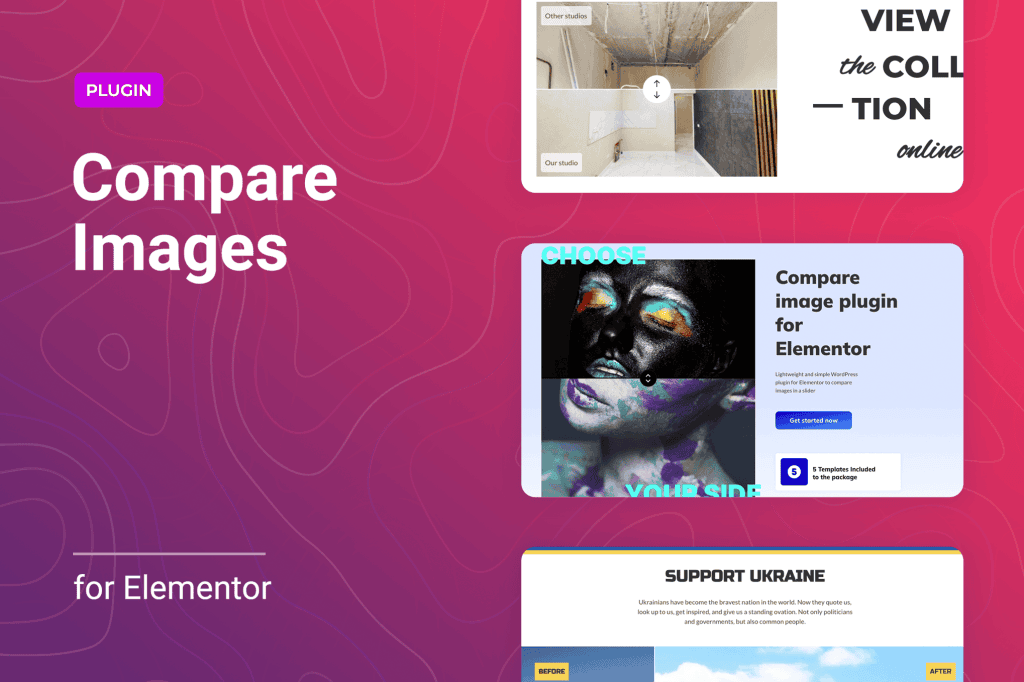
Transform your website’s visual storytelling with the Before and After Image Compare for Elementor plugin. Whether you are showcasing dramatic renovation results, retouching skills, or product improvements, this tool allows your visitors to interact with your content by dragging a slider to reveal the difference between two images. By adding this dynamic, hands-on element to your pages, you increase user engagement, build trust through transparency, and provide a compelling visual proof that static images simply cannot match.
Key Features
- Seamless Elementor Integration: Designed specifically as an Elementor widget, allowing you to drag, drop, and customize your comparison sliders directly within the familiar Elementor editor interface.
- Interactive Slider Control: Offers a smooth, responsive handle that users can drag horizontally or vertically to explore the transition between the “before” and “after” states.
- Customizable Labels: Easily add and style labels on the images to clearly identify the “Before” and “After” states, ensuring your audience understands the comparison immediately.
- Responsive Design: Ensures your image comparisons look perfect and function smoothly across all devices, including desktops, tablets, and mobile phones.
- Orientation Options: Choose between horizontal or vertical sliding orientations to best suit the composition of your images and the layout of your page.
- Hover or Click Interaction: Configure the slider to move based on a simple mouse hover or a click-and-drag action, giving you full control over the user experience.
- Overlay and Styling Controls: Fine-tune the appearance of the slider handle, colors, and borders to match your website’s branding and aesthetic.
Use Cases: Who It’s For
This plugin is an essential tool for any website owner who relies on visual proof to convert visitors into customers. If your business is built on transformation, this plugin bridges the gap between a promise and reality.
Home Improvement and Construction: Contractors, interior designers, and landscapers can showcase the true impact of their work by allowing clients to slide between the “before” state of a room or yard and the stunning final result.
Beauty and Aesthetic Services: Dermatologists, makeup artists, and hair stylists can provide clear, professional-grade comparisons of skin treatments, cosmetic procedures, or hair transformations, helping potential clients visualize their own results.
Photography and Graphic Design: Professionals can highlight their retouching, color grading, or editing expertise by showing the original raw file versus the polished, final product.
E-commerce and Product Development: Brands can demonstrate the effectiveness of cleaning products, restoration kits, or even software interfaces by showing the clear improvement after using their solution.
Setup: How It Works
Getting your comparison slider live takes only a few minutes, requiring no coding knowledge:
- Install and Activate: Upload the plugin to your WordPress site and activate it as you would any standard plugin.
- Open Elementor: Navigate to the page or post where you want to add the comparison and open it with the Elementor editor.
- Drag and Drop: Locate the “Before and After” widget in the Elementor panel and drag it into your desired column or section.
- Upload Images: In the widget settings panel, upload your “Before” image and your “After” image.
- Configure Settings: Use the content and style tabs to adjust the slider orientation, labels, handle appearance, and interaction behavior.
- Publish: Once you are satisfied with the look and feel, update or publish your page to let your visitors experience the transformation.
Similar Plugins
If you are exploring options for image comparison functionality, you may also encounter tools such as the Twenty20 Image Compare plugin or the Image Compare Viewer widget found within various premium Elementor add-on suites. While these alternatives offer similar core functionality, the Before and After Image Compare for Elementor is optimized specifically for a lightweight, streamlined experience within the Elementor ecosystem.