
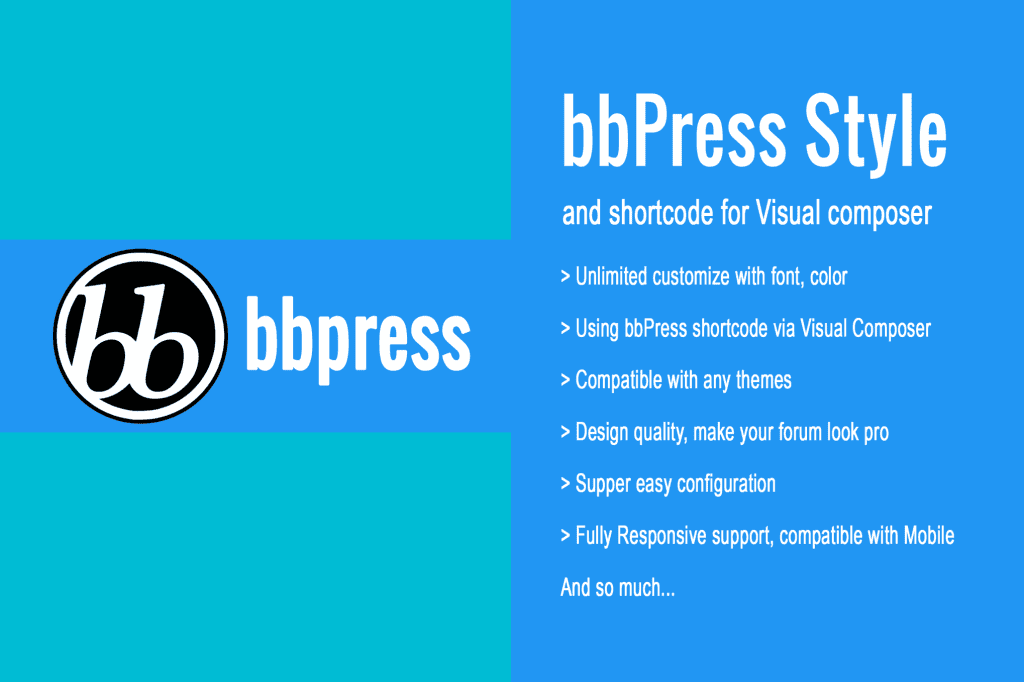
If you have built a community using the bbPress plugin, you know that while it is a powerful tool for forum creation, its default design often feels generic and disconnected from your site’s unique branding. bbPress Style is the essential bridge between functional forum architecture and professional aesthetics. This plugin empowers site administrators to transform the look and feel of their forums without touching a single line of CSS, ensuring your discussion boards feel like a seamless, high-end extension of your WordPress website.
Key Features
- Visual Customization Interface: Easily adjust colors, fonts, and spacing directly through the WordPress Customizer, allowing you to see changes in real-time before they go live.
- Modern Layout Options: Choose from various pre-designed layout styles to improve the readability and navigation of your forum topics, replies, and category lists.
- Responsive Design Optimization: Ensure your community looks perfect on all devices, from desktop monitors to mobile phones, with responsive styling that adapts to your theme.
- Custom Header and Footer Integration: Effortlessly align your forum’s header and footer with the rest of your site to maintain a consistent user experience.
- Button and Icon Styling: Update the appearance of forum buttons, search bars, and status icons to match your brand identity and improve user interaction.
- No Coding Required: Designed for users of all skill levels, this plugin eliminates the need to edit complex theme files or write custom CSS snippets.
Use Cases / Who It’s For
bbPress Style is built for anyone who wants to foster a professional community environment. Whether you are a small business owner hosting a support forum, a hobbyist running a niche interest board, or a developer managing a membership site, this plugin is for you.
If you have invested time in selecting a beautiful WordPress theme, you shouldn’t have to settle for a forum that looks like it belongs to a different website. This plugin is perfect for those who prioritize user experience and brand consistency. By elevating the visual appeal of your forums, you encourage more engagement, increase the time users spend on your site, and build a more trustworthy and inviting space for your members to connect.
Setup / How It Works
Getting started with bbPress Style is designed to be straightforward, allowing you to focus on your community rather than technical configuration. Follow these simple steps to begin customizing your forum:
- Installation: Install and activate the bbPress Style plugin through your WordPress dashboard just as you would any other plugin.
- Access the Customizer: Navigate to the Appearance menu and select Customize. You will see a new section dedicated to bbPress Style settings.
- Configure Styles: Use the intuitive controls to select your preferred colors, typography, and layout settings. The live preview window will show you exactly how your forum will look as you make adjustments.
- Publish Changes: Once you are satisfied with the design, click the Publish button to apply your new style settings to your live forums immediately.
Similar Plugins
While bbPress Style offers a dedicated approach to visual customization, there are other tools available in the ecosystem that provide related functionality for forum management and design. These include:
- bbPress Notify: Focuses on enhancing the notification system for forum participants.
- GD bbPress Attachments: Adds the ability to include file uploads within forum posts, which can complement the visual experience of your community.
- bbPress Private Groups: Useful for site owners who need to restrict access to specific forums based on user roles or membership levels.