
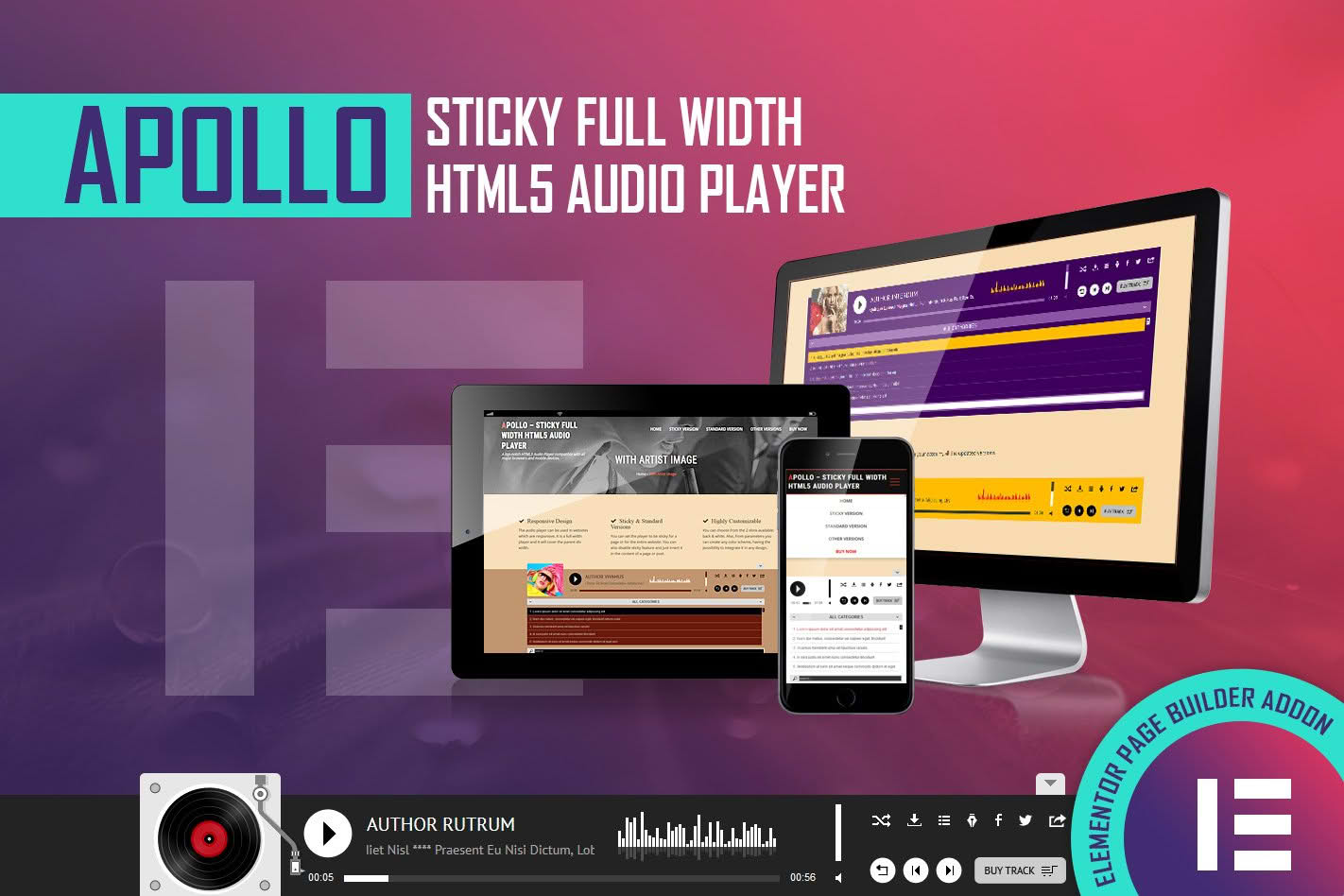
Transform your website into an immersive audio experience with the Apollo HTML5 Audio Player. Designed specifically for seamless integration with Elementor, this plugin allows you to showcase podcasts, music tracks, audiobooks, or voiceovers with a professional, sleek, and highly customizable interface. Whether you are a musician, podcaster, or content creator, Apollo ensures your audio content is accessible, responsive, and visually stunning across all devices.
Key Features
- Elementor Native Widget: Experience a drag-and-drop workflow. Simply drag the Apollo player into any section, column, or page created with Elementor and start customizing immediately.
- Fully Responsive Design: Your audio player will look perfect on desktop, tablet, and mobile devices, ensuring your audience enjoys a consistent listening experience regardless of their screen size.
- Advanced Customization: Take full control over the player’s appearance. Easily adjust colors, fonts, button styles, and layout settings to perfectly match your website‚Äôs branding without writing a single line of CSS.
- HTML5 Audio Support: Built on modern web standards, the player provides fast loading times and reliable playback across all modern browsers, eliminating the need for outdated plugins.
- Playlist Functionality: Organize multiple tracks into a single player. Allow your listeners to navigate through your content effortlessly with intuitive controls and track listings.
- Customizable Controls: Choose which features you want to display, including play/pause, volume control, progress bar, track duration, and download options.
- Lightweight Performance: Engineered for speed, the plugin is optimized to ensure that your page load times remain fast, keeping your SEO rankings intact while delivering high-quality audio.
Use Cases / Who It’s For
The Apollo HTML5 Audio Player is the ideal solution for any WordPress user looking to integrate sound into their digital presence. Podcasters can use it to host episode archives, allowing visitors to listen directly on the site without navigating away. Musicians and bands can create professional portfolios to showcase their latest singles or albums with a clean, modern aesthetic. Additionally, educators and course creators can utilize the player to embed audio lectures, language learning materials, or guided meditations, making their educational content more engaging and accessible. If your business relies on audio—whether for storytelling, entertainment, or instruction—Apollo provides the professional delivery system your content deserves.
Setup / How It Works
- Install and Activate: Upload the plugin file to your WordPress dashboard via the Plugins menu and click activate.
- Open Elementor: Navigate to the page or post where you want to add audio and open the Elementor editor.
- Drag and Drop: Search for the “Apollo Audio Player” widget in the Elementor sidebar and drag it into your desired location on the page.
- Configure Settings: Use the Content tab to upload your audio files or link to external URLs. You can organize tracks into playlists and set default behaviors like autoplay or loop.
- Style Your Player: Switch to the Style tab to customize colors, borders, typography, and icon sizes to align with your site’s design language.
- Publish: Once you are satisfied with the look and functionality, update or publish your page to provide your audience with a premium listening experience.
Similar Plugins
If you are exploring options for audio playback within the WordPress ecosystem, you may also encounter alternatives such as AudioIgniter, PowerPress, or the native WordPress audio shortcode functionality. While these plugins offer various methods for audio delivery, Apollo distinguishes itself through its deep, native integration with the Elementor page builder, focusing on a streamlined design-first workflow for users who prioritize visual consistency and ease of use.