
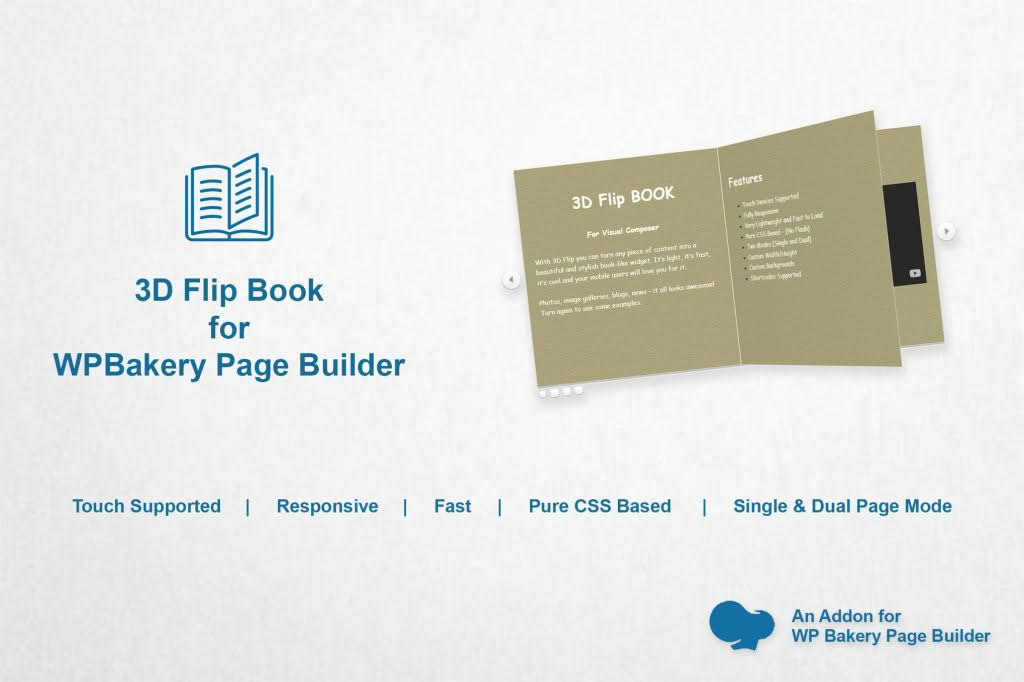
Transform your static PDF documents into engaging, interactive experiences directly within your WordPress site. The 3D Flipbook for WPBakery Page Builder plugin bridges the gap between boring file downloads and immersive digital reading, allowing you to showcase catalogs, brochures, magazines, and portfolios with a realistic page-turning effect. Designed specifically for seamless integration with the WPBakery Page Builder, this tool empowers site owners and designers to create professional-grade document displays without touching a single line of code.
Key Features
- Seamless WPBakery Integration: Effortlessly add flipbooks to any page or post using dedicated WPBakery elements, ensuring a consistent design workflow.
- Realistic 3D Page-Turning Effect: Captivate your visitors with smooth, hardware-accelerated animations that mimic the physical sensation of turning pages in a real book.
- PDF Support: Easily upload your existing PDF files and convert them into interactive flipbooks in minutes.
- Customizable Interface: Tailor the look and feel of your flipbook to match your brand identity with options to adjust colors, controls, and layout settings.
- Responsive Design: Ensure your content looks perfect on any device, from desktop monitors to smartphones, with a fully mobile-friendly viewing experience.
- Interactive Controls: Provide users with intuitive navigation tools, including zoom, full-screen mode, and page thumbnails for easy browsing.
- High-Performance Rendering: Optimized for speed, the plugin ensures that your documents load quickly without compromising image quality or animation smoothness.
Use Cases / Who It’s For
This plugin is an essential asset for any business or creative professional looking to elevate their digital content presentation. If you manage an e-commerce store, you can use it to display product catalogs that feel more tactile and engaging than a simple PDF list. Marketing professionals and agencies can leverage the plugin to showcase high-end brochures, white papers, and promotional magazines that leave a lasting impression on potential clients.
For bloggers and online publishers, the 3D Flipbook offers a unique way to share e-books, newsletters, or portfolio collections, encouraging readers to spend more time on your page. Whether you are a corporate entity presenting an annual report or an artist displaying a digital sketchbook, this plugin provides the professional polish needed to turn passive viewers into active readers.
Setup / How It Works
- Install and Activate: Upload the plugin zip file to your WordPress dashboard, install it, and activate it as you would any standard plugin.
- Upload Your File: Navigate to the plugin settings area to upload your PDF document. The system will process the file for web viewing.
- Open WPBakery: Go to the page or post where you want to display the flipbook and open the WPBakery Page Builder editor.
- Add Element: Locate the 3D Flipbook element in the WPBakery element library and drag it onto your canvas.
- Configure and Save: Select your uploaded PDF from the element settings, customize the display options (such as dimensions or control visibility), and save your changes.
- Publish: Preview your page to see the interactive flipbook in action and publish your changes to go live.
Similar Plugins
If you are exploring alternatives for document presentation, you may also encounter plugins such as DearFlip, Real3D Flipbook, and PDF Flipbook for WordPress. Each of these offers varying levels of integration with page builders and distinct aesthetic styles for document rendering.