
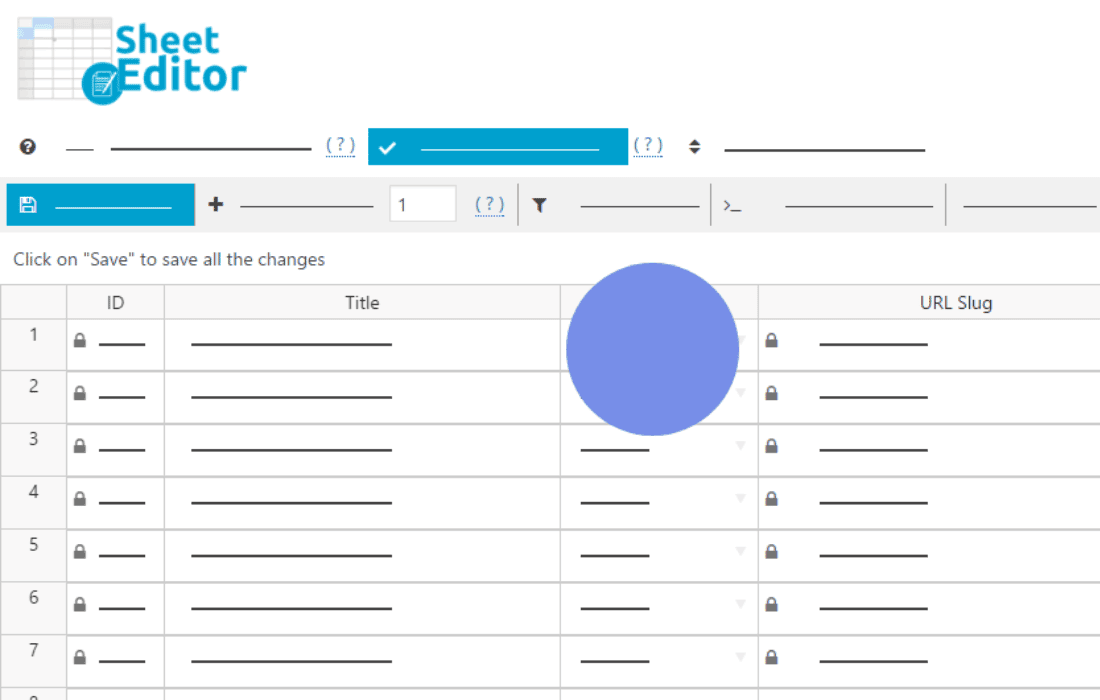
Managing website redirects shouldn’t feel like a chore. Whether you are migrating a site, fixing broken links, or restructuring your URL architecture, the WP Sheet Editor – Redirection plugin transforms the way you handle redirections by bringing them into a powerful, spreadsheet-style interface. Instead of clicking through individual settings pages or struggling with clunky forms, you can manage hundreds of redirects at once, saving you hours of tedious manual work.
Key Features
- Spreadsheet Interface: View and edit all your redirects in a familiar, Excel-like grid. You can perform bulk actions, copy-paste data, and edit multiple rows simultaneously without reloading the page.
- Advanced Bulk Editing: Change target URLs, redirect types (301, 302, etc.), or status settings for hundreds of redirects in seconds using the powerful bulk edit tool.
- Search and Filter: Quickly find specific redirects by searching through source URLs, target URLs, or redirect codes. Use advanced filters to isolate specific patterns, broken links, or redirect types.
- Import and Export: Seamlessly move your redirection data in or out of your WordPress site. This is ideal for migrating content from other plugins or performing large-scale updates via CSV files.
- Real-Time Validation: Ensure your redirects are configured correctly before they go live, reducing the risk of 404 errors or redirect loops that can harm your SEO rankings.
- Column Customization: Show or hide columns based on your workflow, ensuring you only see the data that matters most to your current task.
Use Cases / Who It’s For
This plugin is an essential tool for website administrators, SEO specialists, and developers who need to maintain site health without getting bogged down in administrative overhead. If you are managing a large e-commerce store with thousands of products, you know that changing product categories or updating URL structures can lead to a nightmare of broken links. WP Sheet Editor – Redirection allows you to manage these transitions efficiently, ensuring your customers always land on the right page and your search engine authority remains intact.
It is also perfect for agencies handling site migrations for multiple clients. When moving a site from an old platform to WordPress, you often need to map thousands of legacy URLs to new paths. Doing this manually is prone to human error; with this plugin, you can import your mapping list via CSV and verify everything in a single, organized view.
Setup / How It Works
- Install and Activate: Once the plugin is installed, it automatically detects your existing redirection data.
- Open the Sheet Editor: Navigate to the plugin menu in your WordPress dashboard. You will be presented with a spreadsheet view containing all your currently configured redirects.
- Edit Directly: Click on any cell to modify the source URL, destination URL, or redirect status. The changes are saved automatically as you work.
- Apply Bulk Changes: Use the bulk edit panel to apply changes to a filtered selection of rows, such as updating the redirect type for an entire category of pages.
- Export/Import: Use the export button to create a backup of your redirects or the import tool to add new redirections in bulk from a spreadsheet file.
Similar Plugins
While WP Sheet Editor – Redirection focuses on the spreadsheet management aspect, other popular redirection solutions in the WordPress ecosystem include Redirection by John Godley, Rank Math SEO, and Yoast SEO. These alternatives offer robust redirection management features, though they typically rely on standard form-based interfaces rather than the bulk-editing spreadsheet approach provided by WP Sheet Editor.