
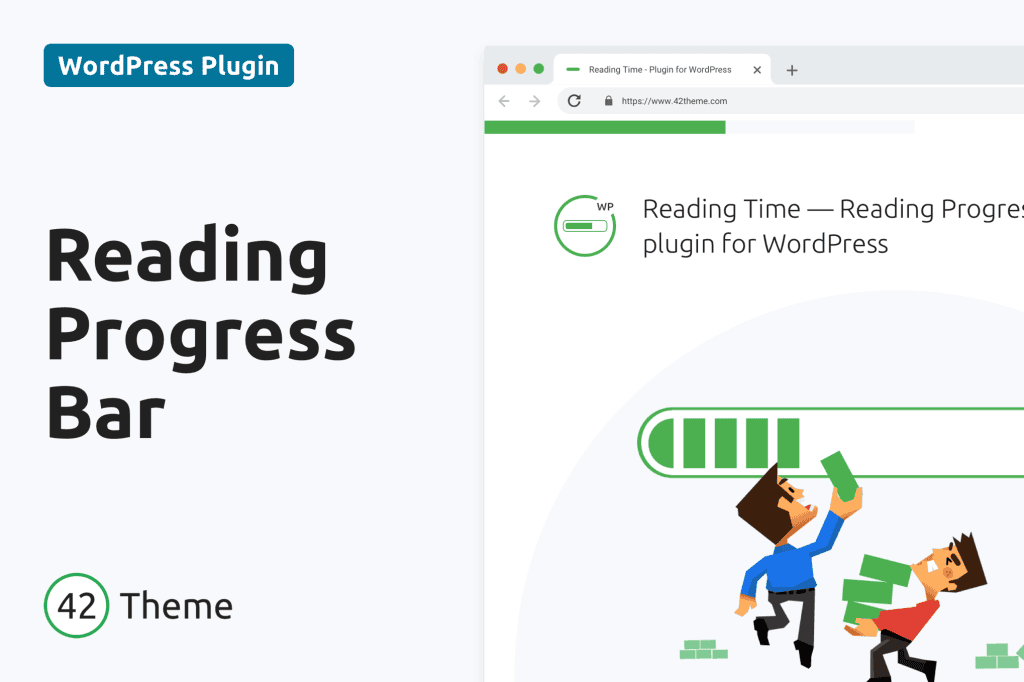
In an era where attention spans are fleeting, keeping your visitors engaged is more challenging than ever. The Reading Time – Reading Progress Bar for WordPress plugin transforms how your audience interacts with your long-form content by providing clear, visual cues that encourage them to keep scrolling. By displaying an estimated reading time and a dynamic progress bar, you provide your readers with a sense of accomplishment and clarity, ultimately reducing bounce rates and increasing the time spent on your site.
Key Features
- Dynamic Reading Progress Bar: A sleek, customizable bar at the top or bottom of your page that fills up as the user scrolls, giving them an immediate visual indicator of how much content remains.
- Estimated Reading Time: Automatically calculates and displays the expected reading time for each post, helping users decide if they have the time to engage with your article right now.
- Highly Customizable Design: Easily adjust the colors, height, and position of the progress bar to seamlessly match your website’s existing branding and theme aesthetics.
- Responsive Performance: Built with mobile users in mind, the progress bar and reading time indicators function smoothly across all devices, from desktops to smartphones.
- Shortcode Support: Gain full control over where the reading time text appears by using simple shortcodes to place the indicator exactly where you want it within your content.
- Lightweight and Optimized: Designed for speed, the plugin ensures that your site’s loading times remain fast, which is crucial for both user experience and search engine optimization.
- Post Type Flexibility: Choose exactly which post types—such as blog posts, pages, or custom post types—should display the progress bar and reading time.
Use Cases / Who It’s For
This plugin is an essential tool for any website owner who publishes long-form content. If you run a blog, a news site, or an educational platform, your readers need to know what they are getting into before they start reading. By providing a clear expectation of the time investment required, you build trust with your audience.
Content creators, journalists, and technical writers benefit significantly from this plugin. When readers see that a complex tutorial or an in-depth investigative piece is nearing its end, they are more likely to finish the article rather than abandoning it halfway through. Furthermore, for publishers focused on monetization, keeping users on the page longer translates to higher ad visibility and better engagement metrics, which are vital for growing a sustainable online publication.
Setup / How It Works
Getting started with the Reading Time – Reading Progress Bar plugin is designed to be straightforward, requiring no advanced coding knowledge:
- Install and Activate: Upload the plugin through your WordPress dashboard, or search for it in the plugin repository, and click activate.
- Configure Settings: Navigate to the plugin settings page within your WordPress admin panel. Here, you can define your preferred colors, the thickness of the progress bar, and the specific location (top or bottom of the screen).
- Select Post Types: Choose which areas of your site should feature the progress bar. You can enable it globally for all posts or selectively for specific pages.
- Customize Text: Adjust the reading time label to match the tone of your website, ensuring it fits naturally with your existing design.
- Save and Preview: Once you save your settings, visit your live site to see the progress bar in action. You can return to the settings at any time to tweak the appearance as your site evolves.
Similar Plugins
If you are exploring options to enhance user engagement through visual indicators, you may also encounter other solutions in the WordPress ecosystem, such as Worth The Read, Reading Progress Bar, and various theme-integrated reading time features. Each of these tools offers different balances of complexity and design, but the Reading Time – Reading Progress Bar plugin stands out for its focus on a lightweight, user-friendly experience that prioritizes site performance while delivering essential engagement metrics.