
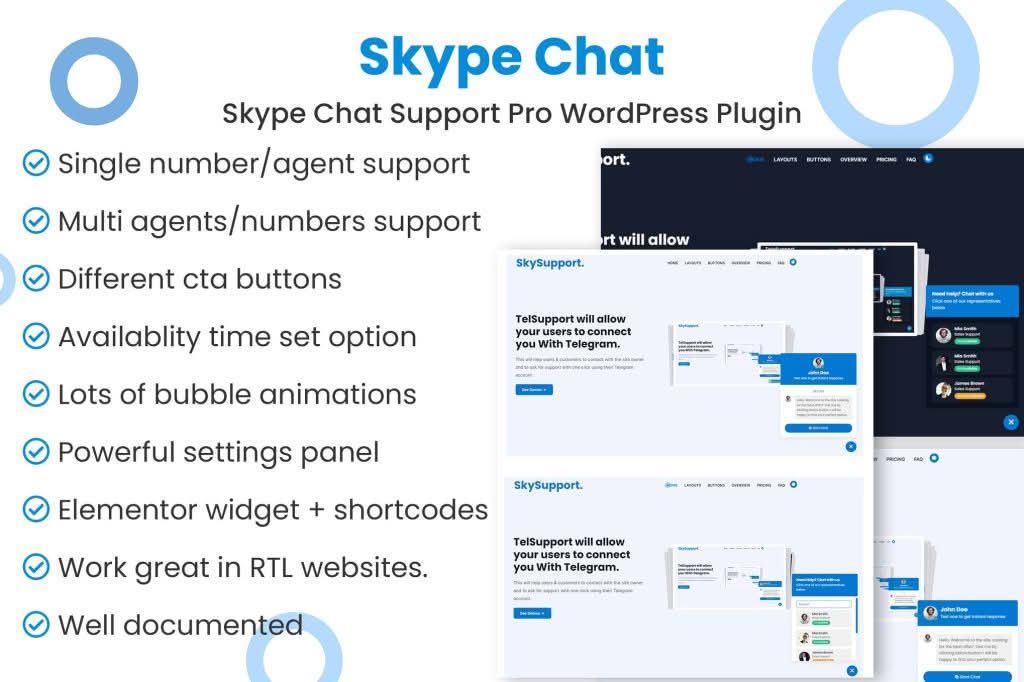
Transform your website into a responsive customer service powerhouse with the Skype Chat Support Pro WordPress plugin. In today‚Äôs fast-paced digital marketplace, customers expect immediate answers to their questions before they commit to a purchase. By integrating the world’s most recognizable communication platform directly into your WordPress site, this plugin bridges the gap between passive browsing and active engagement, helping you build trust, resolve doubts in real-time, and ultimately increase your conversion rates.
Key Features
- Real-Time Communication: Enable visitors to initiate a Skype chat, voice call, or video call with a single click, providing a personal touch that automated chatbots simply cannot replicate.
- Customizable Chat Button: Tailor the appearance of your chat button to match your brand identity, ensuring a seamless aesthetic transition from your website to the Skype application.
- Flexible Positioning: Choose exactly where your support button appears on the screen—whether it is anchored to the bottom corner or integrated into a specific page—to optimize user experience without obstructing content.
- Device Responsiveness: The plugin is fully optimized for mobile and desktop users, ensuring that your customers can reach out for support regardless of whether they are browsing on a smartphone, tablet, or laptop.
- Lightweight Performance: Built with clean code to ensure your website speed remains unaffected, providing a smooth experience for your visitors while maintaining your SEO rankings.
- Simple Configuration: Manage your support settings directly from the WordPress dashboard without needing to touch a single line of code, making it accessible for beginners and developers alike.
Use Cases / Who It’s For
Skype Chat Support Pro is designed for any WordPress site owner who prioritizes direct, human-to-human interaction. It is an ideal solution for e-commerce store owners who need to provide pre-purchase support to help customers choose the right product, reducing cart abandonment rates significantly. Service-based businesses, such as consultants, agencies, and freelancers, can use the plugin to conduct quick discovery calls or provide immediate project updates to clients directly from their portfolio websites.
Furthermore, it is a perfect tool for educational platforms or membership sites where users may require personalized guidance or troubleshooting. By removing the friction of email back-and-forth, you empower your customers to get the help they need instantly, which fosters long-term loyalty and enhances your professional reputation.
Setup / How It Works
- Install and Activate: Upload the plugin file to your WordPress site via the Plugins menu and activate it to begin the configuration process.
- Configure Skype ID: Navigate to the plugin settings page and enter your Skype username or the specific Skype URI link you wish to use for your support channel.
- Customize Appearance: Select your preferred button style, icon, and screen position to ensure the chat trigger aligns with your website’s design language.
- Set Visibility Rules: Choose which pages or post types should display the Skype chat button, giving you full control over where support is offered.
- Save and Launch: Save your settings and refresh your website to see your new, professional Skype support button in action.
Similar Plugins
If you are exploring different ways to integrate communication tools into your WordPress site, you may also consider plugins such as Join.chat, which focuses on WhatsApp integration, or various multi-channel support plugins like Chaty, which allows you to display multiple contact buttons including Skype, WhatsApp, Telegram, and Messenger simultaneously.