
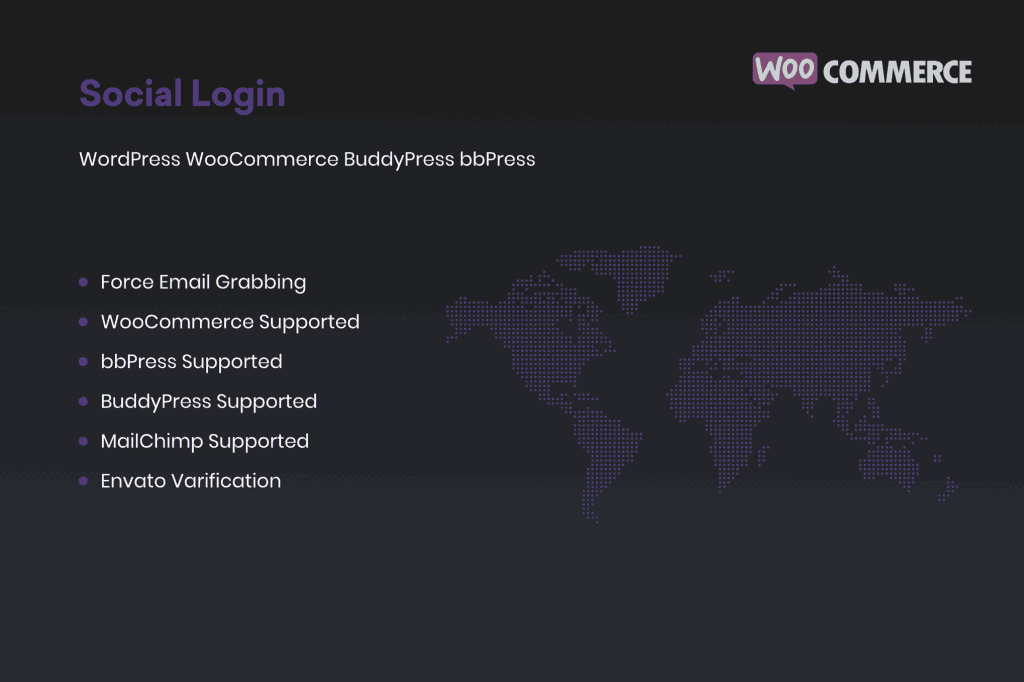
Friction is the enemy of conversion. Every extra field a user has to fill out during registration is a potential point of abandonment. The Social Login for WordPress WooCommerce BuddyPress plugin eliminates this barrier by allowing your visitors to sign up and log in using their existing social media accounts. By streamlining the authentication process, you provide a seamless user experience that encourages more registrations, boosts customer loyalty, and significantly reduces the frustration associated with managing multiple passwords.
Key Features
- Broad Social Integration: Support for major social platforms including Facebook, Google, Twitter (X), LinkedIn, and more, ensuring your users can use the services they already trust.
- WooCommerce Compatibility: Fully integrates with your checkout and account pages, allowing customers to log in or register instantly without leaving the store, which helps reduce cart abandonment.
- BuddyPress Integration: Perfect for community-driven sites, this plugin allows members to join your social network or forum with a single click, fostering higher engagement and activity levels.
- Customizable Login Buttons: Choose from various button styles and positions to ensure the login interface matches your website’s branding and design aesthetic perfectly.
- Automatic Account Linking: If a user registers with an email that already exists in your database, the plugin can intelligently link their social account to their existing profile, preventing duplicate accounts.
- Shortcode Support: Easily place social login buttons anywhere on your site—including custom pages, widgets, or specific landing pages—using simple, flexible shortcodes.
- Secure Authentication: Utilizes industry-standard OAuth protocols to ensure that user data remains secure and private during the authentication process.
Use Cases and Who It’s For
This plugin is an essential tool for any WordPress site owner looking to prioritize user convenience. If you run an e-commerce store using WooCommerce, this plugin is a game-changer for your conversion rates. By removing the need for customers to create a new username and password, you make the checkout experience faster and more inviting, directly impacting your bottom line.
For site owners managing community-driven platforms via BuddyPress, this plugin is vital for lowering the barrier to entry. When users can join your community in seconds, they are more likely to participate, contribute content, and return to your site. Whether you are building a niche social network, a membership site, or a professional forum, providing a social login option transforms the onboarding process from a chore into a simple, one-click action.
Setup and How It Works
Getting started with social login is designed to be straightforward, even for those without advanced technical skills. The setup process generally follows these steps:
- Install and Activate: Upload the plugin to your WordPress site via the dashboard and activate it.
- Configure API Credentials: Navigate to the plugin settings and input the Client ID and Client Secret keys obtained from the developer consoles of the social networks you wish to support (e.g., Google Cloud Console or Meta for Developers).
- Customize Appearance: Select where you want the login buttons to appear, such as the WooCommerce checkout page, the standard WordPress login screen, or your BuddyPress registration page.
- Test the Connection: Use the plugin’s built-in testing tools to ensure that the handshake between your site and the social provider is working correctly.
- Go Live: Once verified, your users will immediately see the social login options, allowing them to bypass traditional registration forms.
Similar Plugins
If you are exploring your options, other popular solutions in this space include Nextend Social Login and Register, YITH WooCommerce Social Login, and Super Socializer. Each of these plugins offers varying levels of integration with WooCommerce and BuddyPress, so it is recommended to review their specific documentation to ensure they meet the unique requirements of your website architecture.