
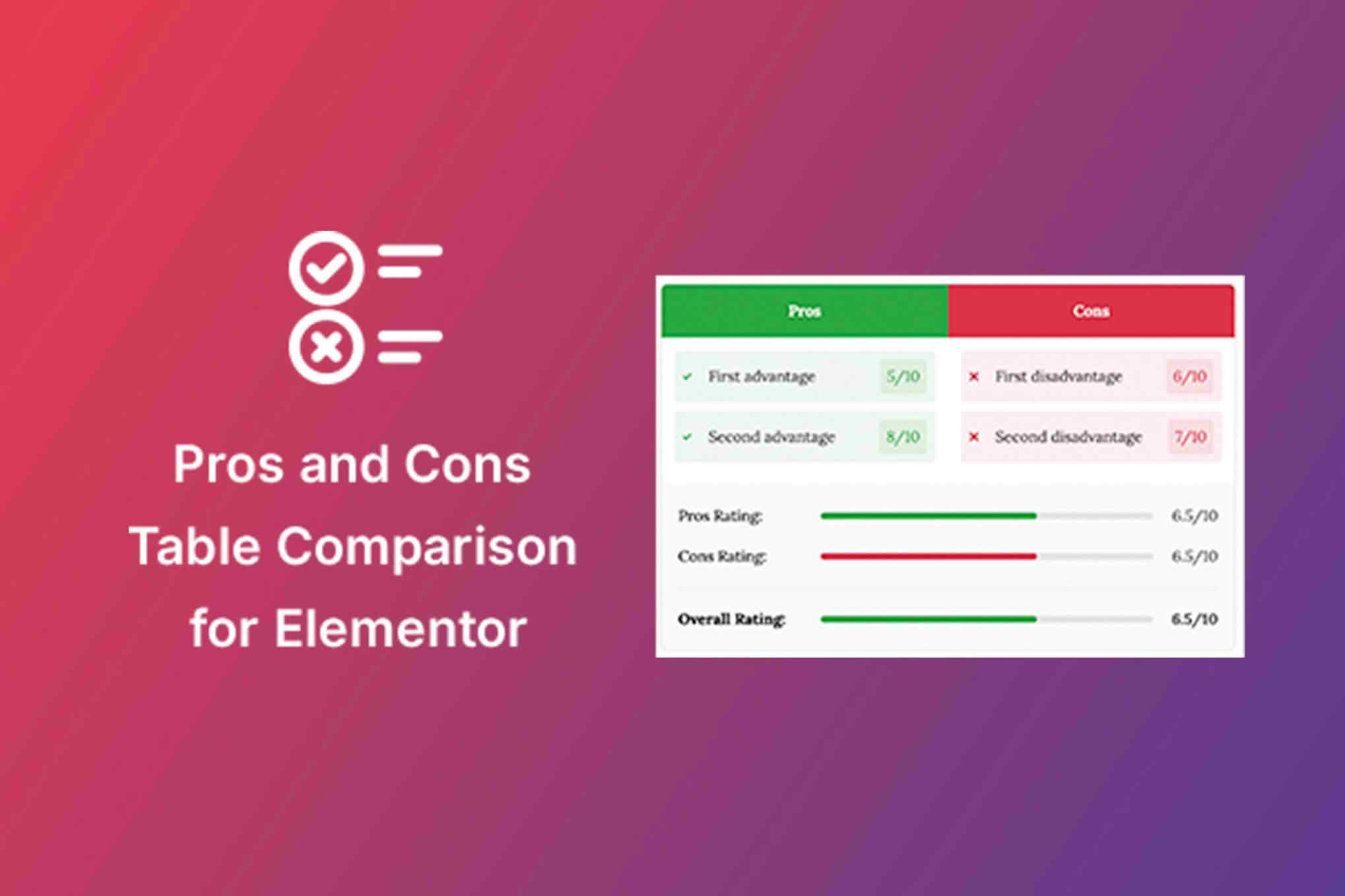
Elevate your product pages and increase conversion rates by presenting balanced, easy-to-read comparisons directly within your Elementor-built site. The Pros & Cons Widget for Elementor allows you to create clean, professional, and highly customizable comparison blocks that help your visitors make informed purchasing decisions quickly. By highlighting the strengths and limitations of a product or service, you build trust with your audience and reduce bounce rates, turning casual browsers into confident buyers.
Key Features
- Drag-and-Drop Integration: Seamlessly integrates with the Elementor page builder, allowing you to add pros and cons lists to any page or post with a simple drag-and-drop interface.
- Customizable Layouts: Choose from multiple design styles to match your website’s branding, including side-by-side columns, stacked lists, or compact layouts.
- Icon Library Support: Enhance readability and visual appeal by adding custom icons to each point, helping users scan information faster.
- Dynamic Content Compatibility: Easily pull data from custom fields, making it simple to manage pros and cons across hundreds of products automatically.
- Responsive Design: Ensures your comparison tables look perfect on all devices, from desktop monitors to mobile phones, without requiring additional configuration.
- Extensive Styling Options: Take full control over typography, spacing, colors, borders, and shadows to ensure the widget blends perfectly with your existing theme.
- Clickable Links: Optionally add links to individual items, allowing you to direct users to specific features, related products, or affiliate offers.
Use Cases and Who It Is For
This widget is an essential tool for any website owner focused on content-driven marketing or e-commerce. Affiliate marketers will find it indispensable for creating high-converting review posts where a clear comparison is necessary to guide a reader’s choice. By providing an honest assessment of a product’s pros and cons, you establish authority and transparency, which are critical for building long-term audience trust.
For e-commerce store owners, the widget is perfect for product pages where customers need to weigh different options, such as comparing different models of electronics, software subscriptions, or beauty products. It helps clarify complex information, reducing customer hesitation and answering common questions before they even reach your support team. Whether you are a professional blogger, a niche site owner, or an online retailer, this tool helps you present information in a way that is both aesthetically pleasing and psychologically persuasive.
Setup and How It Works
Getting started with the Pros & Cons Widget for Elementor is designed to be intuitive, requiring no coding knowledge or complex configuration.
- Install and Activate: Upload the plugin zip file to your WordPress dashboard, activate it, and ensure you have the Elementor page builder installed.
- Locate the Widget: Open any page or post using the Elementor editor. Search for the “Pros & Cons” widget in the left-hand sidebar panel.
- Drag onto Canvas: Drag the widget into the desired section of your page layout.
- Add Content: Use the Content tab to input your list items. You can easily add, remove, or reorder pros and cons, and assign specific icons to each entry.
- Style to Perfection: Navigate to the Style tab to adjust colors, typography, and spacing to match your site’s aesthetic.
- Publish: Once you are satisfied with the look and feel, update or publish your page to display the comparison block to your visitors.
Similar Plugins
If you are exploring alternatives within the Elementor ecosystem, you may also encounter plugins such as Essential Addons for Elementor, Premium Addons for Elementor, or JetElements. These larger plugin suites often include a “Pros & Cons” or “Comparison” widget as part of a broader collection of tools. While these suites offer many features, the dedicated Pros & Cons Widget for Elementor is often preferred by users who want a lightweight, focused solution without the overhead of dozens of extra widgets they may not need.