
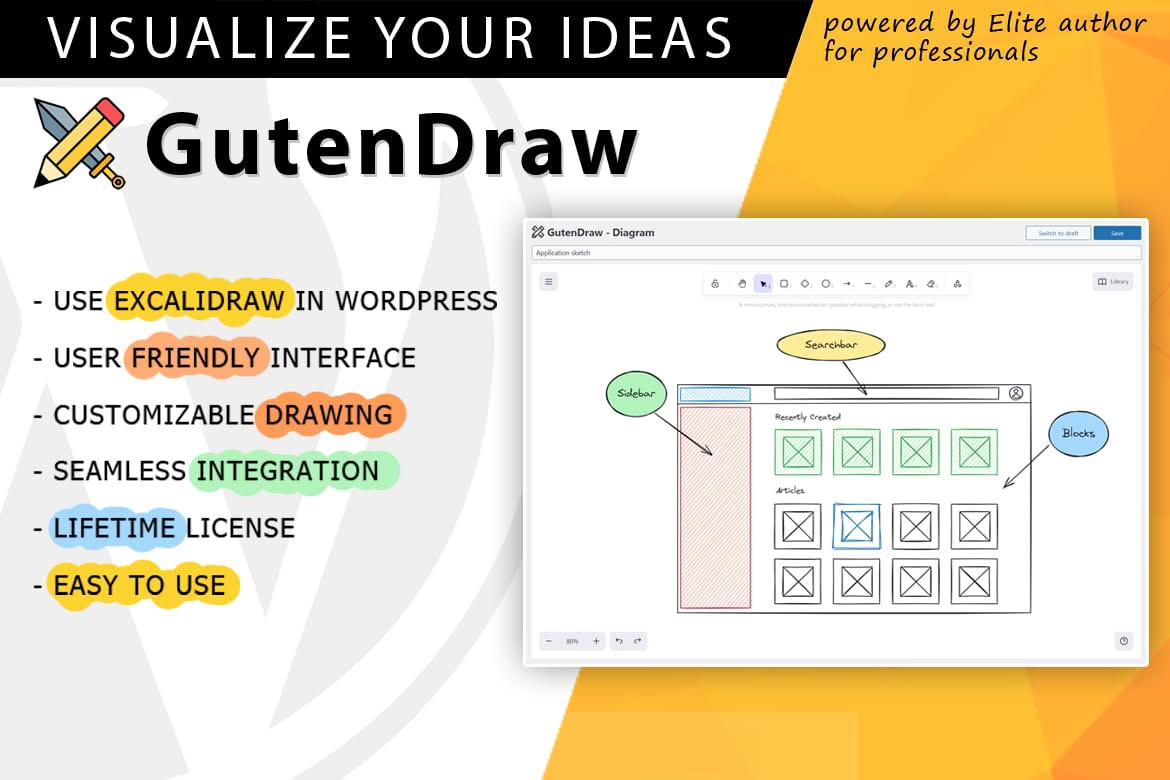
Transform your WordPress content from static text into engaging, hand-drawn visual narratives with GutenDraw. By seamlessly integrating the powerful Excalidraw whiteboard directly into the WordPress block editor, this plugin allows you to sketch diagrams, wireframes, flowcharts, and illustrations without ever leaving your dashboard. Whether you are explaining complex technical concepts, mapping out project plans, or simply adding a personal touch to your blog posts, GutenDraw provides a frictionless creative experience that keeps your visitors focused and informed.
Key Features
- Native Block Editor Integration: Enjoy a streamlined workflow by accessing the Excalidraw interface directly within the Gutenberg editor. No need to export images or switch between browser tabs.
- Hand-Drawn Aesthetic: Give your website a unique, approachable look with Excalidraw‚Äôs signature “sketchy” style, which helps humanize your content and makes complex ideas easier to digest.
- Infinite Canvas: Utilize a flexible, infinite whiteboard space to brainstorm, organize thoughts, or create detailed diagrams without being constrained by fixed dimensions.
- Rich Toolset: Access a comprehensive suite of drawing tools, including shapes, arrows, text, and freehand drawing, allowing you to build professional-grade visuals with ease.
- Responsive Outputs: Ensure your diagrams look perfect on every device. GutenDraw handles the scaling of your sketches to ensure they remain clear and legible on mobile, tablet, and desktop screens.
- Lightweight Performance: Built with efficiency in mind, the plugin ensures that your site remains fast and responsive, even when embedding multiple complex drawings across your pages.
- Easy Editing: Need to make a quick update? Simply click on your embedded drawing within the editor to reopen the Excalidraw interface and make instant adjustments to your work.
Use Cases: Who It’s For
GutenDraw is designed for anyone who needs to communicate ideas visually but wants to avoid the steep learning curve of professional design software. If you are a technical blogger, GutenDraw is the perfect tool for creating clean, hand-drawn architecture diagrams or sequence flowcharts that help your readers understand your code and logic. Educators and course creators can use it to build interactive-looking lesson diagrams that break down complicated topics into simple, visual steps.
For project managers and agency owners, it serves as an excellent way to share wireframes or site maps directly within a project documentation page. It is also a fantastic asset for creative writers and storytellers who want to include custom illustrations or doodles to enhance the personality of their articles. By removing the barrier between a thought and its visual representation, GutenDraw empowers you to create more compelling, high-retention content that stands out in a crowded digital landscape.
Setup: How It Works
Getting started with GutenDraw is designed to be intuitive for any WordPress user:
- Install and Activate: Upload the plugin to your WordPress site and activate it through the Plugins menu.
- Add the Block: Navigate to any post or page, click the plus (+) icon to add a new block, and search for “GutenDraw.”
- Start Sketching: Once the block is added, the Excalidraw canvas will load immediately. Use the toolbar to draw your shapes, add text, and arrange your elements.
- Save and Display: Once you are satisfied with your drawing, simply save your post or page. The plugin automatically renders your sketch as a clean, responsive element for your site visitors to see.
- Modify Anytime: If you need to change your drawing later, return to the post editor and click on the block to reopen the canvas, modify your sketch, and update the post.
Similar Plugins
While GutenDraw offers a specialized, native experience for Excalidraw integration, users looking for alternative ways to embed diagrams and whiteboards in WordPress may also explore plugins like Draw.io (often integrated via third-party extensions) or dedicated diagramming tools such as Mermaid.js-based plugins, which allow for generating diagrams through code-based syntax.