
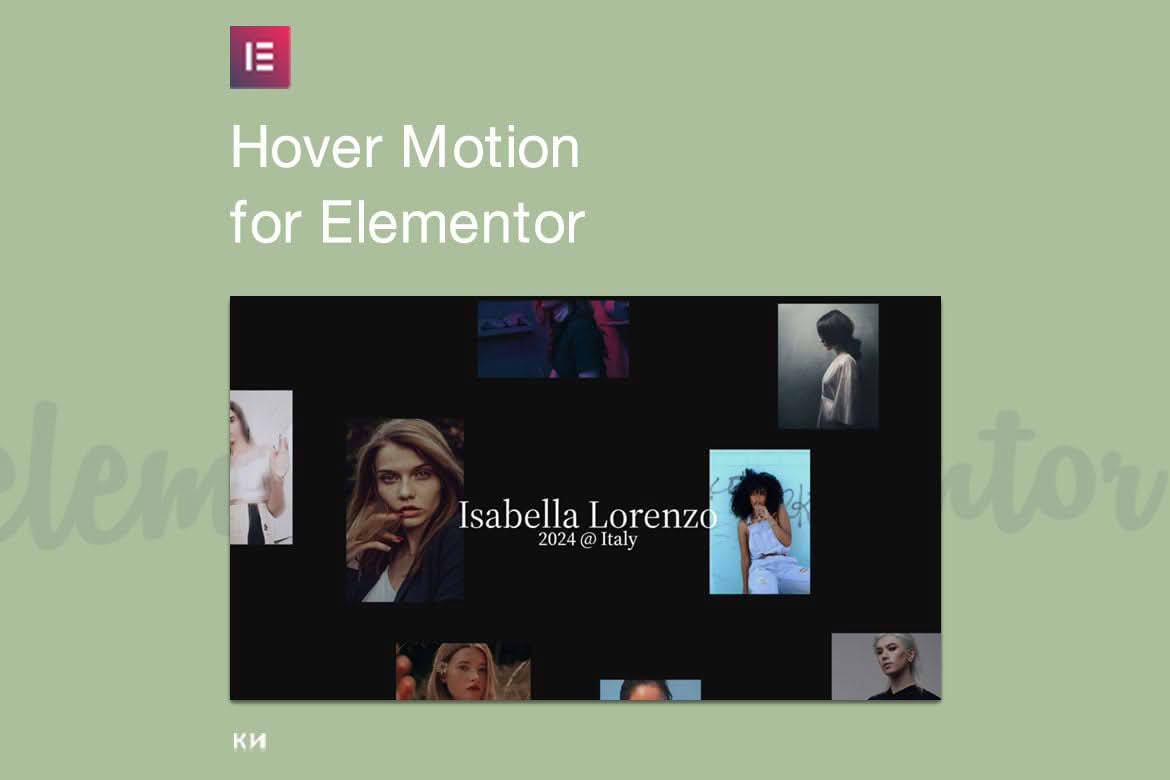
Transform static layouts into engaging, interactive experiences with On-Hover Motion Grids for Elementor. This powerful plugin allows you to add sophisticated, responsive motion effects to your grid-based designs, ensuring your website captures visitor attention the moment they hover over your content. Whether you are building a portfolio, showcasing products, or highlighting services, this tool provides the seamless animation control needed to elevate your brand’s digital presence without requiring a single line of code.
Key Features
- Intuitive Elementor Integration: Designed specifically for the Elementor page builder, allowing you to drag and drop motion-enabled grid widgets directly into your canvas.
- Customizable Hover Triggers: Choose from a variety of motion behaviors, including smooth scaling, subtle tilts, color shifts, and entrance animations that activate precisely when a user interacts with an element.
- Responsive Design Controls: Ensure your animations look perfect on every device by adjusting motion sensitivity and trigger settings independently for desktop, tablet, and mobile views.
- Performance-Optimized Architecture: Built with lightweight code to ensure that your site remains fast and search-engine friendly, even when using multiple animated grid elements on a single page.
- Advanced Timing and Easing: Take full control over the feel of your animations with adjustable duration, delay, and easing functions, ranging from linear transitions to bouncy, eye-catching effects.
- Flexible Grid Layouts: Compatible with various grid configurations, allowing you to apply unique motion effects to individual items or entire sections within your layout.
Use Cases and Who It Is For
On-Hover Motion Grids for Elementor is the ideal solution for creative professionals, web designers, and business owners who want to move beyond static, boring web layouts. If you are a freelance photographer or graphic designer, you can use these motion effects to make your portfolio pieces pop, creating a premium feel that encourages visitors to click through your work. For e-commerce store owners, the plugin is perfect for highlighting featured products or categories, drawing the eye to specific items and increasing engagement rates.
Marketing agencies will find this tool invaluable for creating high-conversion landing pages where user interaction is key. By adding subtle, professional motion to call-to-action buttons, service cards, or team member profiles, you can guide user attention and create a more immersive browsing experience. This plugin is built for anyone who uses Elementor and wants to add a layer of interactivity that feels modern, polished, and high-end.
Setup and How It Works
Getting started with On-Hover Motion Grids is designed to be a straightforward process that fits seamlessly into your existing Elementor workflow:
- Installation: Install and activate the plugin through your WordPress dashboard just like any other standard plugin.
- Access the Widget: Open your page or template in the Elementor editor and locate the new motion-enabled grid widgets in your side panel.
- Configure Content: Drag the widget onto your page and populate it with your images, text, or icons as you would with any native Elementor element.
- Apply Motion Effects: Navigate to the dedicated settings tab within the widget to select your preferred hover animation style, adjust the speed, and define the easing behavior.
- Preview and Publish: Use the Elementor preview mode to test your animations in real-time, fine-tune the settings to match your brand aesthetic, and publish your changes live to the site.
Similar Plugins
While there are various animation tools available for the WordPress ecosystem, users often compare On-Hover Motion Grids for Elementor with other specialized add-on packs such as Essential Addons for Elementor, Premium Addons for Elementor, and PowerPack for Elementor. These suites often contain a broad range of widgets, including their own versions of interactive grids and hover effects. On-Hover Motion Grids distinguishes itself by focusing specifically on high-performance, lightweight motion interactions, making it a preferred choice for users who want to avoid the “bloat” of larger, multi-purpose plugin libraries.