
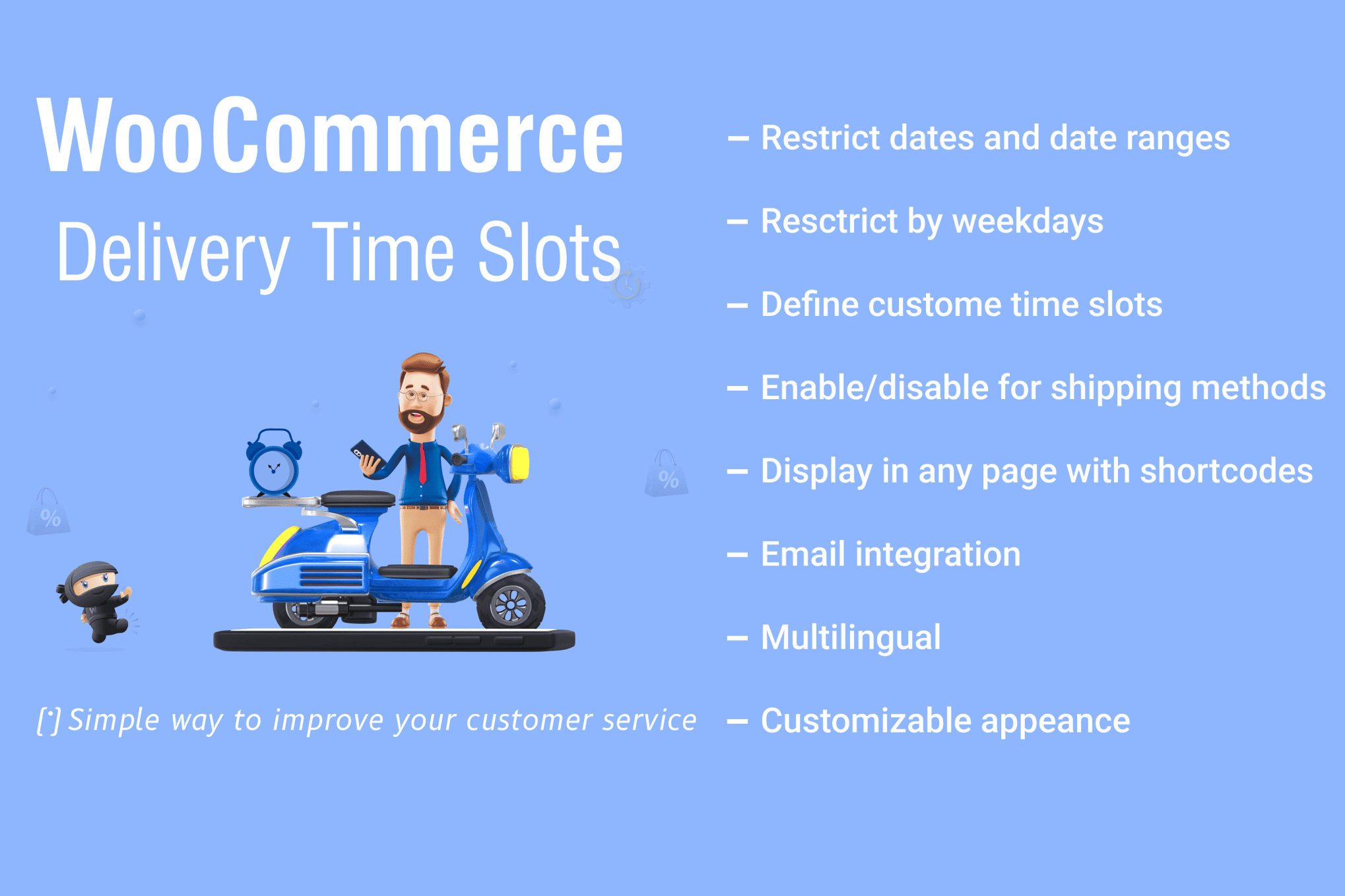
Take control of your logistics and improve customer satisfaction by allowing your shoppers to choose exactly when they receive their orders. The WooCommerce Delivery Time Slots plugin bridges the gap between your store’s fulfillment capacity and your customers’ busy schedules. By offering precise delivery windows directly at checkout, you reduce missed deliveries, minimize customer support inquiries regarding order status, and streamline your internal operations by preventing order surges that overwhelm your staff.
Key Features
- Flexible Time Slot Configuration: Create custom delivery windows tailored to your business hours, such as morning, afternoon, or specific hourly blocks.
- Delivery Date Picker: Enable a user-friendly calendar interface at checkout, allowing customers to select their preferred delivery date based on your availability.
- Capacity Management: Prevent overbooking by setting maximum order limits for specific time slots, ensuring your team is never overwhelmed.
- Holiday and Blackout Dates: Easily disable delivery options for holidays, weekends, or maintenance days to ensure you never promise a delivery you cannot fulfill.
- Dynamic Shipping Rules: Configure different time slots based on the shipping method selected, allowing for granular control over local delivery versus standard shipping.
- Order Management Integration: View the customer-selected delivery date and time directly within the WooCommerce order edit screen for seamless processing.
- Email Notifications: Automatically include the chosen delivery time slot in customer order confirmation emails and administrative notifications.
- Responsive Design: Ensure a smooth checkout experience for customers on mobile devices, tablets, and desktops.
Use Cases: Who It’s For
This plugin is an essential tool for any WooCommerce store that handles physical goods requiring scheduled arrival. If you operate a local business, you know that convenience is the key to repeat customers. Grocery stores and meal-prep services benefit immensely by allowing customers to select windows when they will be home to receive perishable items, significantly reducing spoilage and waste.
Local florists and gift shops can use the plugin to guarantee that special deliveries arrive on the correct day, avoiding the frustration of missed surprises. Furthermore, businesses offering rental equipment or large furniture items can use the time slot functionality to coordinate with delivery crews, ensuring that staff are available to assist with unloading and setup at the exact moment the customer expects them.
Setup: How It Works
- Install and Activate: Upload the plugin to your WordPress site and activate it through the plugin dashboard.
- Define Time Slots: Navigate to the plugin settings to define your operational hours. You can create recurring slots for each day of the week or define unique schedules for specific days.
- Set Capacity Limits: Assign a maximum number of orders per slot to align with your current delivery fleet or staff capacity.
- Configure Checkout Display: Choose where the date and time picker appears on your checkout page and customize the labels to match your brand voice.
- Manage Blackout Dates: Use the calendar interface to quickly mark specific dates as unavailable for delivery.
- Process Orders: Once live, your customers will see the delivery options at checkout. Their choices will be saved to the order meta, appearing in your dashboard and order emails for easy fulfillment.
Similar Plugins
If you are exploring your options, other popular solutions in this space include the YITH WooCommerce Delivery Date, Order Delivery Date for WooCommerce by Tyche Softwares, and WooCommerce Delivery Slots by Iconic. While these plugins share similar core functionality, we recommend evaluating each based on your specific needs for capacity management, integration with third-party shipping carriers, and overall interface preferences.