
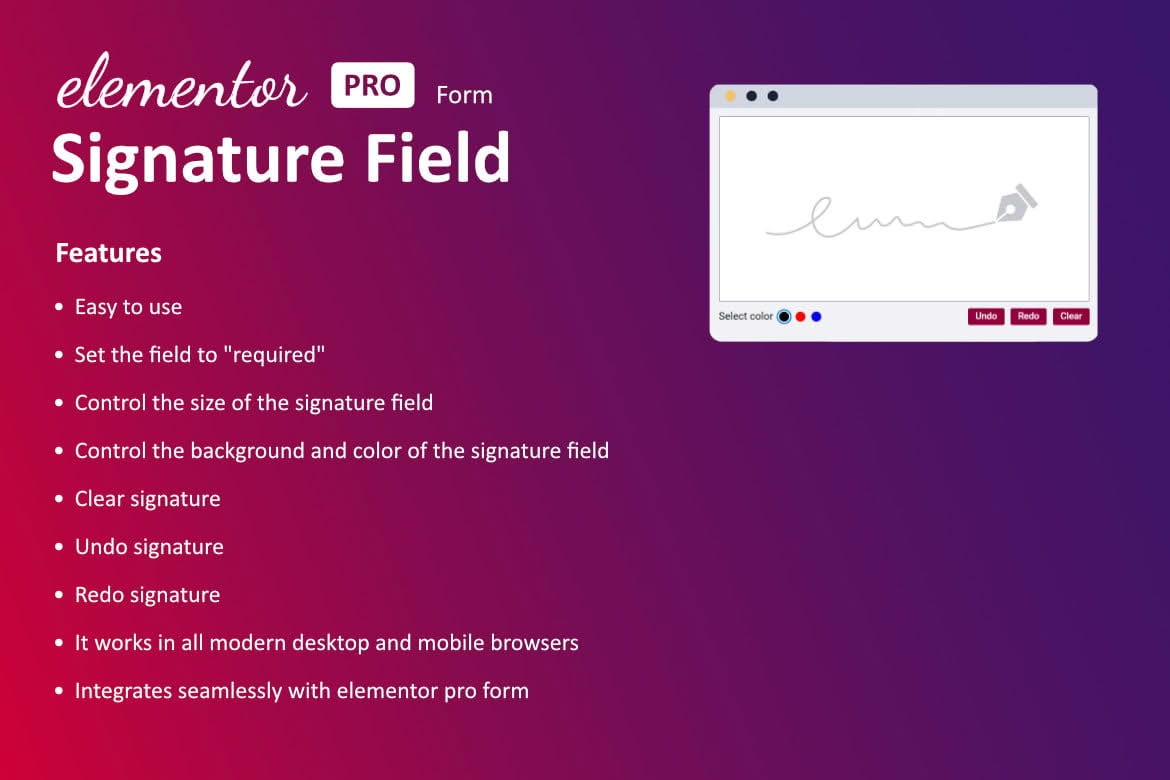
Streamline your digital workflows and eliminate the need for printing, signing, and scanning documents by adding a professional signature capture field directly to your Elementor forms. This plugin seamlessly integrates with the native Elementor Form widget, allowing your visitors to sign contracts, agreements, or consent forms directly on your website using their mouse, trackpad, or touch-enabled devices. It is the perfect solution for businesses looking to professionalize their intake processes, improve user experience, and accelerate document completion times without leaving the WordPress dashboard.
Key Features
- Native Elementor Integration: Designed specifically for the Elementor Form widget, ensuring a consistent look and feel with your existing site design.
- Touch-Friendly Interface: Fully responsive signature pad that works flawlessly on desktops, tablets, and smartphones, allowing users to sign with a finger or stylus.
- Customizable Appearance: Adjust the signature area dimensions, background colors, and line colors to match your brand identity and form layout.
- Image Output: Captured signatures are automatically saved as image files, which can be sent directly to your email notifications or stored in your WordPress media library for easy retrieval.
- Required Field Validation: Ensure you never receive an incomplete document by marking the signature field as mandatory, preventing form submission until the user has signed.
- Clear Button Functionality: Provides users with an intuitive “Clear” button, allowing them to easily reset their signature if they make a mistake.
- Lightweight Performance: Built with clean, optimized code to ensure your forms remain fast and responsive without slowing down your website.
Use Cases and Who It’s For
This plugin is an essential tool for any organization that relies on digital paperwork and needs to maintain a professional, paperless environment. It is particularly valuable for businesses that require explicit consent or legally binding agreements from their clients.
Freelancers and Agencies: Quickly collect signatures on project proposals, service agreements, and statements of work to get projects started faster.
Real Estate and Property Management: Allow prospective tenants or buyers to sign initial interest forms, rental applications, or property inspection reports directly through your website.
Healthcare and Wellness Providers: Simplify patient intake by having clients sign HIPAA consent forms, medical history disclosures, or liability waivers before they even step into your office.
E-commerce and Retail: Use signature capture for high-value orders, custom product requests, or acknowledgment of terms and conditions for specialized services.
Setup and How It Works
Integrating signature capture into your workflow is designed to be straightforward, requiring no complex coding knowledge.
- Install and Activate: Upload the plugin to your WordPress site and activate it through the Plugins menu.
- Add the Field: Open your desired page or form in the Elementor editor. Within the Elementor Form widget settings, add a new item to the form fields.
- Select Field Type: Choose the “Signature” option from the field type dropdown menu provided by the plugin.
- Configure Settings: Use the provided settings panel to customize the visual appearance of the signature pad, such as width, height, and color settings.
- Configure Notifications: Ensure your form’s “Actions After Submit” settings are configured to include the signature image in your email notifications or database entries.
- Publish: Save your changes and publish the form. Your users will now see a signature pad ready for them to sign upon visiting the page.
Similar Plugins
If you are exploring options for signature capture within the WordPress ecosystem, there are several alternatives available, such as Signature Addon for Elementor Forms, Elementor Signature Field, and WP Signature. These plugins offer varying levels of integration with different form builders, so it is recommended to review their specific compatibility with your current form setup to ensure the best fit for your requirements.