
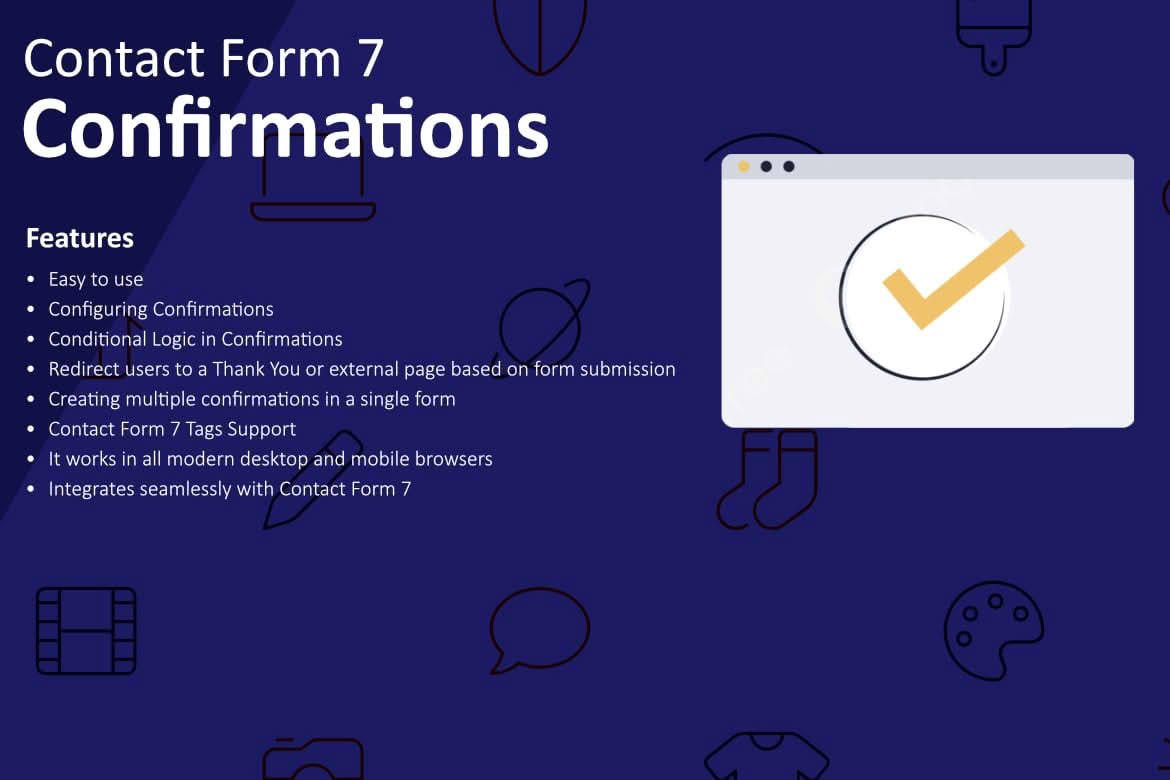
Take full control over the post-submission experience of your Contact Form 7 forms. Configuring Confirmations for Contact Form 7 empowers site administrators to move beyond the standard, static success message by providing a flexible way to manage what happens immediately after a user clicks “submit.” Whether you need to redirect users to a specific thank-you page, display dynamic content based on form inputs, or trigger custom tracking events, this plugin bridges the gap between a simple form submission and a professional user journey.
Key Features
- Custom Redirects: Seamlessly send users to a dedicated “Thank You” page, a specific product landing page, or an external URL immediately after a successful form submission.
- Dynamic Confirmation Messages: Go beyond plain text by injecting form field data into your confirmation message, allowing for a personalized touch that acknowledges the user’s specific input.
- Conditional Logic Support: Tailor the confirmation experience based on user choices. Show different messages or redirect to different pages depending on how the user filled out the form.
- Improved Conversion Tracking: Enhance your marketing analytics by redirecting users to unique URLs, making it easier to track form completions in Google Analytics, Facebook Pixel, or other conversion tracking platforms.
- Lightweight and Efficient: Built with performance in mind, the plugin ensures that your site remains fast and responsive without adding unnecessary bloat to your WordPress installation.
- User-Friendly Interface: Integrate directly into the existing Contact Form 7 editor, keeping your workflow streamlined and intuitive without requiring complex coding knowledge.
Use Cases and Who It’s For
This plugin is designed for website owners, marketers, and developers who rely on Contact Form 7 but find the default success notification too limiting. If you are running a business, you know that the “Thank You” page is prime real estate. Instead of a dead-end message, you can use this plugin to guide customers to your latest blog post, offer a discount code for their next purchase, or invite them to follow your social media channels.
Marketers will find this tool indispensable for accurate conversion tracking. By redirecting users to a specific URL upon submission, you can precisely measure the effectiveness of your lead generation campaigns. Developers and agencies will appreciate the ability to quickly configure complex post-submission behaviors for clients without having to write custom JavaScript or modify theme files, saving valuable development time on every project.
Setup and How It Works
Getting started with Configuring Confirmations for Contact Form 7 is designed to be straightforward for anyone already familiar with the Contact Form 7 interface:
- Install and Activate: Install the plugin through your WordPress dashboard and activate it as you would any other plugin.
- Access Form Settings: Navigate to the Contact Form 7 interface and select the form you wish to modify.
- Configure Confirmation Tab: Look for the new tab or section added by the plugin within the form editor. Here, you can define your desired behavior.
- Define Actions: Choose between displaying a custom message or setting up a redirect URL. You can use simple tags to pull information from the form fields to personalize the experience.
- Save and Test: Once configured, save your form settings and perform a test submission on your live site to verify that the confirmation message or redirect functions exactly as intended.
Similar Plugins
If you are exploring your options for enhancing Contact Form 7, there are other tools available that offer related functionality. Plugins such as “Contact Form 7 Redirection” focus specifically on the redirect aspect of form submissions. Additionally, comprehensive add-on suites for Contact Form 7, such as “CF7 Skins” or various “Contact Form 7 Extensions” bundles, often include confirmation management as part of a larger set of features designed to extend the capabilities of the core plugin.