
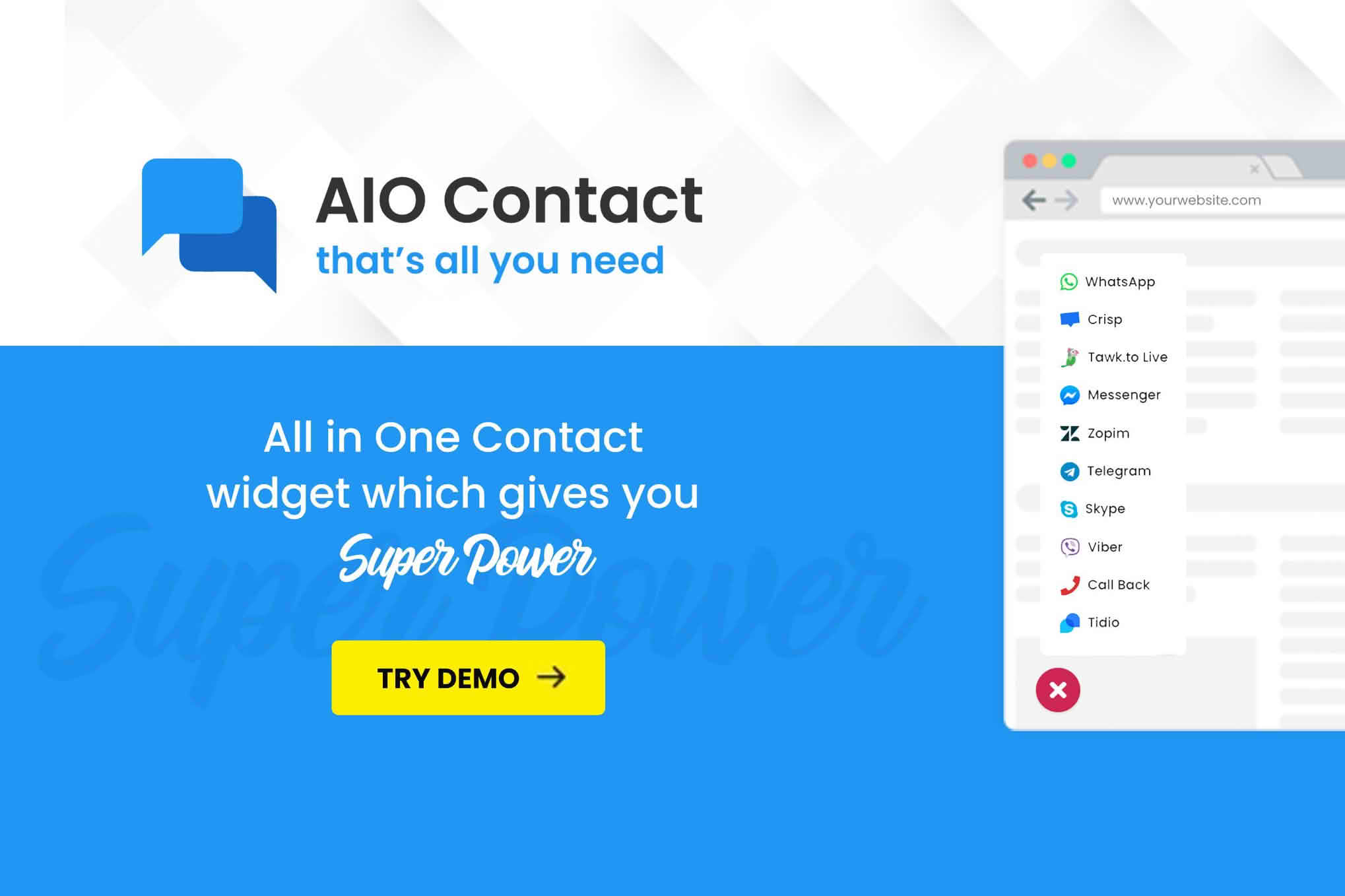
In today’s fast-paced digital environment, your customers expect immediate access to support and communication channels. AIO Contact – All in One Contact Widget bridges the gap between your website and your visitors by consolidating multiple communication platforms into a single, sleek, and highly visible interface. Whether you are a small business owner, a freelancer, or an e-commerce manager, this plugin ensures that your audience can reach you through their preferred method without ever leaving your site, ultimately boosting engagement and conversion rates.
Key Features
- Unified Communication Hub: Display multiple contact methods—including WhatsApp, Facebook Messenger, Telegram, Skype, phone calls, and email—within a single, unobtrusive floating widget.
- Customizable Design: Tailor the appearance of the widget to match your brand identity. You can adjust colors, icon positions, and button styles to ensure the contact tool feels like a native part of your website.
- Device-Specific Visibility: Control where and when your contact buttons appear. Choose to display specific channels only on mobile devices or desktops to optimize the user experience for different screen sizes.
- Schedule Availability: Manage customer expectations by setting specific business hours. You can configure the widget to show or hide contact options based on your actual availability, preventing missed inquiries during off-hours.
- Page-Level Targeting: Decide exactly where the widget appears. Enable it globally across your entire site or limit it to specific pages, such as your product, checkout, or contact pages, to maximize relevance.
- Lightweight Performance: Engineered for speed, the plugin is designed to have a minimal impact on your website’s loading times, ensuring that your SEO and user experience remain uncompromised.
Use Cases / Who It’s For
AIO Contact is designed for any WordPress user who prioritizes customer service and lead generation. E-commerce store owners benefit significantly by offering instant support on checkout pages, which can help reduce cart abandonment by answering last-minute questions. Service-based businesses, such as consultants, agencies, or local contractors, can use the plugin to streamline appointment bookings and inquiries by providing a direct line to their WhatsApp or phone number.
Furthermore, if you are a blogger or content creator, this plugin provides a professional way for readers to reach out for collaborations or feedback without cluttering your site with multiple disparate contact forms. By centralizing these touchpoints, you create a more professional image and ensure that no customer inquiry slips through the cracks.
Setup / How It Works
- Installation: Install and activate the AIO Contact plugin directly from your WordPress dashboard.
- Configuration: Navigate to the plugin settings page to add your contact details for each desired platform, such as your WhatsApp number, email address, or social media profile links.
- Customization: Use the intuitive settings panel to select your preferred icon styles, choose the screen position (e.g., bottom-right or bottom-left), and set your business operating hours if desired.
- Display: Save your changes to instantly deploy the widget across your site. The floating button will automatically appear, providing your visitors with an immediate, one-click way to start a conversation.
Similar Plugins
If you are exploring options for customer communication widgets, you may also encounter similar solutions such as Chaty, Buttonizer, and Join.chat. While these plugins offer overlapping functionality, AIO Contact distinguishes itself through its focus on a streamlined, all-in-one approach that prioritizes ease of use and rapid deployment for WordPress administrators who want to get up and running without complex configurations.