
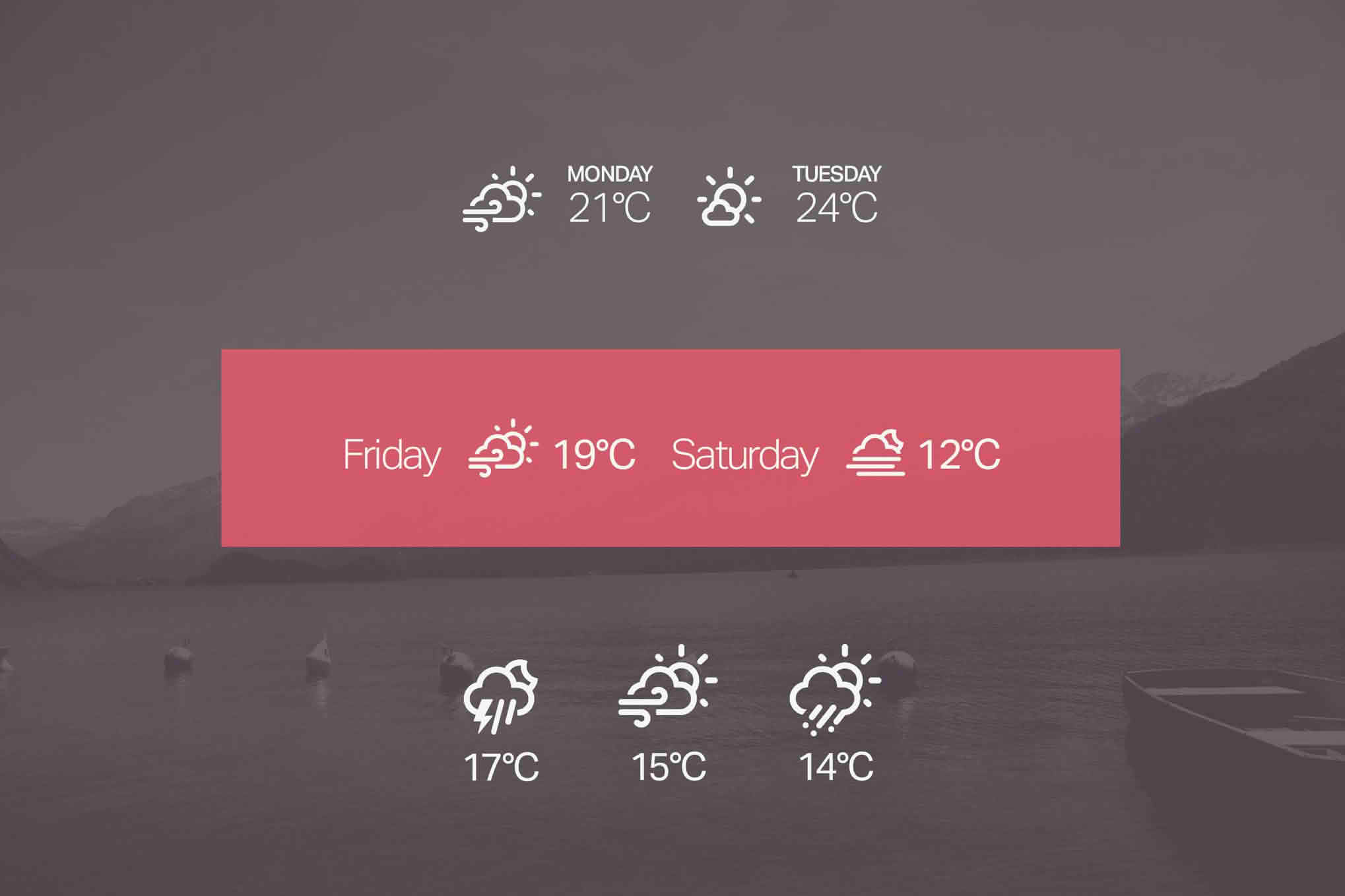
Keep your website visitors informed and engaged by displaying real-time weather conditions directly on your WordPress site. The Simple Weather WordPress Shortcode & Widget plugin offers a lightweight, efficient solution for site owners who want to provide localized weather updates without cluttering their pages or slowing down load times. Whether you are running a travel blog, a local business site, or a community portal, this plugin seamlessly integrates current weather data to enhance user experience and provide value to your audience.
Key Features
- Effortless Integration: Display weather data anywhere on your site using either a user-friendly sidebar widget or a versatile shortcode that can be placed in any post, page, or custom post type.
- Customizable Display: Tailor the look and feel of your weather module to match your website’s branding. Choose from various display options to ensure the weather data complements your existing design.
- Localized Accuracy: Provide your visitors with precise weather information by configuring the plugin for specific cities, regions, or locations relevant to your audience.
- Lightweight Performance: Engineered for speed, this plugin ensures that fetching weather data does not negatively impact your page loading times, keeping your site fast and SEO-friendly.
- Responsive Design: The weather display automatically adjusts to fit various screen sizes, ensuring that your weather information looks great on desktops, tablets, and smartphones.
- Real-Time Updates: Keep your content fresh with automated updates, ensuring that your visitors always see the most current temperature and weather conditions.
Use Cases / Who It’s For
This plugin is an essential tool for any website owner looking to add functional, dynamic content to their pages. Travel bloggers and tourism websites benefit immensely by providing travelers with the necessary weather context for their destinations, helping them plan their trips more effectively. Local business owners, such as restaurants with outdoor seating or event venues, can use the plugin to keep customers informed about conditions that might affect their visit.
Additionally, community websites, news portals, and local event organizers can leverage the plugin to provide a helpful service to their readers. By offering a quick glance at the weather, you encourage visitors to spend more time on your site and return frequently for updates. If your content is location-dependent, this plugin acts as a simple yet powerful utility to enhance the relevance and utility of your website.
Setup / How It Works
- Installation: Install and activate the plugin through your WordPress dashboard just as you would with any standard plugin.
- Configuration: Navigate to the plugin settings page to input your preferred location and select your desired units of measurement, such as Celsius or Fahrenheit.
- Widget Placement: To use the widget, simply go to your Appearance > Widgets menu, drag the Simple Weather widget into your desired sidebar or footer area, and save your changes.
- Shortcode Usage: To display weather within specific content, copy the provided shortcode and paste it directly into any post or page editor. You can often customize the shortcode parameters to target specific locations if you need to display different weather for different pages.
- Live Preview: Once saved, visit your website to see the weather information live and ensure it aligns with your site’s layout.
Similar Plugins
If you are exploring options for weather integration on WordPress, you may also encounter alternatives such as WP-Forecast or Weather Atlas Widget. These plugins offer similar functionality, allowing users to display weather data via widgets and shortcodes. When choosing the right tool for your site, consider the specific design requirements, the level of customization needed for your weather icons, and how each plugin handles data caching to ensure optimal site performance.