
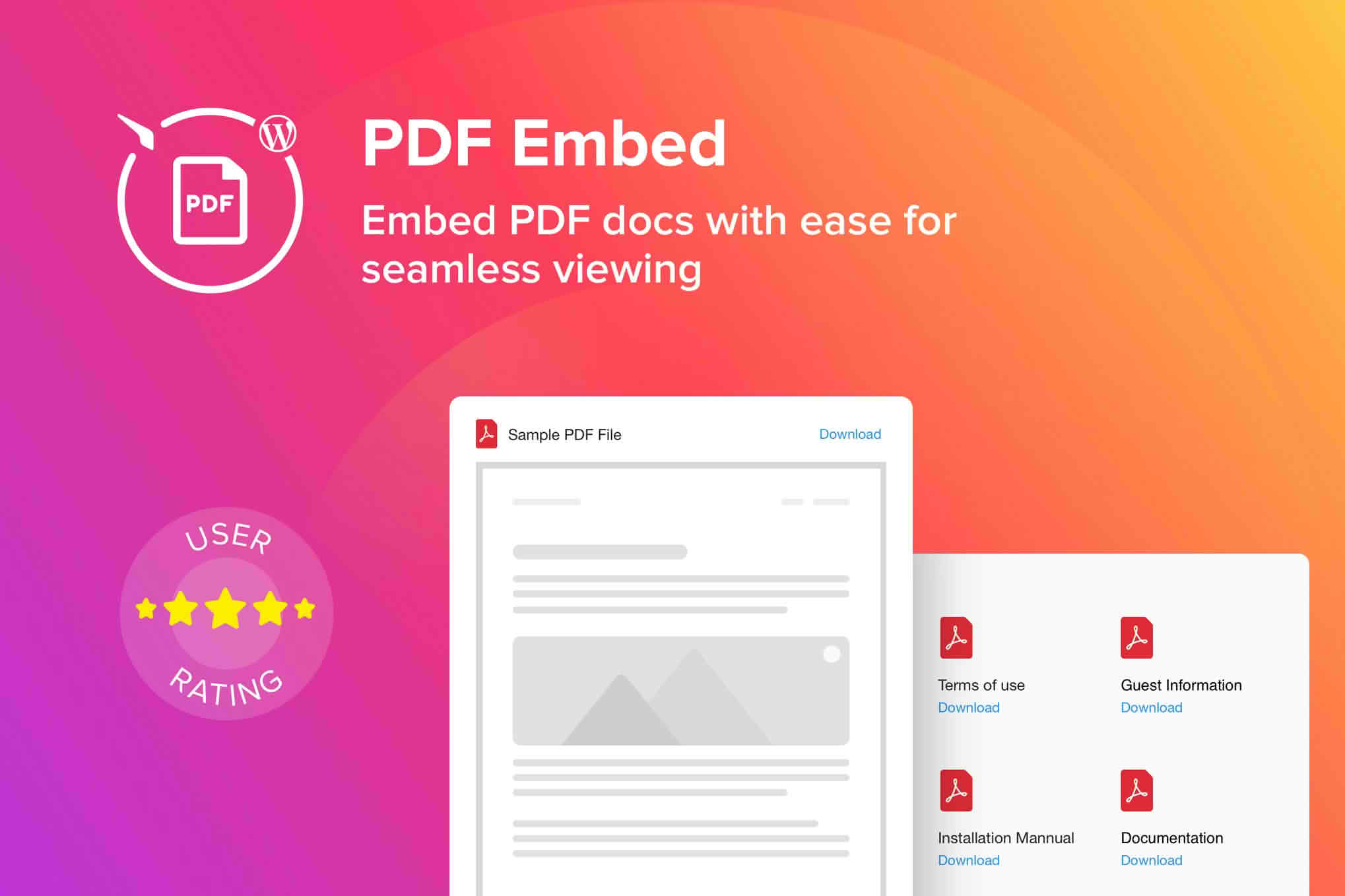
Transform your WordPress website into a professional document hub with the WordPress PDF Embed – Viewer Plugin. Whether you need to display product catalogs, legal documents, academic papers, or brochures, this plugin provides a seamless, high-quality reading experience directly within your posts and pages. By embedding PDFs instead of forcing visitors to download files, you keep users engaged on your site longer, reduce bounce rates, and ensure your content is accessible across all devices without requiring external software.
Key Features
- Seamless Integration: Easily embed PDF documents into any post, page, or custom post type using a simple, intuitive interface.
- Responsive Design: Your documents automatically adjust to fit any screen size, ensuring a crisp, readable experience on desktops, tablets, and mobile phones.
- Customizable Viewer: Tailor the viewer to match your site’s aesthetic. Adjust dimensions, toggle toolbar visibility, and control zoom settings to provide the best reading experience for your audience.
- Fast Loading Performance: Optimized to ensure your documents load quickly without slowing down your website, maintaining a smooth user experience.
- Cross-Browser Compatibility: Built to work flawlessly across all modern web browsers, ensuring your content is visible to every visitor regardless of their technical setup.
- No External Dependencies: Keep your site secure and independent by relying on a robust, self-contained viewer that does not require third-party hosting services or external API calls.
- User-Friendly Toolbar: Provide your readers with essential controls, including page navigation, full-screen mode, and print options, all within a clean and professional interface.
Use Cases / Who It’s For
The WordPress PDF Embed – Viewer Plugin is an essential tool for a wide range of website owners and professionals who need to manage digital documentation efficiently.
Business Owners and E-commerce Managers: Showcase your latest product catalogs, price lists, or user manuals directly on your product pages. Providing instant access to detailed specifications helps customers make informed purchasing decisions without leaving your site.
Educational Institutions and Researchers: Easily share syllabi, research papers, study guides, and course materials. Students and colleagues can read academic content immediately, fostering a better learning environment.
Legal and Corporate Professionals: Publish public disclosures, white papers, policy documents, and newsletters in a secure and professional format. Maintaining a consistent brand identity while sharing complex information is simplified through integrated PDF viewing.
Bloggers and Content Creators: Enhance your blog posts by embedding supplementary materials, such as e-books, checklists, or printable resources, allowing your readers to consume your content without the friction of file downloads.
Setup / How It Works
Getting started with the WordPress PDF Embed – Viewer Plugin is designed to be straightforward, requiring no coding knowledge or complex configuration.
- Install and Activate: Upload the plugin to your WordPress site via the Plugins menu and activate it.
- Upload Your File: Navigate to your WordPress Media Library and upload the PDF file you wish to display.
- Embed the PDF: Open the page or post where you want the document to appear. Use the provided block or shortcode to select your uploaded PDF.
- Configure Settings: Use the settings panel to adjust the height, width, and viewer options to ensure the document displays exactly how you want it.
- Publish: Save your changes and view your page. Your PDF will now appear as a fully functional, interactive viewer for your visitors.
Similar Plugins
If you are exploring options for PDF management in WordPress, other notable solutions include PDF Embedder, EmbedPress, and DearFlip. Each of these plugins offers varying sets of features, such as deep-linking, flipbook animations, or advanced security controls, allowing you to choose the tool that best aligns with your specific technical requirements and design goals.