
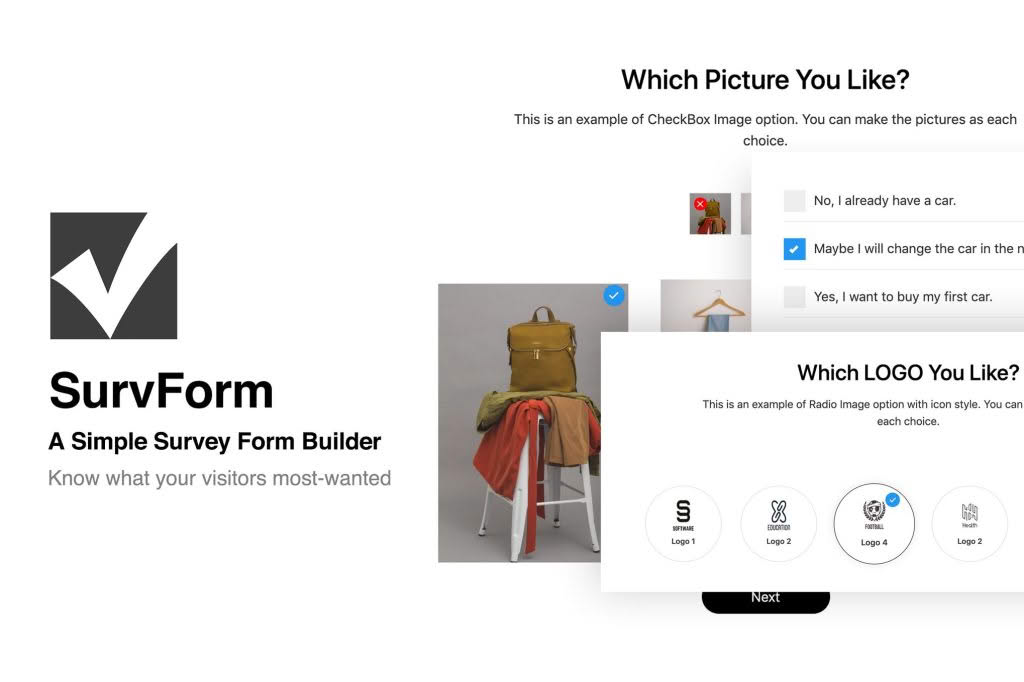
SurvForm is a powerful, user-friendly survey and form builder designed specifically for WordPress users who need to gather actionable data without the complexity of external platforms. Whether you are looking to understand your customers better, collect lead information, or gather feedback on your products, SurvForm provides a seamless, integrated experience directly within your WordPress dashboard. By keeping your data collection in-house, you maintain full control over your information while creating professional, high-converting forms that match your site’s branding.
Key Features
- Intuitive Drag-and-Drop Builder: Create complex surveys and forms in minutes without writing a single line of code. Simply drag the fields you need, rearrange them, and publish.
- Responsive Design: Ensure your forms look perfect on any device. SurvForm is built to be mobile-responsive, providing a smooth experience for users on smartphones, tablets, and desktops.
- Advanced Field Types: Go beyond basic text boxes. Utilize a wide variety of field types, including radio buttons, checkboxes, dropdowns, star ratings, scale sliders, and file uploads to capture exactly the data you need.
- Conditional Logic: Create dynamic forms that adapt to user input. Show or hide specific questions based on previous answers to keep your surveys relevant and reduce form abandonment.
- Data Management and Export: View all submitted entries directly within your WordPress dashboard. Easily export your survey results to CSV or Excel formats for deeper analysis in your preferred business intelligence tools.
- Customizable Styling: Tailor the look and feel of your forms to align with your website’s design. Adjust colors, borders, and spacing to ensure a cohesive brand experience.
- Spam Protection: Keep your data clean with built-in spam protection features, ensuring that only genuine responses from real users are recorded.
Use Cases and Who It’s For
SurvForm is the ideal solution for a diverse range of WordPress users who need to bridge the gap between their website and their audience. If you are an e-commerce store owner, you can use SurvForm to collect post-purchase feedback, helping you identify product strengths and areas for improvement. Marketing professionals can leverage the plugin to create lead generation forms that qualify prospects through conditional logic, ensuring the sales team only receives high-intent leads.
Content creators and bloggers can use SurvForm to conduct audience research, helping them decide what topics to cover next based on direct reader input. Furthermore, small business owners and service providers can utilize the plugin for appointment booking requests, client onboarding questionnaires, or simple contact forms that require structured data. Because SurvForm lives inside your WordPress installation, it is perfect for those who prioritize data privacy and want to avoid the recurring costs and limitations of third-party survey services.
Setup and How It Works
Getting started with SurvForm is designed to be straightforward, allowing you to go from installation to a live survey in just a few steps:
- Install and Activate: Upload the SurvForm plugin via your WordPress dashboard, activate it, and you will see a new menu item dedicated to your forms.
- Build Your Form: Navigate to the builder interface. Use the drag-and-drop editor to add the fields you need. You can customize labels, placeholders, and validation rules for each field.
- Configure Logic and Settings: Use the settings panel to enable conditional logic, set up email notifications for new submissions, and configure success messages.
- Publish Your Survey: Once your form is ready, the plugin generates a unique shortcode. Simply copy and paste this shortcode into any page, post, or widget area on your site to display your form.
- Monitor Results: As users interact with your forms, you can view, sort, and analyze all incoming data through the centralized entries dashboard.
Similar Plugins
If you are exploring the ecosystem of WordPress form builders, you may also encounter other popular solutions such as WPForms, Gravity Forms, and Formidable Forms. While these plugins offer various levels of functionality, SurvForm distinguishes itself by focusing specifically on the balance between robust survey capabilities and a streamlined, lightweight user experience tailored for WordPress administrators who want to avoid unnecessary bloat.