
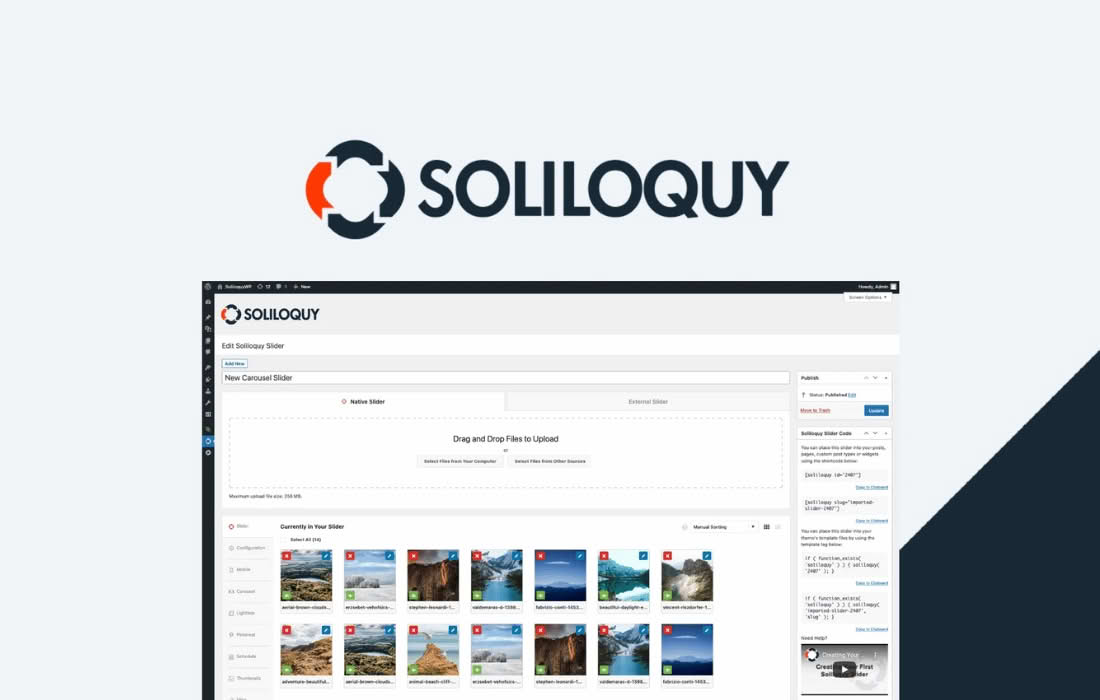
The Soliloquy Thumbnails Addon is the essential tool for transforming your standard image sliders into highly interactive, navigation-rich galleries. Designed for users who want to provide their visitors with a clear preview of what lies ahead, this addon allows you to display a row of clickable thumbnail images beneath or alongside your main slider. By giving your audience full control over their viewing experience, you increase engagement, improve navigation, and create a professional, polished look for your WordPress site.
Key Features
- Interactive Navigation: Enable a row of thumbnail images that act as a navigation bar for your main slider, allowing users to jump directly to the image they want to see.
- Customizable Layouts: Easily choose where your thumbnails appear relative to the main slider, giving you full control over the aesthetic and spacing of your gallery.
- Seamless Integration: Designed specifically for the Soliloquy slider engine, ensuring that the thumbnails load quickly and function perfectly without conflicting with your site’s performance.
- Responsive Design: Thumbnails automatically adjust to fit various screen sizes, ensuring your gallery remains functional and visually appealing on mobile devices, tablets, and desktops.
- Visual Clarity: Provide your visitors with a clear visual index of your content, which is particularly useful for long sliders where users might otherwise lose their place.
- Easy Configuration: Manage your thumbnail settings directly from the intuitive Soliloquy interface, requiring no custom coding or complex technical knowledge to get started.
Use Cases and Who It’s For
The Soliloquy Thumbnails Addon is perfect for any WordPress user who relies on visual storytelling to communicate with their audience. If you are a photographer, the addon allows you to showcase a portfolio where visitors can quickly browse through your best shots without having to click through every single image. For e-commerce store owners, it is an invaluable tool for product galleries; customers can easily switch between different angles or color variations of a product by clicking the corresponding thumbnail, leading to a smoother shopping experience.
This addon is also ideal for bloggers and travel writers who want to display large collections of images from events or trips. By providing a thumbnail navigation bar, you transform a potentially overwhelming slideshow into an organized, user-friendly gallery. It is built for anyone who values user experience and wants to ensure that their website visitors spend more time engaging with their media rather than struggling to navigate it.
Setup and How It Works
Getting started with the Soliloquy Thumbnails Addon is a straightforward process designed to save you time. Once you have the core Soliloquy plugin installed, follow these steps to activate your thumbnail navigation:
- Install and Activate: Download and install the Thumbnails Addon through your WordPress dashboard just like any other plugin.
- Access Slider Settings: Navigate to the Soliloquy slider you wish to modify and open the settings panel.
- Enable Thumbnails: Look for the “Thumbnails” tab within the slider configuration. Check the box to enable the thumbnail feature.
- Configure Preferences: Adjust settings such as thumbnail position, size, and spacing to match your site’s design requirements.
- Save and Publish: Save your changes. The thumbnails will automatically generate based on the images already uploaded to your slider, and they will appear on your front end immediately.
Because the addon is built to work natively with the Soliloquy framework, you do not need to manually create separate thumbnail files or write custom CSS to make them look good. The system handles the heavy lifting, ensuring that your gallery remains lightweight and fast-loading.