
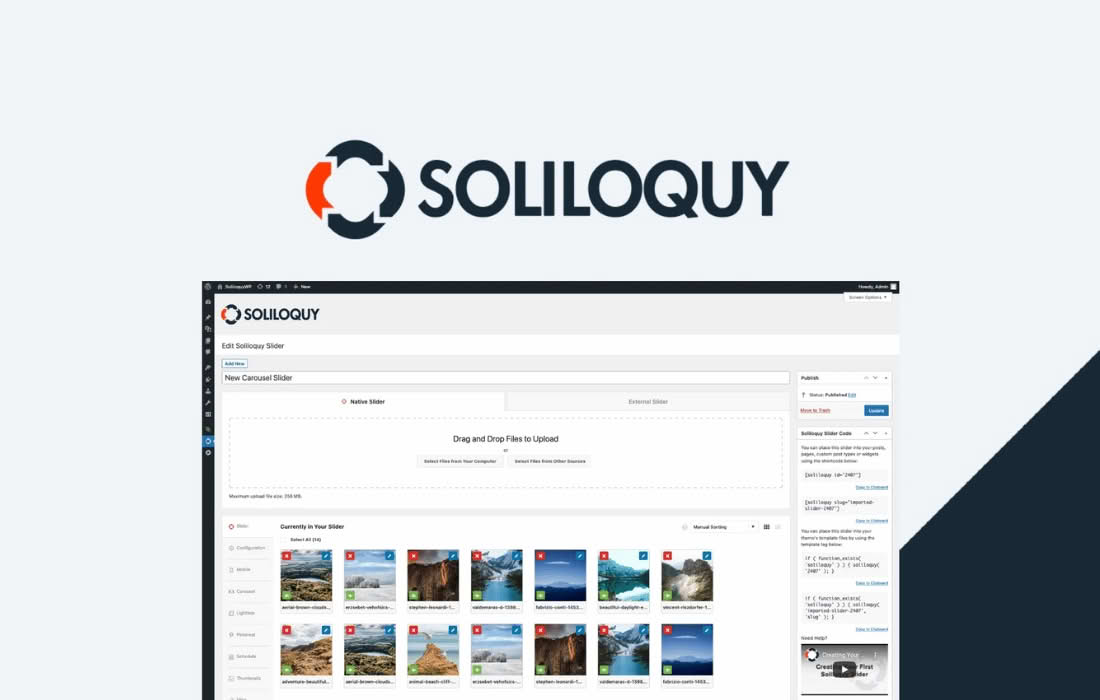
The Soliloquy Defaults Addon is the ultimate time-saver for WordPress site administrators and developers who manage multiple image sliders. If you find yourself repeatedly configuring the same settings—such as slider dimensions, transition speeds, or navigation styles—every time you create a new slider, this addon is designed for you. By allowing you to set global defaults for all new sliders, it eliminates repetitive manual configuration, ensures visual consistency across your entire website, and allows you to launch new content faster than ever before.
Key Features
- Global Configuration: Establish a master set of settings that automatically apply to every new slider you create, ensuring a uniform look and feel across your site.
- Streamlined Workflow: Drastically reduce the time spent on slider setup by pre-defining your preferred transition effects, slider themes, and layout options.
- Override Capability: While defaults provide a consistent starting point, you maintain full creative control; every individual slider can still be customized independently to meet specific page requirements.
- Seamless Integration: Designed specifically for the Soliloquy slider ecosystem, this addon integrates directly into your existing dashboard, requiring no complex setup or external configuration.
- Consistent User Experience: Maintain professional design standards across your site by ensuring that all sliders behave and appear identically, reducing the risk of accidental configuration errors.
Use Cases and Who It’s For
This addon is essential for anyone who manages a content-heavy website where image sliders are a frequent feature. If you are a web designer or agency managing client sites, the Defaults Addon allows you to enforce your agency’s design standards across every slider you build for a client, ensuring that your work remains polished and professional without needing to remember specific settings for every project.
For bloggers and content creators who frequently publish galleries or featured image sliders, this tool acts as a productivity multiplier. Instead of clicking through dozens of settings menus for every new post, you can focus on the content itself, confident that the slider will automatically adopt your preferred settings the moment you create it. It is also an excellent solution for e-commerce store owners who want to maintain a consistent brand identity across product carousels and promotional sliders, ensuring that the transition speeds and navigation styles remain familiar to customers regardless of which page they are viewing.
Setup and How It Works
The Soliloquy Defaults Addon is built for simplicity and ease of use. Once installed and activated on your WordPress site, it integrates directly into the Soliloquy settings panel.
- Navigate to Settings: Go to the Soliloquy settings area within your WordPress dashboard.
- Define Your Defaults: You will see a new tab or section dedicated to Defaults. Here, you can configure your preferred slider dimensions, transition effects, slider themes, and other common settings.
- Save and Apply: Once you save your configuration, these settings become the new baseline for your site.
- Create New Sliders: From this point forward, every time you click “Add New” to create a slider, the system will automatically populate the settings with your pre-defined defaults.
- Customize as Needed: If a specific slider requires a unique look, simply adjust the settings for that individual slider. The Defaults Addon only affects the initial setup, giving you complete flexibility to deviate when necessary.