
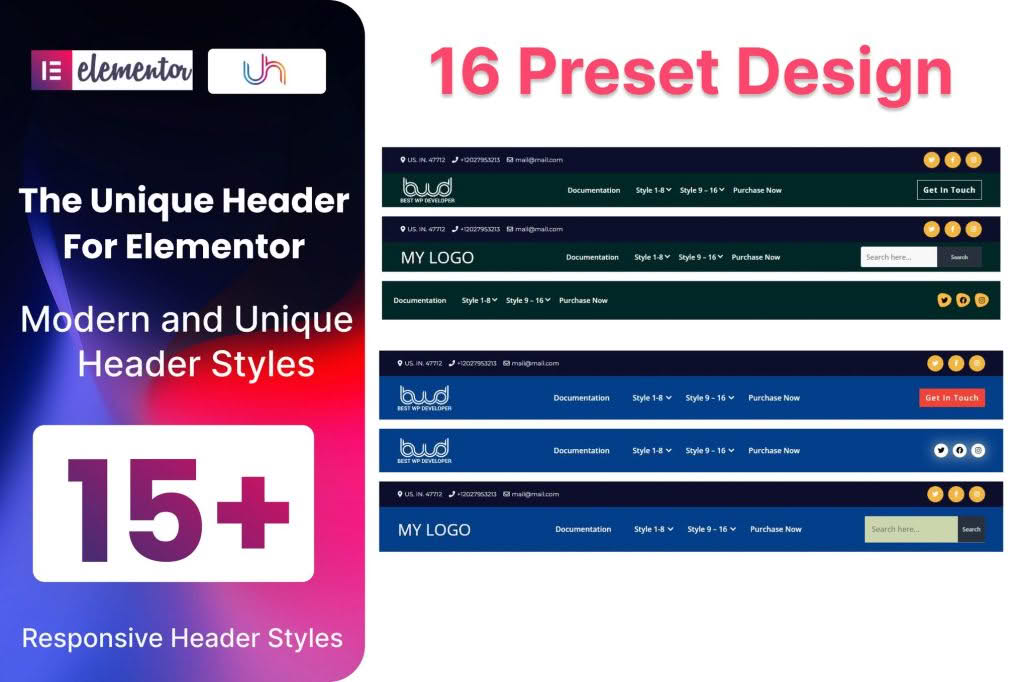
The Elementor Header Addon for WordPress empowers you to take full control of your website’s navigation experience without touching a single line of code. Designed specifically for users who rely on Elementor, this plugin bridges the gap between standard theme limitations and your creative vision, allowing you to build custom, responsive, and high-converting headers that perfectly align with your brand identity.
Key Features
- Drag-and-Drop Customization: Leverage the full power of the Elementor editor to design your header. Simply drag widgets, adjust padding, and set margins to create a layout that is uniquely yours.
- Sticky Header Functionality: Keep your navigation accessible at all times. Easily enable sticky headers that stay pinned to the top of the screen as users scroll, ensuring your menu and call-to-action buttons are always within reach.
- Responsive Design Controls: Ensure your header looks flawless on every device. Customize your header layout independently for desktop, tablet, and mobile views to provide a seamless user experience across all screen sizes.
- Transparent Header Options: Create modern, sleek designs by enabling transparent headers that blend seamlessly with your hero section or background imagery.
- Dynamic Content Support: Integrate dynamic elements such as user profile icons, login/logout links, and site branding elements that automatically update based on the page context or user status.
- Extensive Styling Options: Gain granular control over typography, colors, borders, and hover effects to ensure your header matches your site’s design system perfectly.
Use Cases / Who It’s For
This plugin is an essential tool for web designers, agency owners, and DIY business owners who want to elevate their website’s professional appearance. If you are tired of being restricted by the rigid header options provided by your current WordPress theme, this addon provides the flexibility you need to break free.
For e-commerce store owners, the ability to create custom headers means you can place search bars, shopping cart icons, and promotional banners exactly where they drive the most conversions. For bloggers and content creators, it allows for the implementation of complex mega-menus that make navigating large content libraries intuitive and enjoyable for readers. Whether you are building a corporate site, a personal portfolio, or a high-traffic online store, the Elementor Header Addon provides the professional-grade tools required to create a lasting first impression.
Setup / How It Works
- Install and Activate: Upload the plugin zip file to your WordPress dashboard via the Plugins menu and click activate.
- Create a New Template: Navigate to the plugin settings or your theme builder section to create a new header template using the Elementor interface.
- Design Your Header: Use the familiar Elementor editor to add your logo, navigation menus, buttons, and social icons. Utilize the plugin-specific settings to configure sticky behavior or transparency.
- Set Display Conditions: Use the display condition settings to determine where your custom header should appear. You can apply it to the entire site, specific pages, or unique post types.
- Publish: Save your changes and publish the template. The plugin will automatically replace your theme’s default header with your custom design.
Similar Plugins
While the Elementor Header Addon offers a specialized solution for header customization, there are other established tools in the ecosystem that provide similar functionality:
- Elementor Pro: Includes a built-in Theme Builder that allows for full header and footer customization without the need for additional third-party addons.
- Header, Footer & Blocks for Elementor: A popular, lightweight plugin that provides basic tools to create custom headers and footers specifically for Elementor users.
- JetBlocks: Part of the Crocoblock suite, this plugin offers advanced widgets specifically designed for creating complex headers and sticky sections within Elementor.