
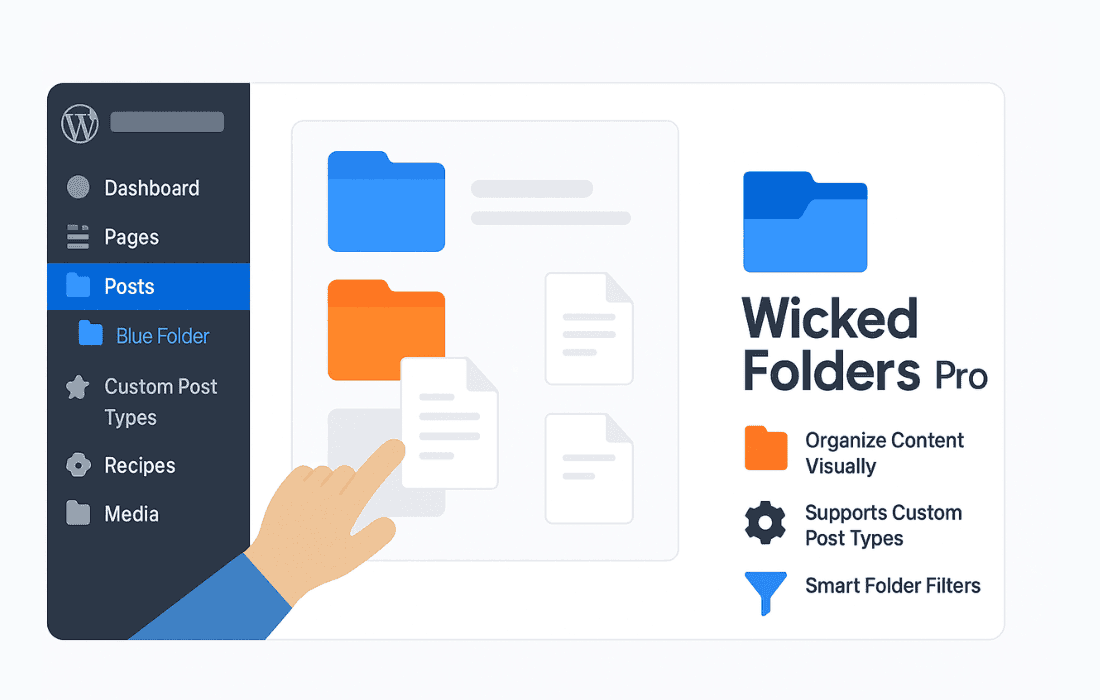
If you manage a WordPress site with hundreds or thousands of media files, posts, or pages, you know the frustration of scrolling through an endless, disorganized list. Wicked Folders Pro transforms your WordPress dashboard by providing a powerful, intuitive drag-and-drop interface to organize your content into folders. Designed for site administrators, content managers, and e-commerce store owners, this plugin eliminates the chaos of the default WordPress media library and post screens, helping you find exactly what you need in seconds rather than minutes.
Key Features
- Drag-and-Drop Organization: Effortlessly move your media files, pages, posts, and custom post types into folders using a simple, intuitive interface that feels native to WordPress.
- Dynamic Folders: Automatically organize your content based on specific criteria, such as file type, date, or author, ensuring your library stays sorted without manual intervention.
- Unlimited Folder Hierarchy: Create subfolders to build a nested organizational structure that fits your specific workflow, allowing for infinite levels of categorization.
- Bulk Actions: Save hours of work by moving or deleting multiple items at once, making large-scale site cleanup projects manageable.
- Seamless Integration: Works directly within the existing WordPress Media Library and post/page screens, meaning there is no need to learn a new, separate interface.
- Custom Post Type Support: Extend your organizational power beyond just media; use folders to manage products, portfolios, testimonials, or any other custom post types you have registered on your site.
- Folder-Based Filtering: Instantly filter your view to show only the items contained within a specific folder, keeping your workspace clean and focused.
Use Cases and Who It’s For
Wicked Folders Pro is an essential tool for anyone who relies on WordPress to manage significant amounts of digital assets. For e-commerce store owners using WooCommerce, the plugin is a game-changer. You can easily organize thousands of product images, downloadable files, and variations into logical categories, making inventory management much faster.
Content managers and bloggers who publish frequently will find relief in being able to group posts by category, status, or editorial team. Instead of searching through years of archives, you can keep current projects in a “Drafts” folder and move completed work into archived folders by year or topic.
Web agencies and developers often manage sites for clients who are not technically inclined. By setting up a logical folder structure, you can make the backend of a site much more user-friendly, reducing the time you spend providing support for clients who cannot find their files. It is the perfect solution for keeping a professional site organized, scalable, and easy to navigate.
Setup and How It Works
Getting started with Wicked Folders Pro is designed to be straightforward, requiring no complex configurations or coding knowledge.
- Install and Activate: Once the plugin is installed and activated, a new folder sidebar will automatically appear in your Media Library and post management screens.
- Create Folders: Click the “Add Folder” button to create your first category. You can name these folders whatever makes sense for your workflow.
- Organize Content: Simply drag and drop your files or posts into the desired folder. The plugin handles the underlying database relationships without moving or renaming your actual files on the server.
- Manage Hierarchy: Drag a folder into another folder to create a subfolder, allowing you to build a deep, logical structure that mirrors your file system or business needs.
Similar Plugins
While Wicked Folders Pro offers a robust suite of organizational tools, users looking for alternatives may also consider plugins such as FileBird, Real Media Library, or Folders by Premio. These plugins offer similar functionality regarding drag-and-drop media organization, though feature sets, interface designs, and compatibility with specific custom post types may vary between them.