
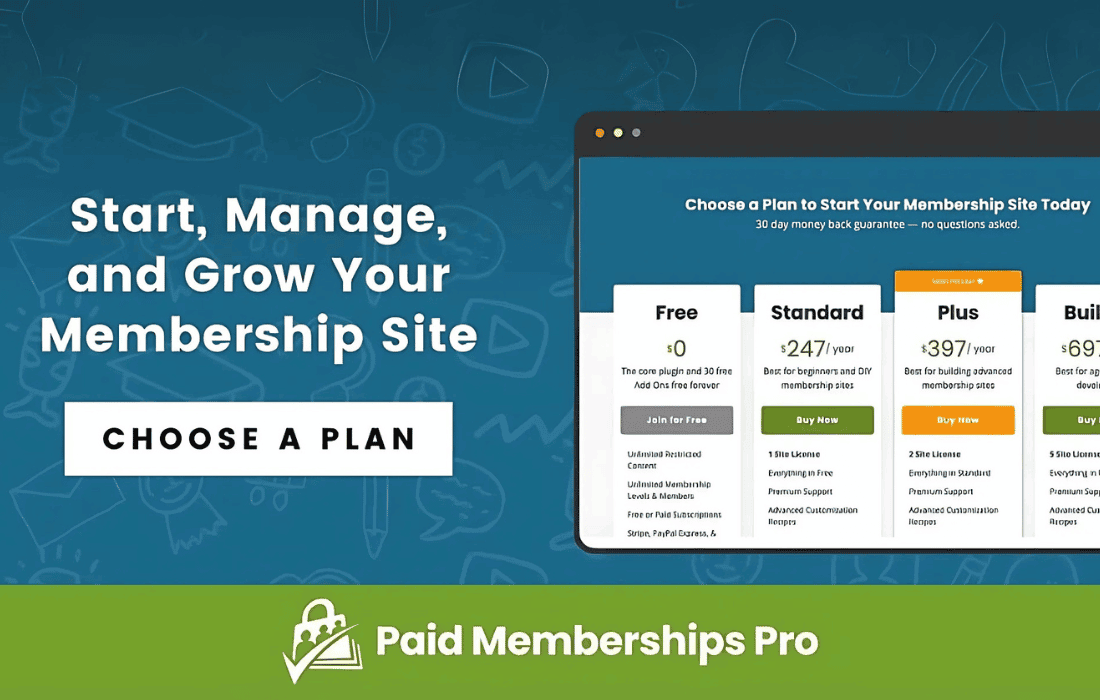
The Paid Memberships Pro – Advanced Levels Page Shortcode plugin empowers site owners to create a more dynamic, conversion-focused membership selection experience. By default, the standard Paid Memberships Pro levels page can feel restrictive, forcing a one-size-fits-all layout on your visitors. This add-on breaks those limitations, allowing you to display specific membership levels on any page, post, or widget area using a simple, flexible shortcode. Whether you want to highlight a featured plan, create custom landing pages for specific audiences, or simplify the checkout flow, this tool gives you complete control over how your membership options are presented.
Key Features
- Targeted Level Display: Choose exactly which membership levels to show on any given page by specifying their IDs, ensuring visitors only see the options relevant to their current context.
- Custom Layout Control: Move beyond the default list view by placing membership options directly into your own custom-designed landing pages, sales copy, or sidebars.
- Improved Conversion Rates: Reduce decision fatigue by creating dedicated landing pages for specific tiers, allowing you to tailor your messaging and calls-to-action to the right audience.
- Seamless Integration: Designed to work natively with Paid Memberships Pro, ensuring that your checkout flow, user data, and membership logic remain perfectly intact.
- Shortcode Flexibility: Utilize a clean, lightweight shortcode syntax that makes it easy to embed your membership tiers anywhere in your WordPress site without needing to touch a single line of code.
- Responsive Design Compatibility: Because the shortcode utilizes the existing styling framework of your theme and Paid Memberships Pro, your membership tables remain mobile-friendly and visually consistent with the rest of your site.
Use Cases / Who It’s For
This plugin is an essential tool for membership site owners, content creators, and digital entrepreneurs who want to optimize their sales funnel. If you run a site with multiple membership tiers, you know that the “one-size-fits-all” approach to a pricing page often leads to lower conversion rates. This plugin is perfect for those who want to build high-converting landing pages for specific membership levels.
For example, if you offer a “Basic,” “Pro,” and “Enterprise” plan, you might want to create a dedicated landing page for your “Enterprise” clients that ignores the other two options, keeping their focus entirely on the high-value offer. Similarly, if you are running a marketing campaign for a specific course or community, you can use this plugin to display only the relevant membership level on the campaign’s landing page, removing distractions and streamlining the path to purchase.
It is also highly effective for bloggers and influencers who want to place a “Join Now” call-to-action directly inside a blog post or a sidebar widget. Instead of forcing readers to navigate to a separate “Membership” page, you can bring the checkout experience directly to them, capturing their interest at the exact moment they are most engaged with your content.
Setup / How It Works
Getting started with the Advanced Levels Page Shortcode is straightforward and requires no complex configuration. Once the plugin is installed and activated, you can immediately begin placing your membership levels anywhere on your site.
- Identify Level IDs: Navigate to your Memberships > Membership Levels page in the WordPress dashboard to find the unique ID for each of your levels.
- Use the Shortcode: Open the page or post where you want to display your membership options.
- Configure Parameters: Insert the shortcode using the specific level IDs you identified. For example, using a structure like [pmpro_advanced_levels levels=”1,2″] will display only the levels with IDs 1 and 2.
- Publish and Preview: Save your changes and view your page. The specified membership levels will appear exactly where you placed the shortcode, utilizing your existing theme styles for a professional, integrated look.
The plugin is designed to be “set it and forget it,” allowing you to focus on your content and marketing while the plugin handles the technical heavy lifting of rendering your membership options exactly where you need them.