
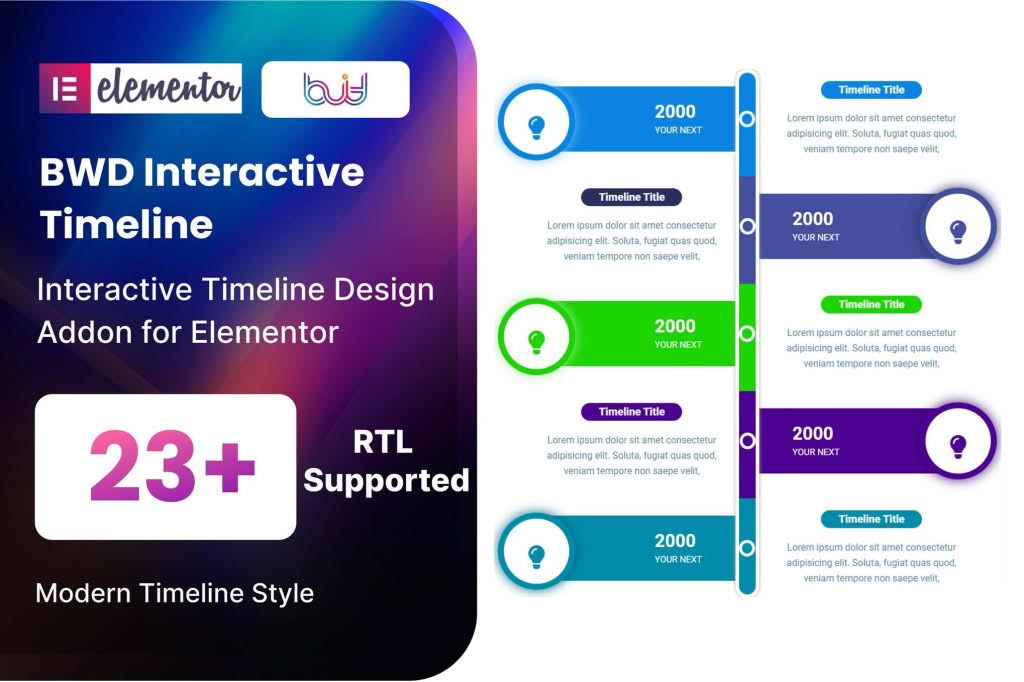
Transform your website’s narrative into a compelling visual journey with the Timeline Addon for Elementor. Whether you are showcasing your company history, outlining a project roadmap, or detailing personal milestones, this plugin empowers you to create stunning, interactive timelines directly within the Elementor page builder. By combining ease of use with deep customization options, it allows you to engage your visitors with a professional, chronological display of information that is both responsive and visually captivating.
Key Features
- Drag-and-Drop Interface: Fully integrated with Elementor, allowing you to build and customize your timeline using the familiar drag-and-drop editor without writing a single line of code.
- Responsive Design: Ensures your timeline looks perfect on all devices, from desktop monitors to tablets and smartphones, automatically adjusting layout for optimal mobile viewing.
- Extensive Customization: Take full control over the look and feel with options to adjust colors, typography, spacing, border styles, and icon sets to perfectly match your brand identity.
- Dynamic Content Support: Easily add images, icons, videos, or custom HTML content to each timeline node to provide rich, engaging context for every event or milestone.
- Multiple Layout Styles: Choose from various layout orientations, including vertical, horizontal, or centered designs, giving you the flexibility to fit the timeline into any section of your website.
- Animation Effects: Enhance user engagement with smooth, built-in entrance animations that trigger as the user scrolls, making your content feel modern and interactive.
- Performance Optimized: Built with clean, efficient code to ensure that your timeline loads quickly without negatively impacting your website’s overall performance or SEO.
Use Cases: Who It’s For
The Timeline Addon for Elementor is a versatile tool designed for a wide range of website owners, developers, and marketers who need to present time-sensitive information in an organized and attractive way.
Business Owners and Agencies: Use the plugin to create a professional “About Us” page that highlights your company’s growth, key achievements, and major milestones over the years. It is an excellent way to build trust and credibility with potential clients.
Project Managers and Developers: Clearly communicate project roadmaps, development phases, or product launch schedules to stakeholders. A visual timeline is far more effective than a list of dates for keeping teams and clients aligned on progress.
Content Creators and Bloggers: Whether you are documenting a travel journey, a personal transformation, or the history of a specific topic, this plugin adds a layer of professionalism to your storytelling that keeps readers scrolling.
Event Organizers: Showcase event schedules, conference agendas, or workshop flows in a clear, easy-to-follow format that helps attendees plan their time effectively.
Setup: How It Works
Getting your first timeline up and running is a straightforward process designed for efficiency:
- Install and Activate: Install the plugin via your WordPress dashboard and activate it alongside your existing Elementor installation.
- Drag the Widget: Open any page or template in the Elementor editor, find the Timeline widget in the sidebar, and drag it onto your canvas.
- Add Timeline Items: Use the settings panel to add new timeline nodes. For each node, you can input the date, title, description, and media content.
- Style to Perfection: Navigate to the Style tab to customize colors, fonts, icons, and layout settings to ensure the timeline matches your website’s theme.
- Publish: Once you are satisfied with the look and content, update or publish your page to display your beautiful new timeline to your visitors.
Similar Plugins
If you are exploring options for timeline functionality within the WordPress ecosystem, there are several other notable solutions available. Plugins such as Essential Addons for Elementor, Premium Addons for Elementor, and Timeline Widget for Elementor by various third-party developers offer similar functionality. These alternatives often come bundled as part of larger widget libraries, providing a wide array of additional tools alongside their timeline features. It is recommended to review the specific feature sets of these plugins to determine which best aligns with your project requirements.