
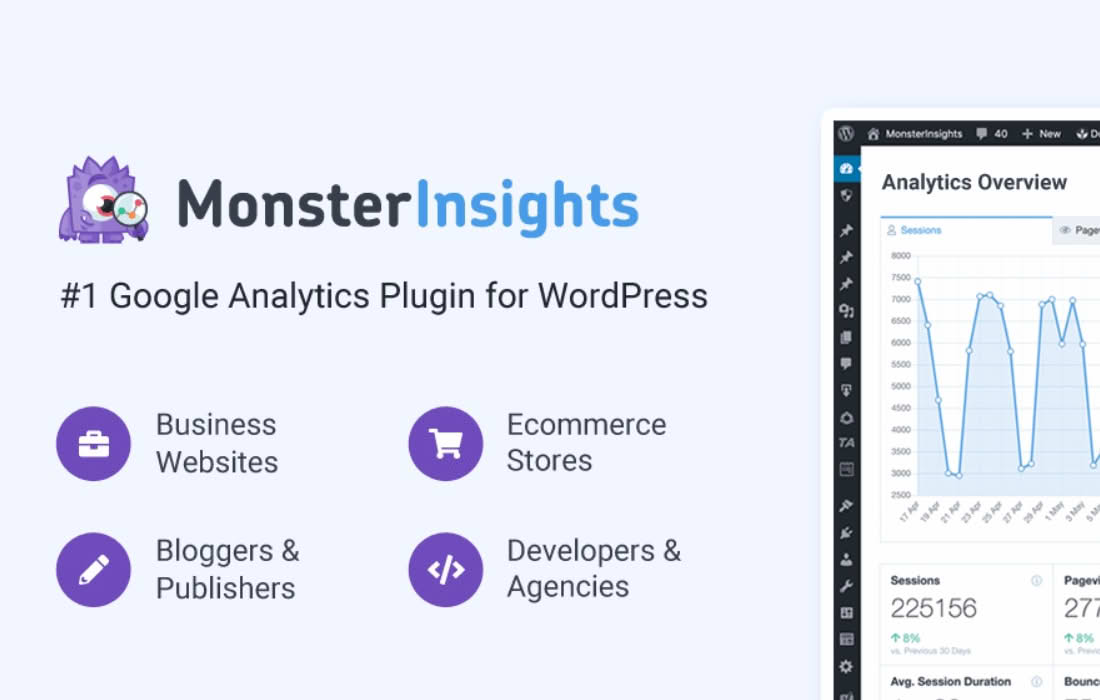
Stop guessing which of your website pages are actually driving results and start making data-backed decisions with the MonsterInsights Page Insights Addon. Designed for busy site owners, bloggers, and marketers, this powerful tool brings essential performance metrics directly into your WordPress dashboard. By surfacing critical engagement data for every post and page, it eliminates the need to constantly switch tabs between your website and Google Analytics, allowing you to focus on optimizing your content strategy and growing your audience faster.
Key Features
- In-Dashboard Page Performance: View key metrics like pageviews, unique visitors, and average time on page directly within your WordPress post and page lists.
- Real-Time Engagement Tracking: Understand how users interact with your content the moment they land on your site, helping you identify high-performing topics instantly.
- Simplified Data Visualization: Access clear, easy-to-read insights that break down complex analytics into actionable information, even if you are not a data expert.
- Content Optimization Insights: Quickly spot underperforming content that needs updates or high-performing content that you should repurpose or expand upon.
- Seamless Integration: Works effortlessly with your existing MonsterInsights setup, ensuring your analytics data is accurate, reliable, and always up to date.
- Focus on What Matters: Filter and sort your pages based on performance metrics to quickly find your top-tier content and your hidden gems.
Use Cases and Who It’s For
The Page Insights Addon is essential for anyone who manages content within WordPress and wants to improve their site’s effectiveness without spending hours analyzing spreadsheets. If you are a content creator or blogger, this tool helps you identify which blog posts resonate most with your readers, allowing you to double down on the topics that drive the most traffic and engagement. You can easily see which headlines or formats perform best, enabling you to refine your editorial calendar for maximum impact.
For e-commerce store owners and business website managers, this addon provides clarity on how your landing pages, product descriptions, and service pages are performing. By monitoring engagement metrics, you can identify which pages are effectively capturing visitor attention and which ones might be causing high bounce rates. This allows you to perform targeted A/B testing or content improvements to increase conversions and improve the overall user experience of your site.
Setup and How It Works
Getting started with the Page Insights Addon is designed to be straightforward, allowing you to begin analyzing your data in minutes.
- Install and Activate: Ensure you have the core MonsterInsights plugin installed and active on your WordPress site.
- Enable the Addon: Navigate to the MonsterInsights Addons menu within your WordPress dashboard and click to install and activate the Page Insights Addon.
- Authenticate Analytics: Ensure your Google Analytics account is properly connected to MonsterInsights so the addon can pull the necessary data.
- View Your Insights: Once configured, head to your WordPress “Posts” or “Pages” menu. You will see a new column displaying key performance metrics directly alongside your content titles.
- Analyze and Act: Use the provided data to sort your content by performance, helping you decide which pages to update, promote, or optimize next.
Similar Plugins
While MonsterInsights provides a comprehensive, all-in-one solution for Google Analytics integration, other tools offer different approaches to site tracking. Alternatives include ExactMetrics, which also provides in-dashboard reporting for Google Analytics, and various standalone analytics plugins like WP Statistics, which tracks data locally within your WordPress database rather than relying on Google Analytics. Additionally, many users utilize dedicated SEO plugins like Yoast SEO or Rank Math, which offer their own internal content analysis and optimization features to complement your traffic data.