
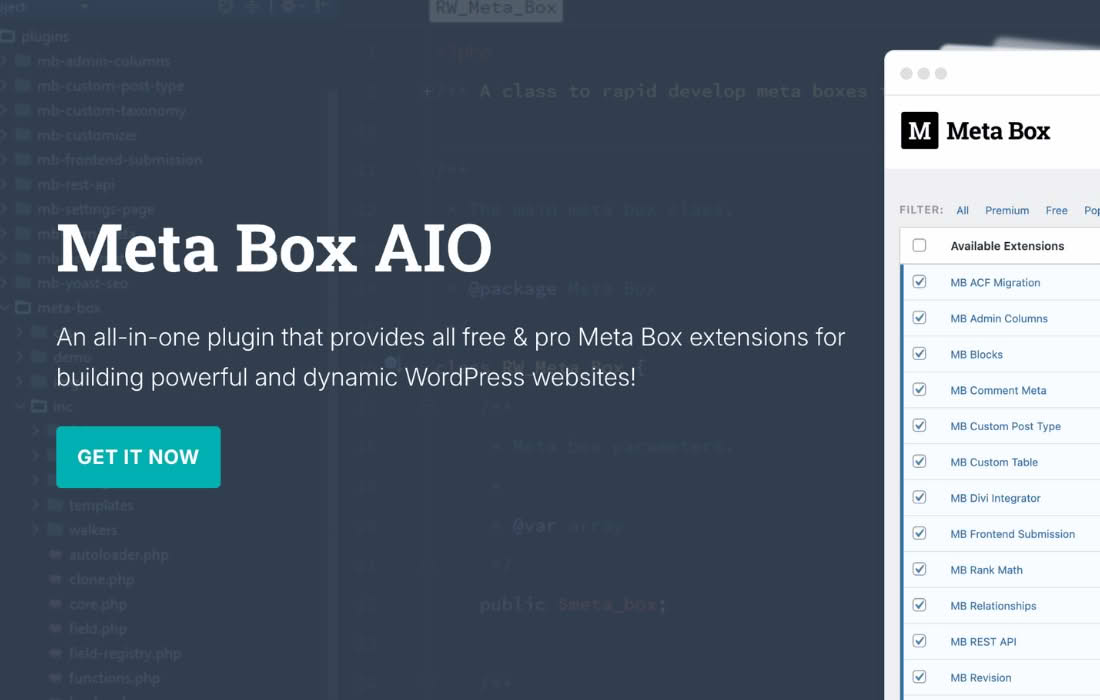
Meta Box AIO is the ultimate all-in-one toolkit for WordPress developers and site builders who need to unlock the full potential of custom content. By consolidating the entire suite of Meta Box premium extensions into a single, cohesive package, this plugin empowers you to create complex, data-driven websites without the need for multiple individual installations. Whether you are building intricate custom post types, designing advanced user profiles, or managing complex relationships between data, Meta Box AIO provides the robust infrastructure required to turn WordPress into a powerful content management system tailored exactly to your specific project requirements.
Key Features
- Comprehensive Extension Library: Gain instant access to all premium Meta Box extensions, including advanced field types, conditional logic, user settings, and custom table support, all managed through a single interface.
- Advanced Custom Fields: Leverage dozens of specialized field types—such as maps, image advanced, file upload, cloneable groups, and date pickers—to collect precisely the data your project demands.
- Conditional Logic: Create dynamic forms and interfaces by showing or hiding fields based on user input, ensuring a clean and intuitive experience for content editors.
- Custom Relationships: Easily define and manage relationships between different post types, users, and taxonomies, allowing for sophisticated data architecture without writing complex database queries.
- Frontend Submission and Editing: Allow your users to create and manage content directly from the frontend of your site, perfect for directories, classifieds, or user-generated content platforms.
- Settings and Options Pages: Build custom theme options or site-wide settings pages effortlessly, giving you full control over your site’s configuration and branding.
- Developer-Friendly Framework: Built with performance and extensibility in mind, the plugin offers a clean, well-documented API that integrates seamlessly with your existing development workflow.
Use Cases / Who It’s For
Meta Box AIO is designed for WordPress professionals, including freelance developers, agency teams, and site builders who demand flexibility and scalability. If you are tired of fighting against the limitations of default WordPress content structures, this plugin is your solution.
It is the ideal choice for building complex websites such as real estate portals, directory listings, e-commerce product catalogs, and membership sites. By allowing you to define custom data structures, you can move beyond simple blog posts and pages to create highly specialized content types. Agencies use Meta Box AIO to standardize their development process, ensuring that every client project has access to a consistent, powerful set of tools that accelerate development time and improve site performance.
Setup / How It Works
Getting started with Meta Box AIO is designed to be straightforward, allowing you to focus on building rather than configuration.
- Installation: Install and activate the Meta Box AIO plugin on your WordPress site just like any other plugin.
- Activation: Once active, navigate to the Meta Box settings area to activate the specific extensions you need for your current project. This modular approach ensures your site remains lightweight by only loading the features you actually use.
- Field Definition: Use the intuitive Meta Box Builder interface to create your custom fields, post types, and taxonomies visually, or define them via code if you prefer a programmatic approach.
- Display Content: Use the provided shortcodes, template tags, or integrate with popular page builders and theme frameworks to display your custom data exactly where and how you want it on the frontend.
Similar Plugins
While Meta Box AIO offers a unique, developer-centric approach to custom fields and data management, other solutions in the WordPress ecosystem provide similar functionality. These include Advanced Custom Fields (ACF), which is widely known for its user-friendly interface and extensive community support, and Carbon Fields, which is favored by developers who prefer a code-first approach to defining custom fields and settings.