
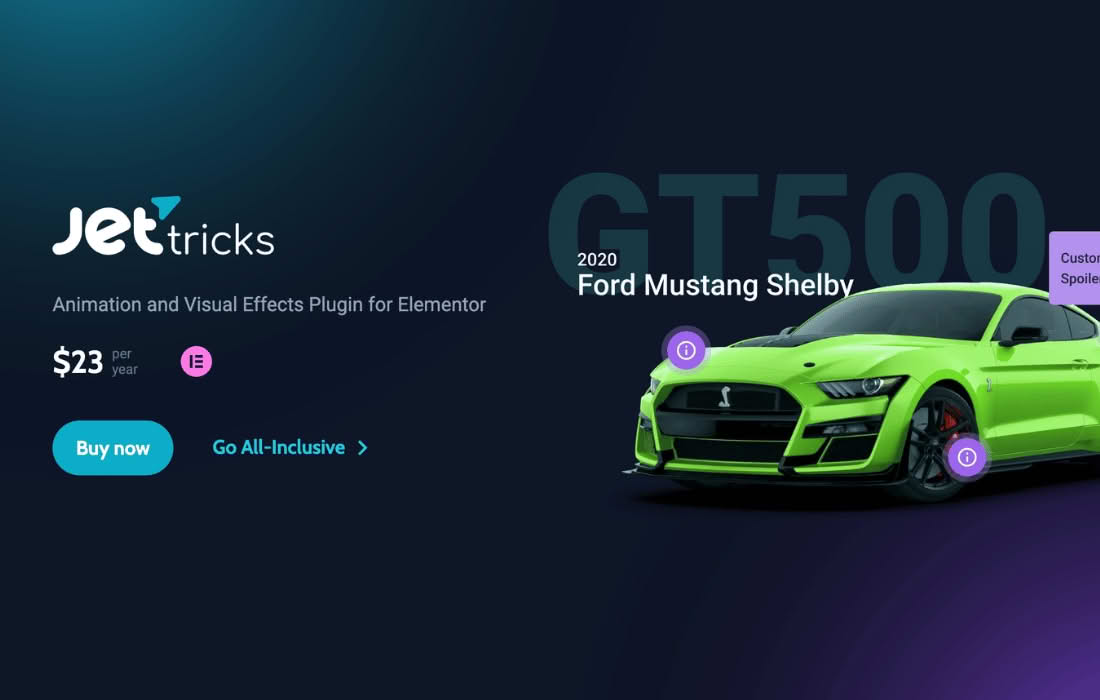
JetTricks for Elementor is a powerful toolkit designed to take your website design beyond standard layouts by adding interactive, eye-catching visual effects. If you are a web designer or site owner looking to increase engagement and provide a more dynamic user experience without writing a single line of code, this plugin provides the necessary widgets to make your content pop. By seamlessly integrating with the Elementor page builder, it allows you to implement advanced UI elements that guide user attention and make your site feel modern, professional, and highly interactive.
Key Features
- Sticky Column and Section: Keep important information, such as call-to-action buttons, navigation menus, or contact details, visible to the user at all times as they scroll down the page, significantly improving conversion rates.
- Parallax Effect: Add depth and immersion to your pages by applying smooth, multi-layered parallax scrolling effects to sections and columns, creating a premium feel for your visitors.
- Hotspots: Create interactive images where users can hover over specific points to reveal tooltips, additional information, or links, which is perfect for product showcases or detailed diagrams.
- View More Button: Keep your page layout clean by hiding long content behind a “View More” button, allowing users to expand sections only when they are interested in reading the full details.
- Unfold Widget: Similar to an accordion but with a unique design, this feature allows you to collapse and expand content blocks, helping you manage space efficiently on mobile and desktop devices.
- Satellite Widget: Easily attach small elements, such as badges, icons, or notifications, to other widgets on your page, allowing them to follow or hover near the main content for a unique visual flair.
- Tooltip Widget: Provide helpful context or extra information to your users by adding custom-styled tooltips that appear when hovering over specific elements, enhancing usability without cluttering the design.
Use Cases and Who It’s For
JetTricks is an essential tool for web designers, developers, and business owners who want to push the boundaries of what is possible within the Elementor ecosystem. It is particularly well-suited for e-commerce store owners who need to showcase products in an engaging way using hotspots or sticky “Add to Cart” buttons that remain visible during long product descriptions.
For creative agencies and freelancers, this plugin provides the “wow factor” needed to impress clients. Whether you are building a portfolio site that requires smooth parallax scrolling to tell a brand story, or a corporate website that needs to organize dense information using the Unfold or View More widgets, JetTricks offers the flexibility to achieve these results quickly. It is designed for anyone who wants to improve their site’s UX, increase dwell time, and create a sophisticated, high-end browsing experience.
Setup and How It Works
JetTricks is built to be intuitive for anyone already familiar with the Elementor interface. Because it functions as an add-on, it integrates directly into your existing workflow.
- Installation: Once installed and activated, the plugin adds a new set of dedicated widgets to your Elementor sidebar.
- Drag and Drop: Simply find the desired JetTricks widget—such as the Sticky Column or Hotspot—and drag it onto your page canvas exactly where you want it to appear.
- Configuration: Use the familiar Elementor settings panel to customize the appearance and behavior of the widget. For example, you can set the offset for sticky elements, define the trigger behavior for tooltips, or customize the animation speed for parallax effects.
- Styling: Apply your own colors, typography, and spacing to ensure the interactive elements perfectly match your brand’s visual identity.
Similar Plugins
If you are looking for alternative solutions to enhance your Elementor experience, other popular options include Essential Addons for Elementor, Premium Addons for Elementor, and Crocoblock‚Äôs own JetElements. These plugins also offer a variety of widgets, effects, and design enhancements, though the specific combination of interactive “tricks” found in JetTricks is unique to its specialized focus on visual engagement and layout manipulation.