
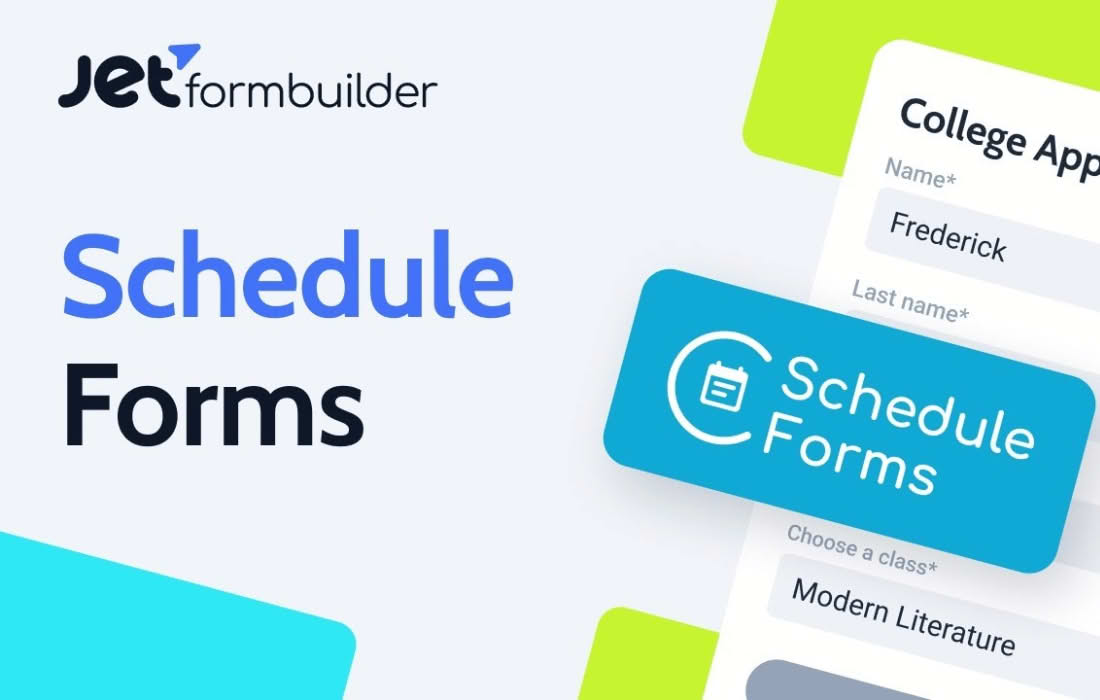
Take full control over when your forms are active and accepting submissions with the JetFormBuilder Schedule Forms add-on. Whether you are running a time-sensitive contest, managing registration windows for events, or limiting customer support inquiries to business hours, this powerful extension ensures your forms behave exactly how you need them to. By automating the visibility and availability of your forms, you eliminate manual site management and provide a professional, seamless experience for your visitors.
Key Features
- Automated Scheduling: Set precise start and end dates and times for your forms to go live and expire, ensuring you never have to manually toggle form status again.
- Customizable Messages: Display personalized notices to users when they visit a form outside of its active window, keeping them informed rather than confused.
- Time Zone Support: Configure schedules based on specific time zones to ensure consistency for your global or local audience.
- Seamless Integration: Designed specifically for JetFormBuilder, this add-on integrates directly into the familiar form-building interface, requiring no complex coding or external configurations.
- Conditional Availability: Combine scheduling with other JetFormBuilder logic to create sophisticated workflows that respond dynamically to your business needs.
Use Cases / Who It’s For
JetFormBuilder Schedule Forms is an essential tool for any WordPress site owner who needs to manage time-bound interactions. It is particularly valuable for event organizers who need to open and close registration windows for conferences, webinars, or workshops, preventing late entries and managing capacity effectively.
For e-commerce store owners, this plugin is a game-changer for flash sales, limited-time promotions, or seasonal order forms. By automating the start and end of these offers, you can run campaigns with confidence, knowing the forms will disappear exactly when the sale ends. Additionally, service-based businesses and consultants can use it to limit inquiry forms to specific business hours, helping to manage client expectations regarding response times and maintaining a better work-life balance.
Setup / How It Works
- Install and Activate: Ensure you have JetFormBuilder installed on your WordPress site, then install and activate the Schedule Forms add-on.
- Access Form Settings: Open your desired form within the JetFormBuilder editor.
- Configure Schedule: Locate the scheduling options within the form settings panel.
- Define Parameters: Enable the scheduling feature and input your desired start date, end date, and time zone settings.
- Set User Feedback: Customize the message that will appear to users if they attempt to access the form before it opens or after it has closed.
- Save and Publish: Save your form settings to immediately apply the schedule to your live site.
Similar Plugins
While JetFormBuilder Schedule Forms is optimized for the JetFormBuilder ecosystem, other solutions exist for form scheduling in WordPress. These include Formidable Forms, which offers scheduling features through its core functionality, and Gravity Forms, which often utilizes third-party add-ons or custom code snippets to achieve similar time-based restrictions. WPForms also provides scheduling capabilities within its Pro version.