
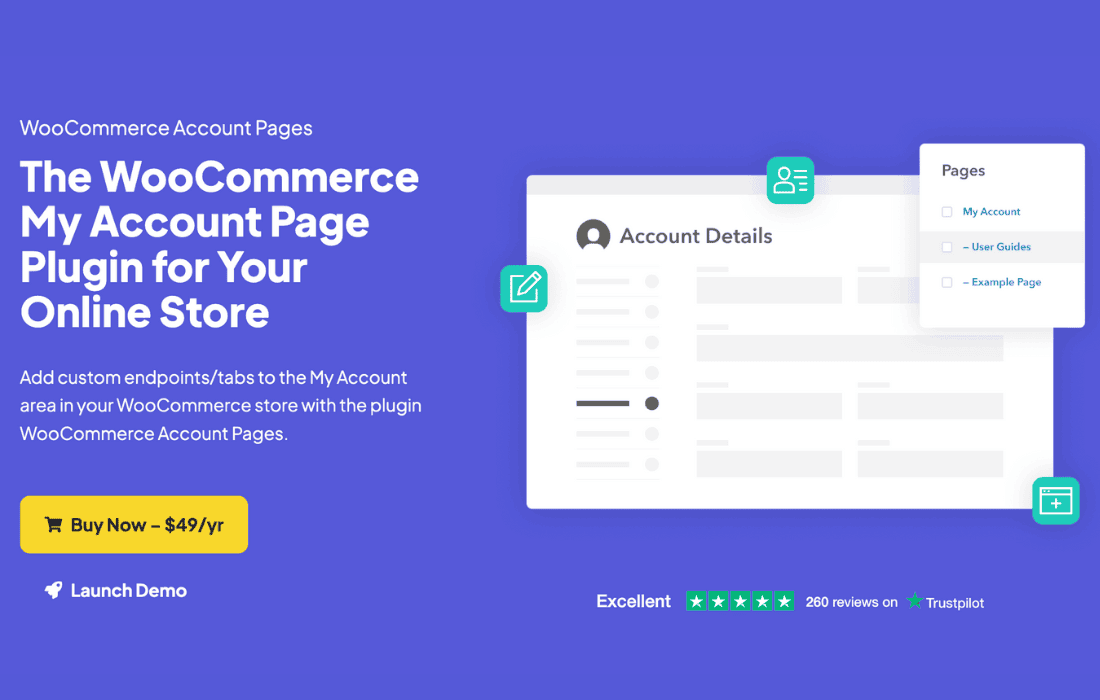
The default WooCommerce “My Account” page is functional, but it often leaves store owners wanting more control over the customer experience. WooCommerce Account Pages empowers you to transform this standard area into a fully branded, highly functional customer dashboard. By allowing you to create custom endpoints and manage content within the account area, this plugin helps you build stronger relationships with your customers, provide better self-service support, and keep users engaged on your site for longer.
Key Features
- Custom Account Endpoints: Effortlessly create new tabs or pages within the My Account area to display custom content, such as user manuals, membership details, or personalized messages.
- Full Content Control: Use the familiar WordPress editor to add text, images, shortcodes, or video to your new account sections, giving you total flexibility over what your customers see.
- Seamless Integration: The new pages inherit your theme’s styling and the WooCommerce account layout, ensuring a professional, consistent user experience without requiring custom CSS.
- Endpoint Management: Easily reorder, rename, or hide default WooCommerce account tabs (like Downloads or Orders) to streamline the interface and remove clutter that your specific business model might not need.
- User Role Visibility: Control which customer groups can see specific account pages, allowing you to show exclusive content to VIP members, wholesale customers, or subscribers.
- Shortcode Support: Embed forms, galleries, or data from other plugins directly into your account area, turning the dashboard into a powerful hub for interaction.
Use Cases: Who It’s For
This plugin is essential for any WooCommerce store owner looking to move beyond the basic “order history” experience. If you run a membership site, you can use custom account pages to house exclusive member-only content, training materials, or community links, keeping everything in one convenient location.
For service-based businesses, it acts as a client portal. You can create a “Project Updates” tab where clients can view the status of their orders or download specific files related to their service. It is also perfect for stores that offer digital downloads or subscriptions, as it allows you to provide detailed setup guides or FAQ sections directly within the account dashboard, reducing support tickets and improving customer satisfaction.
Setup: How It Works
- Install and Activate: Once the plugin is installed, it integrates directly into your existing WooCommerce configuration.
- Create Your Content: Navigate to the plugin settings to create a new endpoint. You will be prompted to give it a URL slug and a label that will appear in the account menu.
- Add Your Content: Use the built-in editor to add the information you want your customers to see. You can insert text, images, or even shortcodes from other plugins.
- Configure Visibility: Choose which user roles should have access to this specific page.
- Save and Preview: Once saved, the new tab will automatically appear in the My Account navigation menu for your customers, perfectly styled to match your store.
Similar Plugins
While WooCommerce Account Pages offers a streamlined approach to endpoint management, other solutions in the WordPress ecosystem provide similar functionality. Plugins like YITH WooCommerce Customize My Account Page and WooCommerce Account Customizer also allow for the creation of custom endpoints and the reorganization of the account menu. These alternatives vary in their interface design and the depth of their customization options, so it is recommended to review their specific feature sets to see which aligns best with your technical requirements and workflow.