
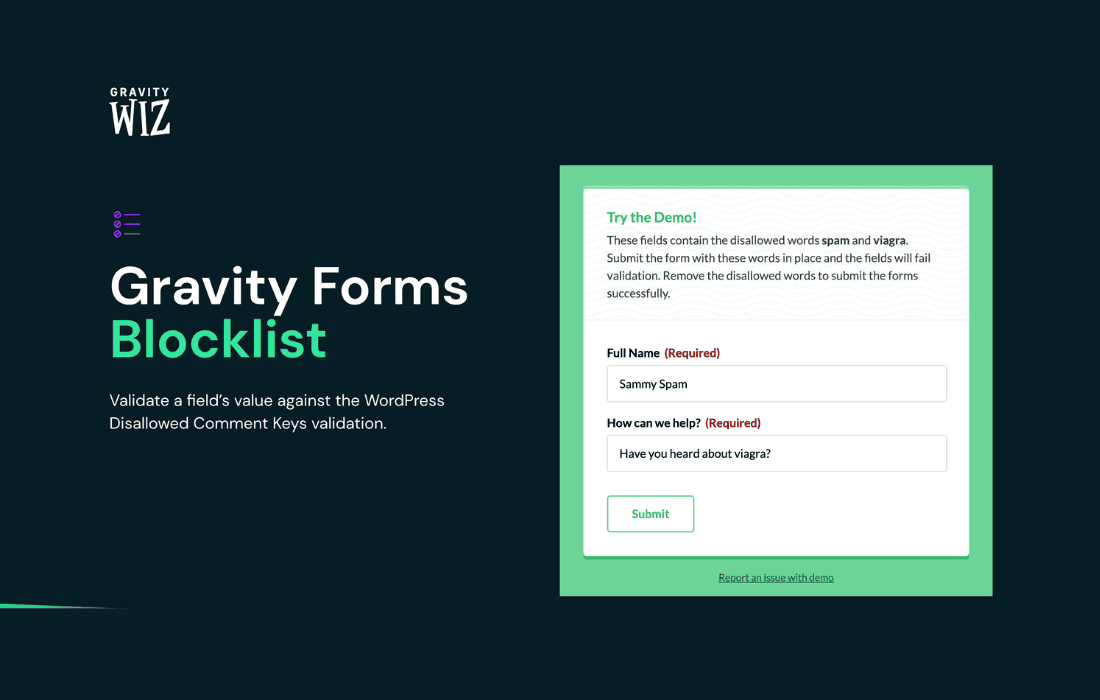
Stop spam, unwanted registrations, and malicious form submissions before they ever reach your database. Gravity Perks Blocklist is a powerful add-on for Gravity Forms that empowers you to take total control over your form submissions by creating custom blocklists. Whether you need to ban specific email domains, block offensive keywords, or restrict submissions from suspicious IP addresses, this plugin provides the robust filtering capabilities necessary to keep your site clean, secure, and focused on genuine user engagement.
Key Features
- Customizable Blocklists: Easily define your own lists of blocked email addresses, email domains, IP addresses, or specific words and phrases that should trigger a rejection.
- Flexible Matching Rules: Choose how the plugin evaluates submissions, including exact matches, partial matches, or pattern matching to catch variations of blocked terms.
- Granular Form Control: Apply your blocklists globally across all forms or target specific forms, giving you the flexibility to enforce strict rules on registration forms while keeping contact forms more accessible.
- Custom Error Messages: Provide helpful feedback to real users who may have accidentally triggered a block, or display custom messages to deter spammers from trying again.
- Seamless Gravity Forms Integration: Built specifically for the Gravity Forms ecosystem, ensuring high performance and compatibility without interfering with your existing form workflows.
- Log and Monitor: Keep track of rejected submissions to identify emerging threats or patterns, allowing you to refine your blocklists proactively.
Use Cases and Who It’s For
Gravity Perks Blocklist is an essential tool for any WordPress administrator who relies on Gravity Forms to collect data. If you are running a membership site, you likely deal with a constant influx of fake registrations from disposable email services. This plugin allows you to instantly block those domains, ensuring your user base remains authentic and your email marketing lists stay healthy.
For e-commerce store owners, it provides a layer of protection against fraudulent orders or abusive messages submitted through checkout or inquiry forms. Content creators and community managers benefit by filtering out toxic language or spam links in comment forms and user-generated content submissions. If your site is a target for automated bots, the ability to block specific IP ranges or keywords can significantly reduce the noise, saving you time on manual moderation and database cleanup.
Setup and How It Works
Getting started with Gravity Perks Blocklist is designed to be straightforward, allowing you to secure your forms in minutes:
- Install and Activate: Once the plugin is active, navigate to the Gravity Forms settings area.
- Configure Blocklists: Access the Blocklist settings to define your criteria. You can input lists of blacklisted domains, IP addresses, or keywords directly into the interface.
- Assign to Forms: Choose which forms should utilize your blocklists. You can apply settings to all forms by default or enable specific rules on a per-form basis within the Gravity Forms editor.
- Set Feedback Messages: Customize the error message that appears if a submission is blocked, ensuring that legitimate users understand why their submission was rejected while maintaining a professional appearance.
- Test and Monitor: Submit a test form entry using a blocked term to verify the filter is working as expected, then monitor your entries to ensure your rules are capturing the intended traffic.
Similar Plugins
While there are various general-purpose anti-spam solutions for WordPress, such as Akismet or Honeypot-based plugins, Gravity Perks Blocklist is unique in its deep integration with Gravity Forms. Other solutions often rely on third-party APIs or global databases that may not align with your specific requirements. By contrast, this plugin offers a self-contained, rule-based approach that gives you complete sovereignty over your blocklist criteria without relying on external services to make filtering decisions for you.